


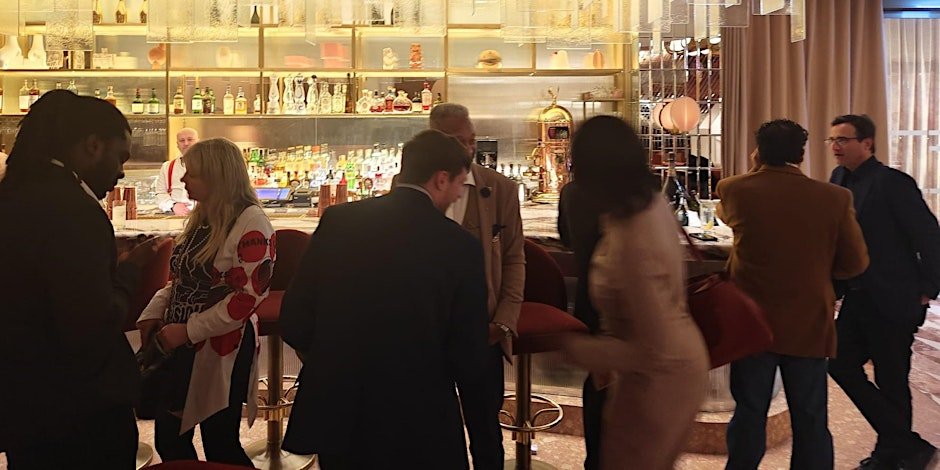
Business and Social event at Hilton Park Lane

Event created by James
You are invited to join us at this prime location for a night of socializing and business. Come along if you are a company director, manager, founder, investor or professional and are eager to socialize with like minded individuals as well as expand your network and be open to business and career opportunities.
Those who join our events share the core belief that each relationship is a Human2Human relationship before anything else. They do genuinely want to meet new people, they are naturally curious, kind and welcoming.
At our events you will find a mix of regular guests (many have signed up for our yearly membership pass), less regular ones and those who join for the first time. The result is that if you are a regular guest, you will always meet enough "new people" and if you join us for the first time, you will be welcomed by many who feel at home and want you to feel the same.
The event is fully hosted, before the actual event we invite you to join the Whatsapp group with other attendees so that you can introduce yourself and find out more about other guests. The format of the evening is free networking and mix and mingle.
Refund policy. Tickets bought in advance are generally cheaper than those bought on the day of the event and for this reason cannot be refunded. They can be reassigned to another person of your choice.


User Feedback

Important Information
Terms of Use Guidelines We have placed cookies on your device to help make this website better. You can adjust your cookie settings, otherwise we'll assume you're okay to continue.