_db33a8.png)


.thumb.png.9594b08ba898a6b0d0fa1576ea2c9574.thumb.png.3097220ace298f0faaab6884cd0ea0f5.png)
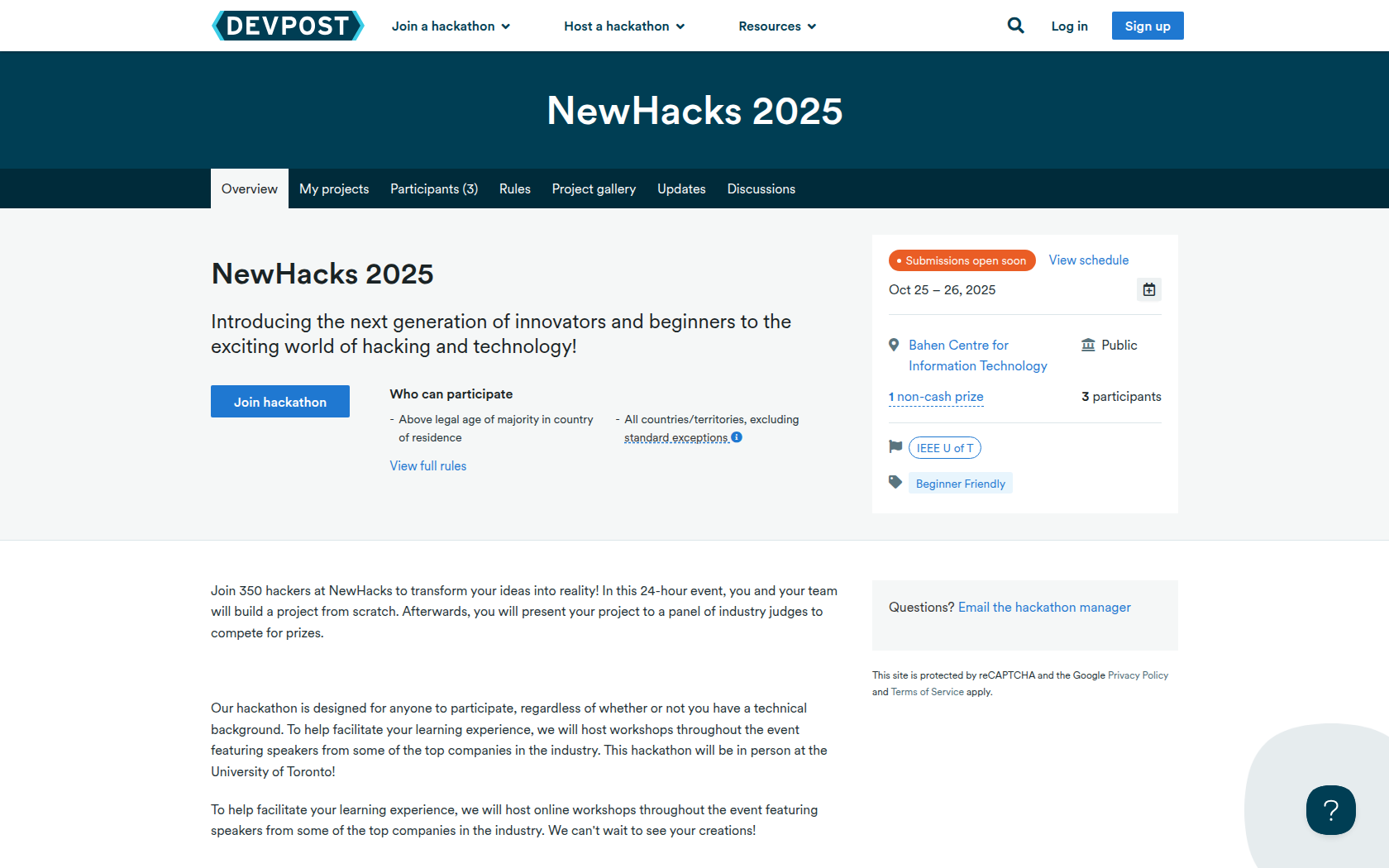
Join 350 hackers at NewHacks to transform your ideas into reality! In this 24-hour event, you and your team will build a project from scratch. Afterwards, you will present your project to a panel of industry judges to compete for prizes.
Our hackathon is designed for anyone to participate, regardless of whether or not you have a technical background. To help facilitate your learning experience, we will host workshops throughout the event featuring speakers from some of the top companies in the industry. This hackathon will be in person at the University of Toronto!
To help facilitate your learning experience, we will host online workshops throughout the event featuring speakers from some of the top companies in the industry. We can't wait to see your creations!
Requirements
All work on a project should be done at the hackathon and solely for NewHacks. We will verify it by your git repository.
The following ideas pertain to the requirements of the teams
- Teams can use an idea (but can not use materials-code from previous hackathons) they had before the event. Teams can work on an idea that they have worked on before (as long as they do not re-use code).
- Teams can use libraries, frameworks, or open-source code in their projects. Working on a project before the event and open-sourcing it for the sole purpose of using the code during the event is against the spirit of the rules and is not allowed.
Devpost Requirements:
In order to submit your project, you must submit the following items through Devpost:
- Project Name
- Team Member Names
- A short description of your design
It is always good to link it to your Devpost project in case other groups want to check it out. Please ensure that you select all of the prize categories that you wish to be considered for!
Prizes
N/A
Nothing yet
Devpost Achievements
Submitting to this hackathon could earn you:
Judges

IEEE U of T
Judging Criteria
-
Idea Originality
Novel idea/innovation. No other team has an idea similar and this idea does not exist elsewhere already.
Recommended Comments
Join the conversation
You can post now and register later. If you have an account, sign in now to post with your account.