



About the challenge
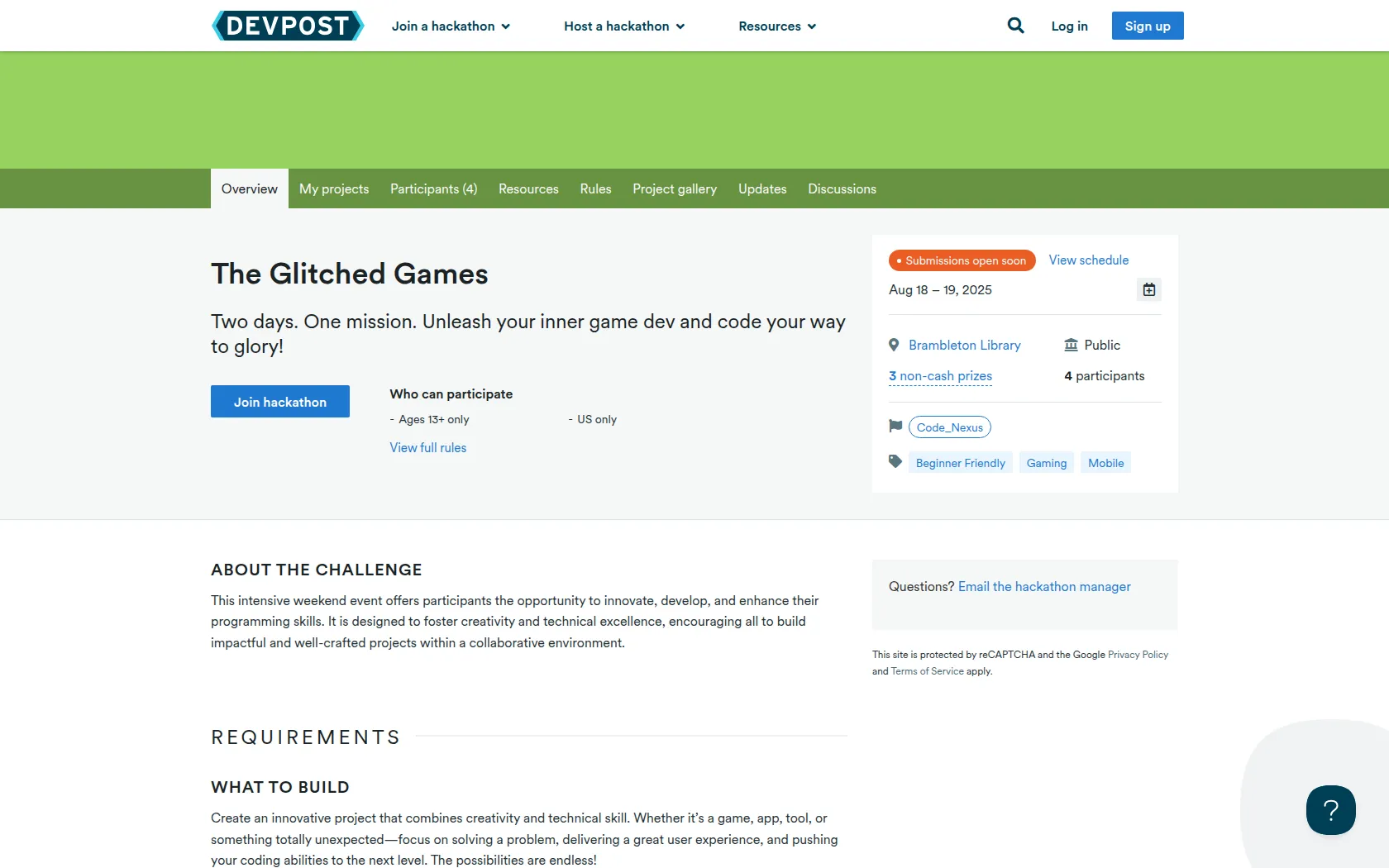
This intensive weekend event offers participants the opportunity to innovate, develop, and enhance their programming skills. It is designed to foster creativity and technical excellence, encouraging all to build impactful and well-crafted projects within a collaborative environment.
Requirements
What to Build
Create an innovative project that combines creativity and technical skill. Whether it’s a game, app, tool, or something totally unexpected—focus on solving a problem, delivering a great user experience, and pushing your coding abilities to the next level. The possibilities are endless!
What to Submit
Prepare a 2–5 minute video showcasing your program’s code and logic, along with an overview of the front-end design. Share any challenges you faced, highlight the features you’re most proud of, and include any additional insights that showcase your project’s strengths and your development process.
Prizes
High School Category
Amazon Gift Card
Middle School Category
Xbox Gift Card
People's Choice
Starbucks Gift Card
Devpost Achievements
Submitting to this hackathon could earn you:
Judges

Abhyuday Dhundhel
Arabella Ulrich
Risha Gandham
Judging Criteria
-
Creativity
Think outside the code! This category celebrates the wild, the weird, and the wow — the most original, imaginative, and mind-blowing ideas that break the mold and push boundaries. -
Functionality
This category recognizes projects that are reliable, user-friendly, and well-executed. From seamless interfaces to solid backend performance, it’s all about how effectively your project delivers on its purpose. -
Code
This category highlights clean, efficient, and well-organized code. Judges will look for readability, proper structure, smart use of logic, and best practices that show you really know your stuff under the hood. -
Design & Aesthetics
This category celebrates visual appeal and user experience. From sleek UI to thoughtful layouts and animations, it’s all about making your project not just work—but look amazing while doing it.