_db33a8.png)


.thumb.png.9594b08ba898a6b0d0fa1576ea2c9574.thumb.png.3097220ace298f0faaab6884cd0ea0f5.png)
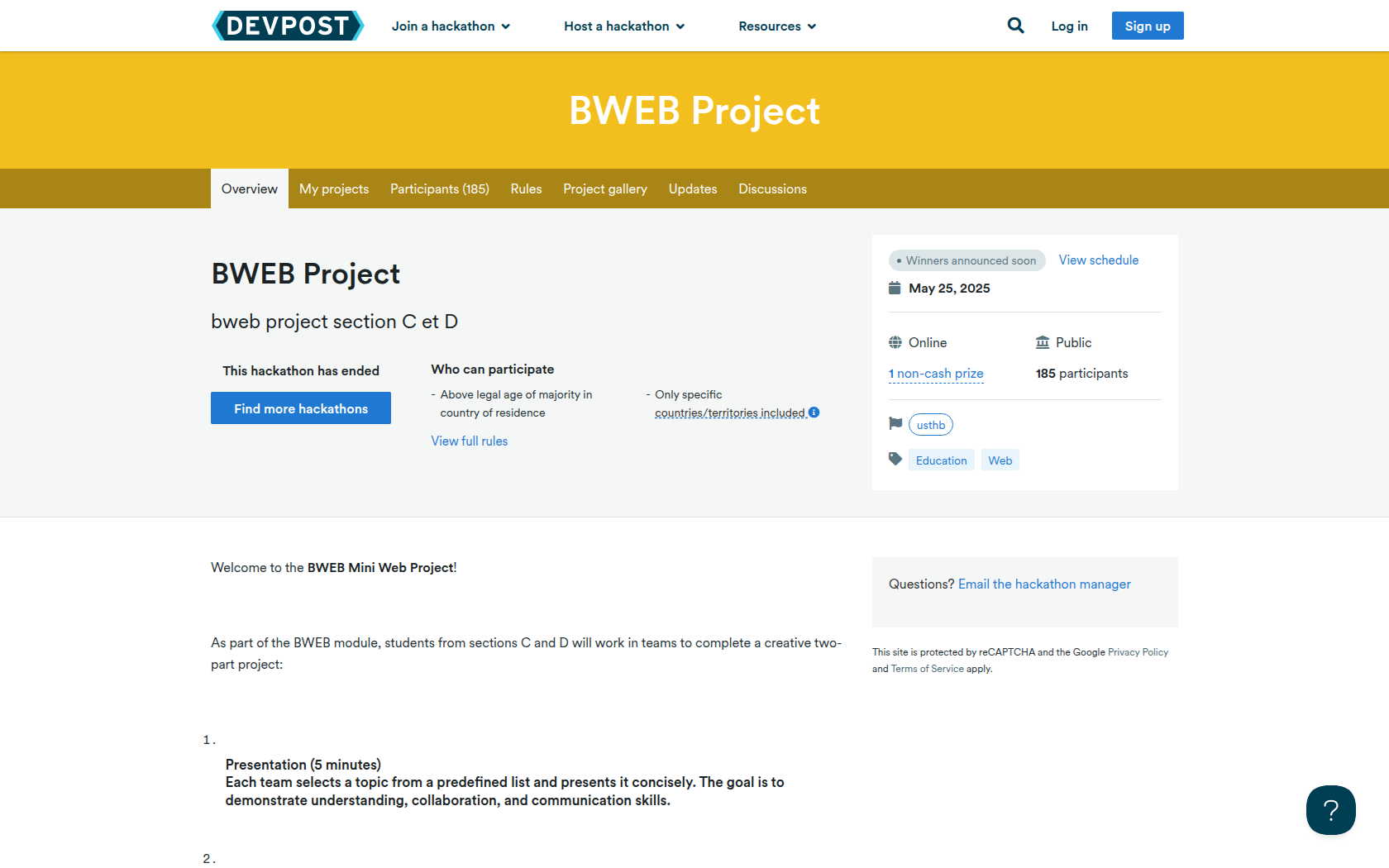
Welcome to the BWEB Mini Web Project!
As part of the BWEB module, students from sections C and D will work in teams to complete a creative two-part project:
-
Presentation (5 minutes)
Each team selects a topic from a predefined list and presents it concisely. The goal is to demonstrate understanding, collaboration, and communication skills. -
Web Project
Create a simple and functional website using HTML, CSS, and JavaScript. It can be anything — a personal portfolio, a fun mini-game, or a practical tool. This is your chance to showcase your creativity and coding skills!
Requirements
- (Optional) A link to your live website (e.g., GitHub Pages, Netlify, or Vercel) (+1 bounus point)
- (Optional) A short demo video (1–3 minutes) explaining what your project does uploaded to youtube (+1 bounus point)
- A brief description of your project (100–200 words)
- Your presentation slides (PDF or ptt or link)
- The GitHub repository containing your project’s source code (+1 point for doing in github) or google drive
✅ Only one member per group should submit the project.
Prizes
1 non-cash prize
marks
marks
60 winners
good luck .
Devpost Achievements
Submitting to this hackathon could earn you:
Judges

Amir BENBACHIR
Judging Criteria
-
creativity

Recommended Comments
Join the conversation
You can post now and register later. If you have an account, sign in now to post with your account.