
Skip to content

Description

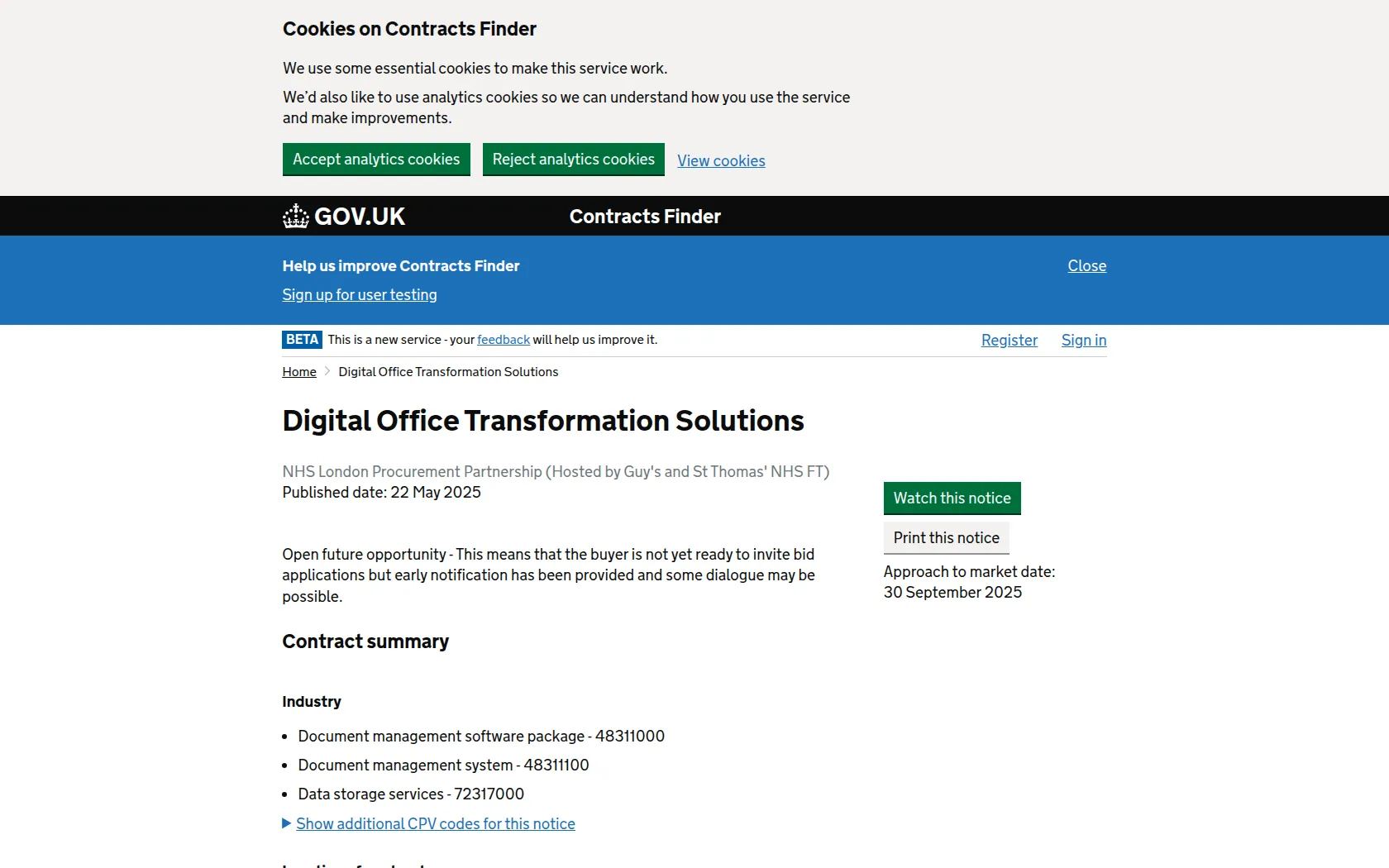
Transformation solutions from analogue to digital office and document management.

This procurement will be subject to subsequent approvals from the internal LPP Executive, NHSE Commercial Efficiencies Optimisation Programme and Cabinet Office Spend Controls.

Account

Navigation

Search

Search

Configure browser push notifications

Chrome (Android)
  1. Tap the lock icon next to the address bar.
  2. Tap Permissions → Notifications.
  3. Adjust your preference.
Chrome (Desktop)
  1. Click the padlock icon in the address bar.
  2. Select Site settings.
  3. Find Notifications and adjust your preference.