


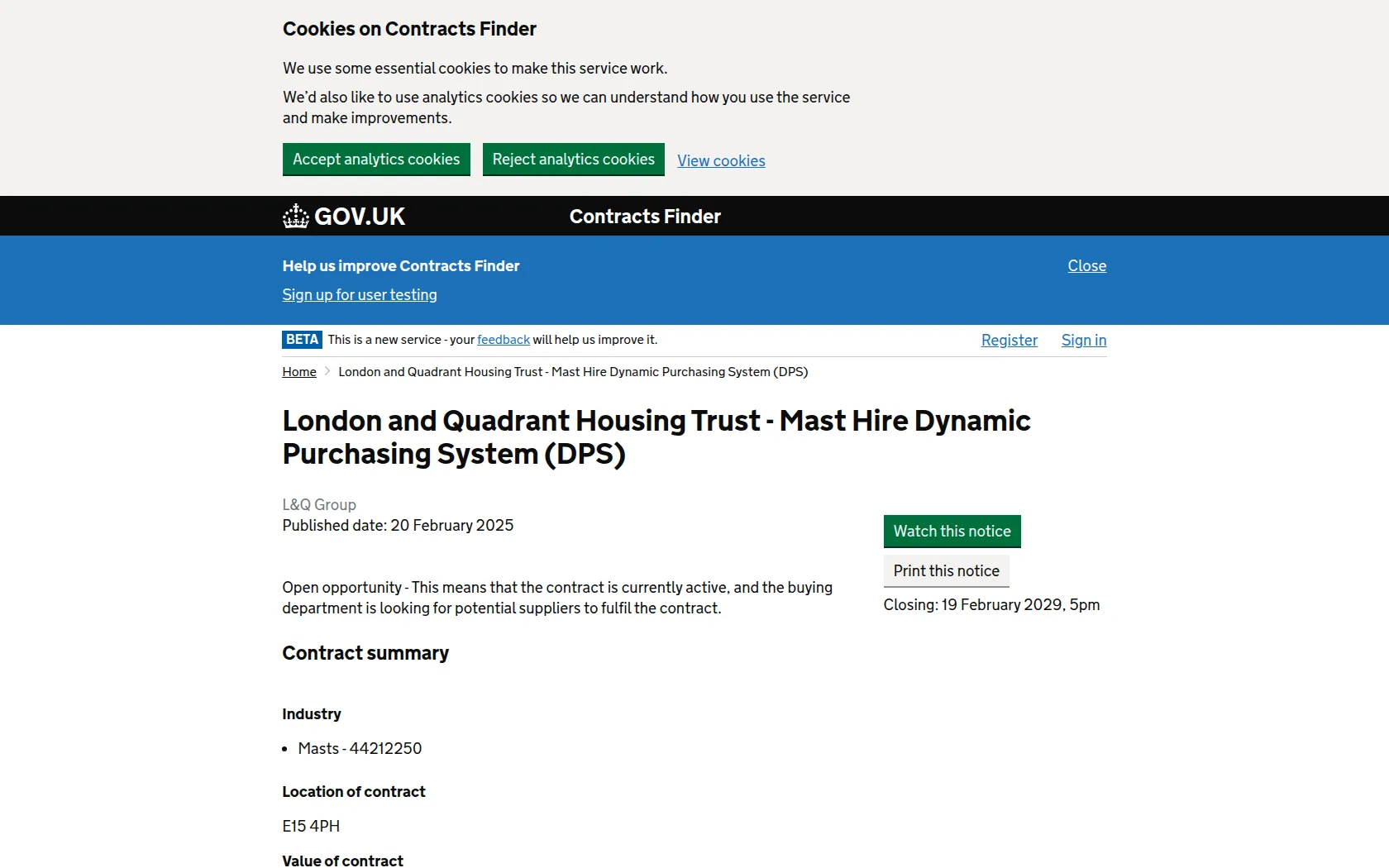

Description
To apply, please follow the link and the steps below:
https://www.in-tendhost.co.uk/quadrant-construction/aspx/Home
o Create an account
o Click on the tab called 'Tenders'
o Click on 'Current'
o On the left hand side search bar type in the name of the framework you are interested in
o Once you have found the framework click on the button called 'View Details'
o Then click the button called 'Express Interest'
o Click on the 'Selection Stage' Tab at the top
o Scroll to the bottom of the screen and you will be able to view the Tender Documents and access the Standard Selection Questionnaire
o The Standard Selection Questionnaire is the only requirement for the first stage.
LQ will only correspond with suppliers via tender portal. Please do not attempt to Contact LQ's Framework Department or Group Procurement via any other method of communication.