_db33a8.png)


.thumb.png.9594b08ba898a6b0d0fa1576ea2c9574.thumb.png.3097220ace298f0faaab6884cd0ea0f5.png)
Description
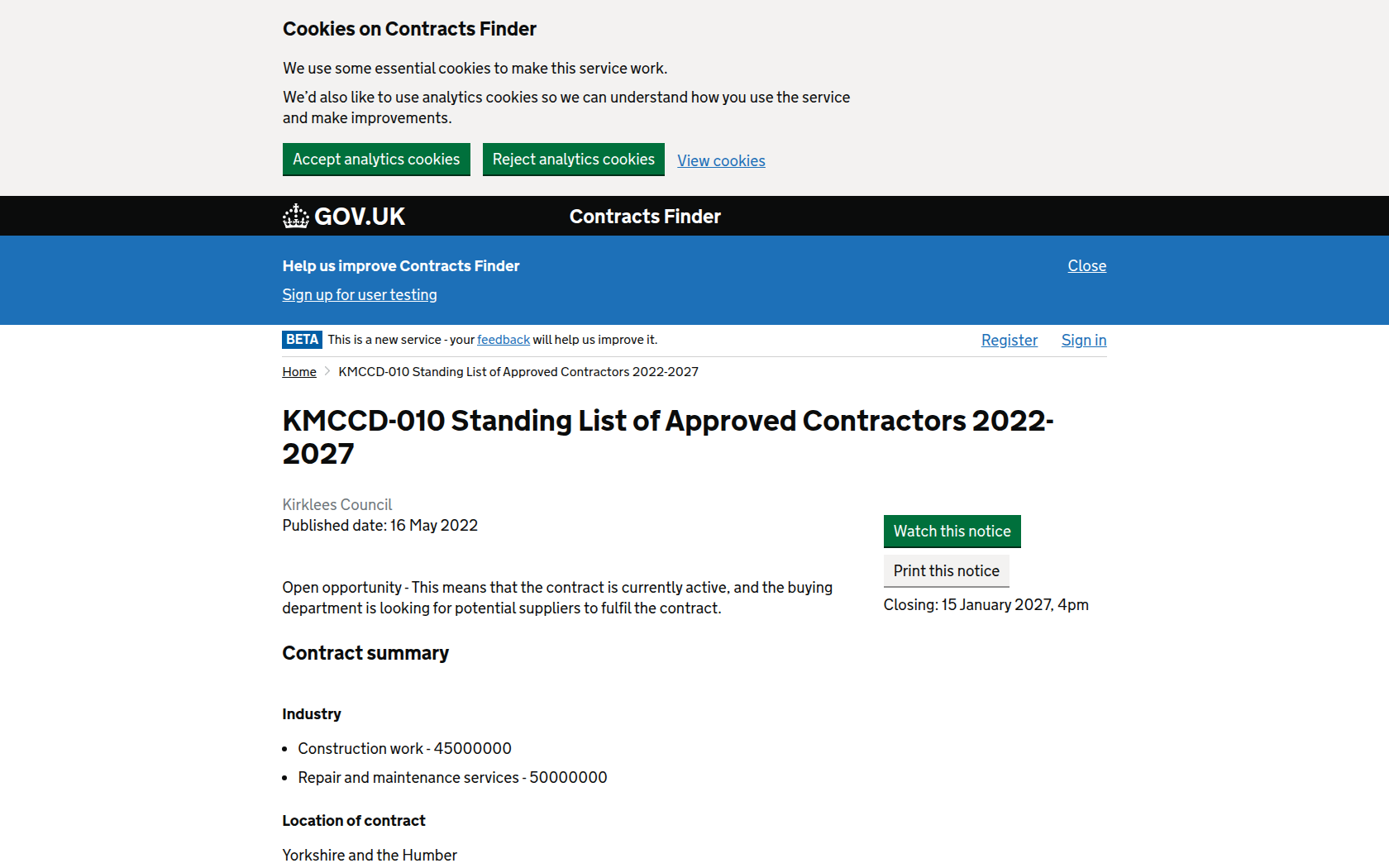
Creation of a Standing List of Approved Contractors for Construction Related Works.
Standing List Commencement Date: 16th May 2022.
Anticipated Expiry Date: 15th May 2027.
Please note that the fields available in the earlier section of this notice are unable to reflect these dates.
Applications to join this Standing List can be submitted at any time from the Commencement Date above up until 4 months before the Standing List expiry date.
This Standing List is not linked to a specific tender, purchase order or any other form of contract or agreement.
The intention of this Standing List is to create a pool of eligible Contractors who may be invited to compete in a Tender Process restricted to a suitable number of Tenderers in line with the requirements of the Council's Contract Procedure Rules.
Works projects which are intended to be competed using this Standing List are those with an estimated value of no greater than the current EU threshold for Works.
Applications can be made by completing the Main Application Form plus the Category Specific Application Form in relation to the Category or Categories for which you are applying.
The Categories are:
Category 1 General Building Contractors
Category 2 Design and Build Contractors
Category 3 Electrical Installation Contractors
Category 4 Mechanical Installation Contractors
Category 5 Demolition/ Dismantling Contractors
Category 6 Lift Installation Contractors
Category 7 Asbestos Removal Contractors
Category 8 Modular Buildings (Supply, Installation, Re-Purposing and Re-Location) Contractors
Go to https://yortender.eu-supply.com to access and apply for this opportunity.
Quote/tender reference: 53046.

Recommended Comments
Join the conversation
You can post now and register later. If you have an account, sign in now to post with your account.