_db33a8.png)


.thumb.png.9594b08ba898a6b0d0fa1576ea2c9574.thumb.png.3097220ace298f0faaab6884cd0ea0f5.png)
Description
Contract Finder:
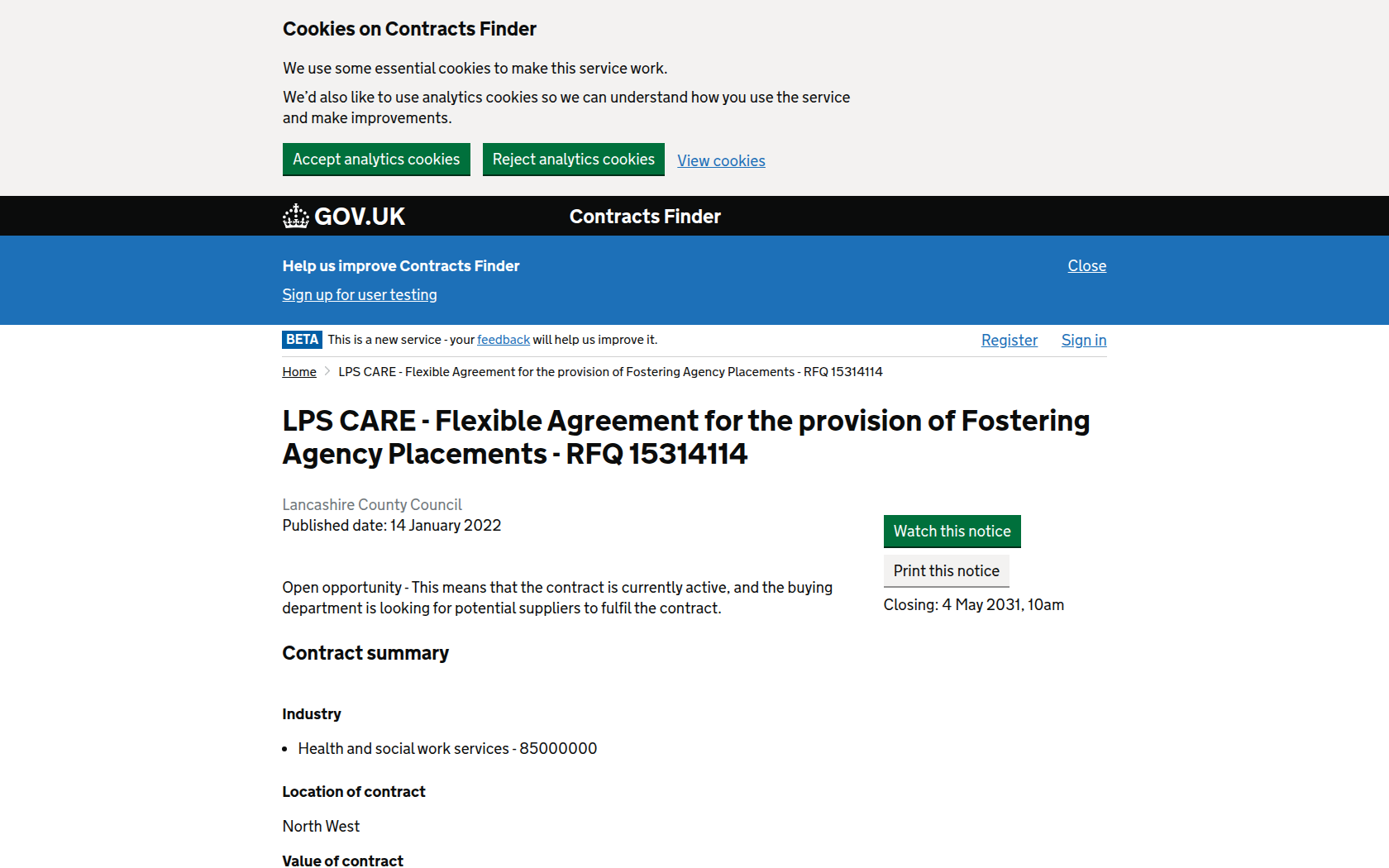
Lancashire County Council (the Council) are leading on the procurement of an open Flexible Agreement for the Provision of Fostering Agency Placements. The Flexible Agreement will be a list of approved Independent Foster Care Providers. Providers can apply to join the Flexible Agreement, if Applicants satisfies the required criteria. The Flexible Agreement will be open for new Applications during this initial Application phase. Once the initial Application deadline has passed (see ITP for dates), Providers can apply to join every three years throughout the term. Following an evaluation process, applicants will receive an outcome notification. Successful Applicants will be required to sign a Flexible Agreement and will be appointed as a provider.
This Flexible Agreement will be used by the Lancashire County Council and Contracting Authorities listed below and identified in the contract notice and any successor council as defined in The Local Government (Structural Changes) (Transfer of Functions, Property, Rights and Liabilities) Regulations 2008 to the Contracting Authorities.
• Cumbria County Council
• Blackpool Council
• Blackburn with Darwen Council
All instructions on how to participate and apply to join the Flexible Agreement, evaluation criteria, terms and conditions and documents to be returned can be found on following webpage: https://www.lancashire.gov.uk/business/tenders-and-procurement/tenders/flexible-agreement-for-the-provision-of-fostering-agency-placements/

Recommended Comments
Join the conversation
You can post now and register later. If you have an account, sign in now to post with your account.