_db33a8.png)


.thumb.png.9594b08ba898a6b0d0fa1576ea2c9574.thumb.png.3097220ace298f0faaab6884cd0ea0f5.png)
Description
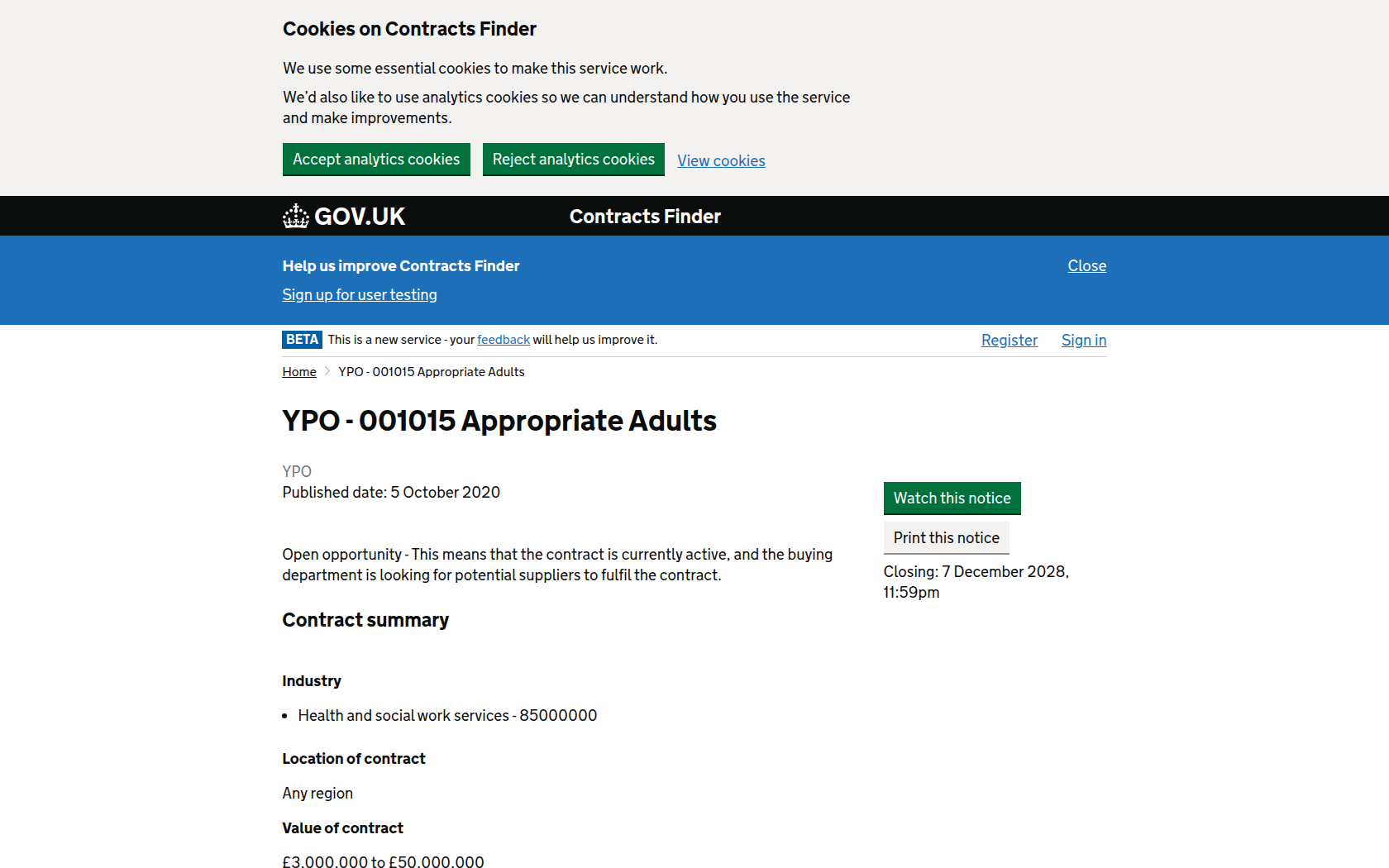
YPO are looking for Providers to be appointed onto a Dynamic Purchasing System for the provision of Appropriate Adults Services. The DPS is designed to meet the needs of all public sector organisations.
YPO is managing this procurement process in accordance with the Public Contracts Regulations 2015 (PCR). This is a DPS being procured under the Light Touch Regime (LTR) procedure therefore subject to the limited regulation and will be conducted in accordance with regulations 74 to 76 PCR 2015. This DPS will be open to new Providers throughout the period of the contract, provided those Providers meet the selection criteria
The Appropriate Adults (AA) Service covers both statutory and non-statutory service which has been designed for 2 cohorts of service users: children and vulnerable adults. The DPS ensures that the AA Service reflects relevant legislation, case law and Codes of Practice. The role of the Appropriate Adult is to safeguard the interests, rights, entitlements and welfare of children and vulnerable people who are suspected of a criminal offence by ensuring that they are treated in a fair and just manner and can participate effectively. Providers will be expected to follow the national standards and these standards will be applicable to all further competitions and call off contracts from this DPS.
The DPS will cover the period from 8th December 2020 to 7th December 2024 with two options to extend for an additional 24 months. The first decision to extend the contract period will be taken by the end of July 2024 and will be dependent on satisfactory completion of all aspects of the contract to date, the current market conditions for this category and YPO's contracting structures. The maximum contract period will therefore be 8 years, from 8th December 2020 to 7th December 2028 (subject to an annual review, incorporating price negotiations and KPI performance). .
Deadline for first round for submissions under this DPS is 5th November 2020 at 14:00. After this first initial round suppliers can apply any time.

Recommended Comments
Join the conversation
You can post now and register later. If you have an account, sign in now to post with your account.