



HackPPMK25
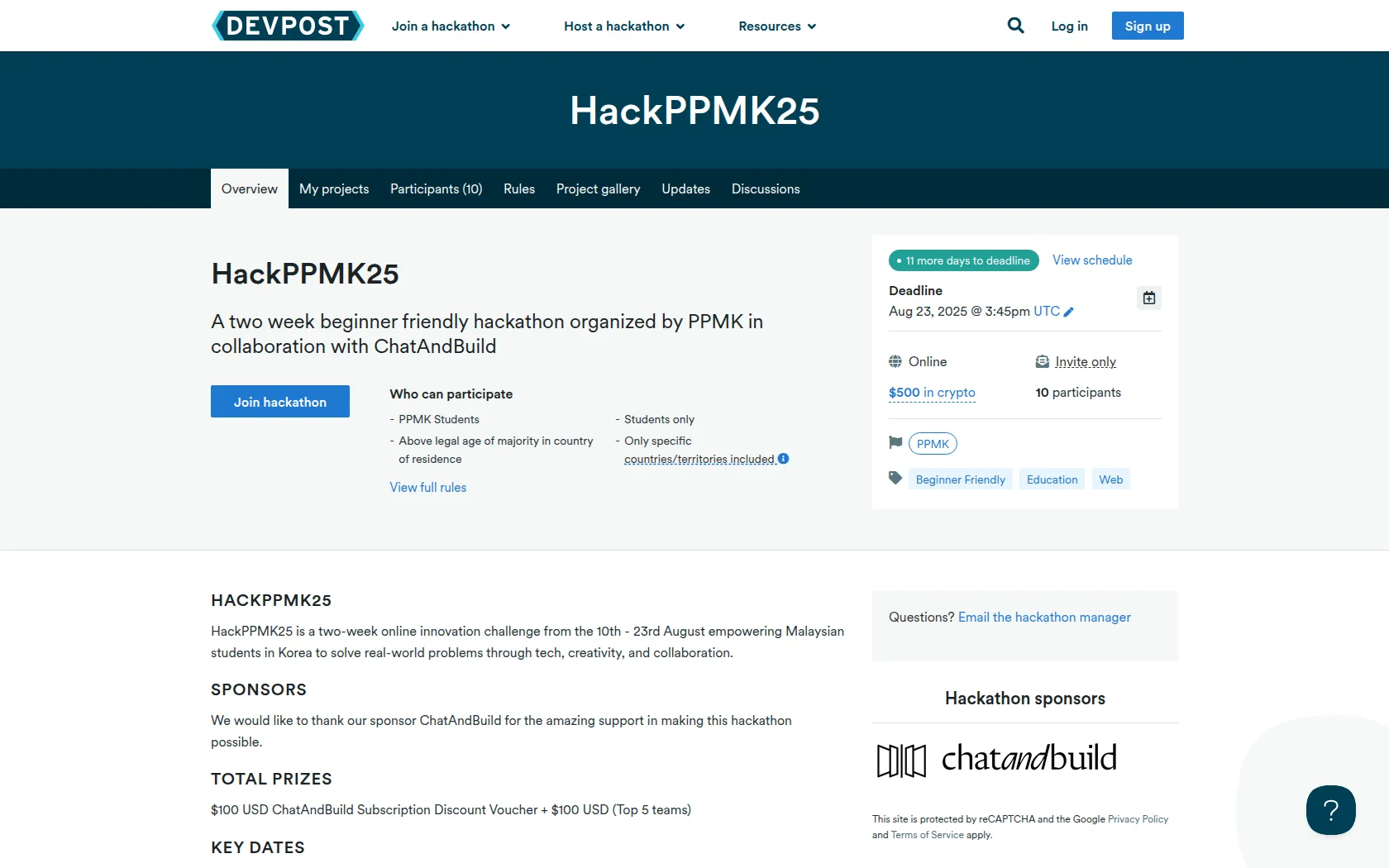
HackPPMK25 is a two-week online innovation challenge from the 10th - 23rd August empowering Malaysian students in Korea to solve real-world problems through tech, creativity, and collaboration.
Sponsors
We would like to thank our sponsor ChatAndBuild for the amazing support in making this hackathon possible.
Total Prizes
$100 USD ChatAndBuild Subscription Discount Voucher + $100 USD (Top 5 teams)
Key Dates
August 1 (Friday) - Pre-Hackathon Workshop with ChatAndBuild
August 8 (Friday) - Orientation and Theme Reveal
August 10 (Sunday) - Hackathon Starts
August 23 (Saturday) - Submission closes
Requirements
Submission Requirements
- Github Repo Link
- Presentation Video (10 minutes max)
- App Link generated from ChatAndBuild
- A screen recording of the published app is required to demonstrate that it was built using ChatAndBuild.

Prizes
HackPPMK25 Prize

$100 USD ChatAndBuild Subscription Discount Voucher
Devpost Achievements
Submitting to this hackathon could earn you:
Judges

Muhammad Faiz Chan
PPMK
Judging Criteria
-
Pitch and Presentation (15%)
How engaging is the presentation, and does it market the deliverable convincingly? -
Convenience & Practicality (15%)
Does the implementation make life easier in a realistic, user-friendly way? Can it be applied or used in a real-world context? -
Challenge Relevance and Problem Solving (25%)
Does the deliverable effectively address the theme statement and solve a relevant problem in a feasible way? -
Technical Execution (20%)
What is the quality of the code and the valuable technical implementation of the deliverable? -
Creativity and Innovation (25%)
How unique is the deliverable, and does it utilize its novelty in a creative way?