



Description
Dear all,
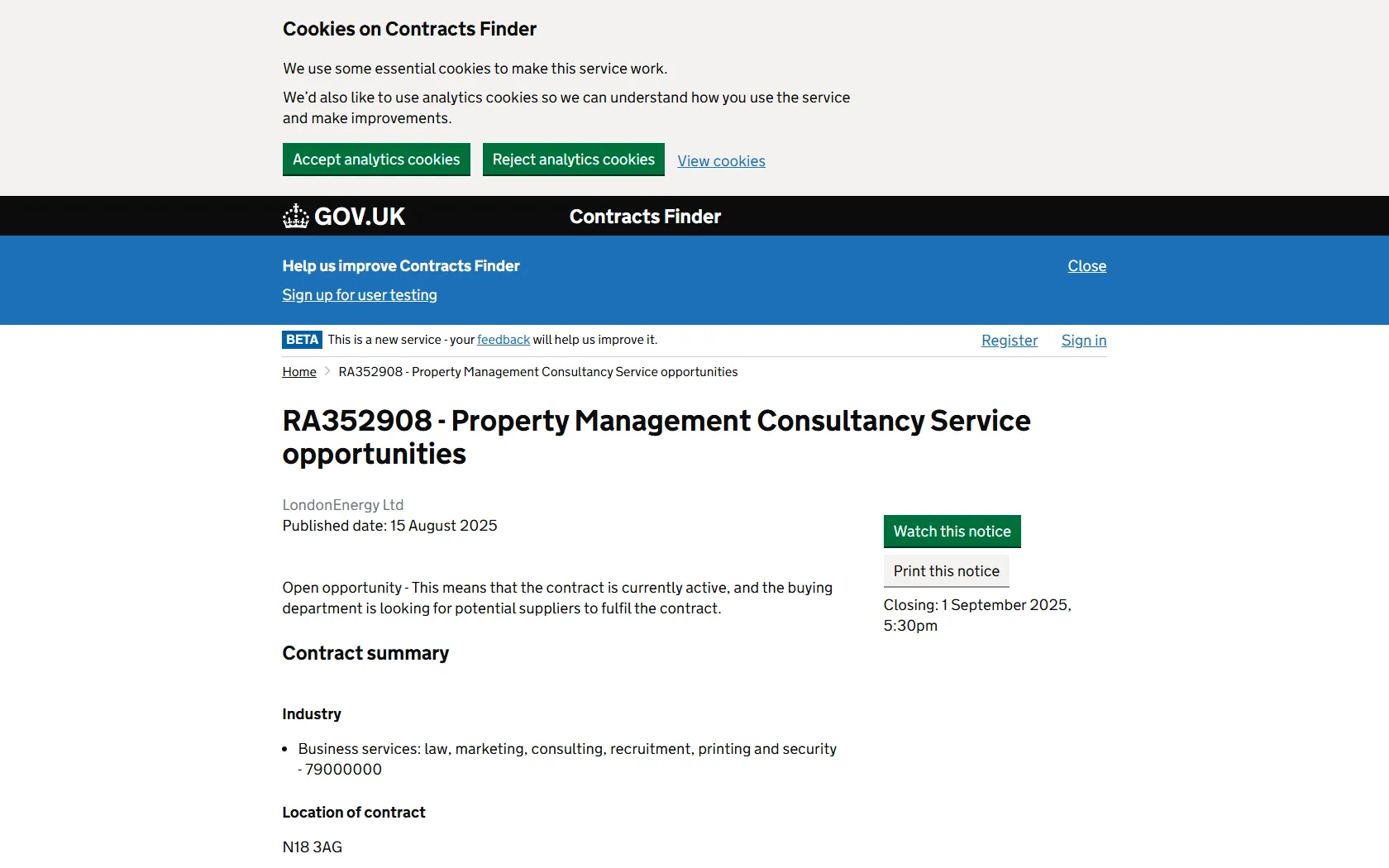
This email is to highlight the launch of three (3) long-term Property Management Consultancy Services opportunities - for which NLWA would welcome your tender(s)/bid(s).
Please note - all correspondence regarding these opportunities must be made via the procurement portal (https://www.in-tendhost.co.uk/nlwa/aspx/Home) . Outline information on each procurement can be found following the links below.
The three opportunities are as follows:
1. Provision of Conventional Property and Land Valuations services to North London Waste Authority
• Find a Tender notice: https://www.find-tender.service.gov.uk/Notice/048933-2025?
• Contracts Finder notice: https://www.contractsfinder.service.gov.uk/Notice/acde2d60-2d7b-4150-99d0-2c90d67d7f54
2. Provision of Technical Equipment Valuations services to North London Waste Authority
• Find a Tender notice: https://www.find-tender.service.gov.uk/Notice/048950-2025
• Contracts Finder notice: https://www.contractsfinder.service.gov.uk/Notice/9e295e73-ba85-4bd3-b5d6-e1598d488f66
3. Provision of Support with Planning Applications, and Land, Property and Facility Transactions services to North London Waste Authority
• Find a Tender notice: https://www.find-tender.service.gov.uk/Notice/048951-2025
• Contracts Finder notice: https://www.contractsfinder.service.gov.uk/Notice/f80def88-5a2d-4ce8-bc31-c58c18679c0d
Again - all correspondence regarding these tenders must be made via the procurement portal - https://www.in-tendhost.co.uk/nlwa/aspx/Home
NLWA look forward to hearing from you.
- To access this competition: login to https://suppliers.multiquote.com and view the opportunity RA352908. Not registered on MultiQuote - visit https://suppliers.multiquote.com then register and quote RA352908 as the reason for registration. Any queries please contact MultiQuote on 0151 482 9230.