



About the challenge
Kickstart 2025 by turning your ideas into reality! Join students worldwide in building apps, games, and tools that create real impact.
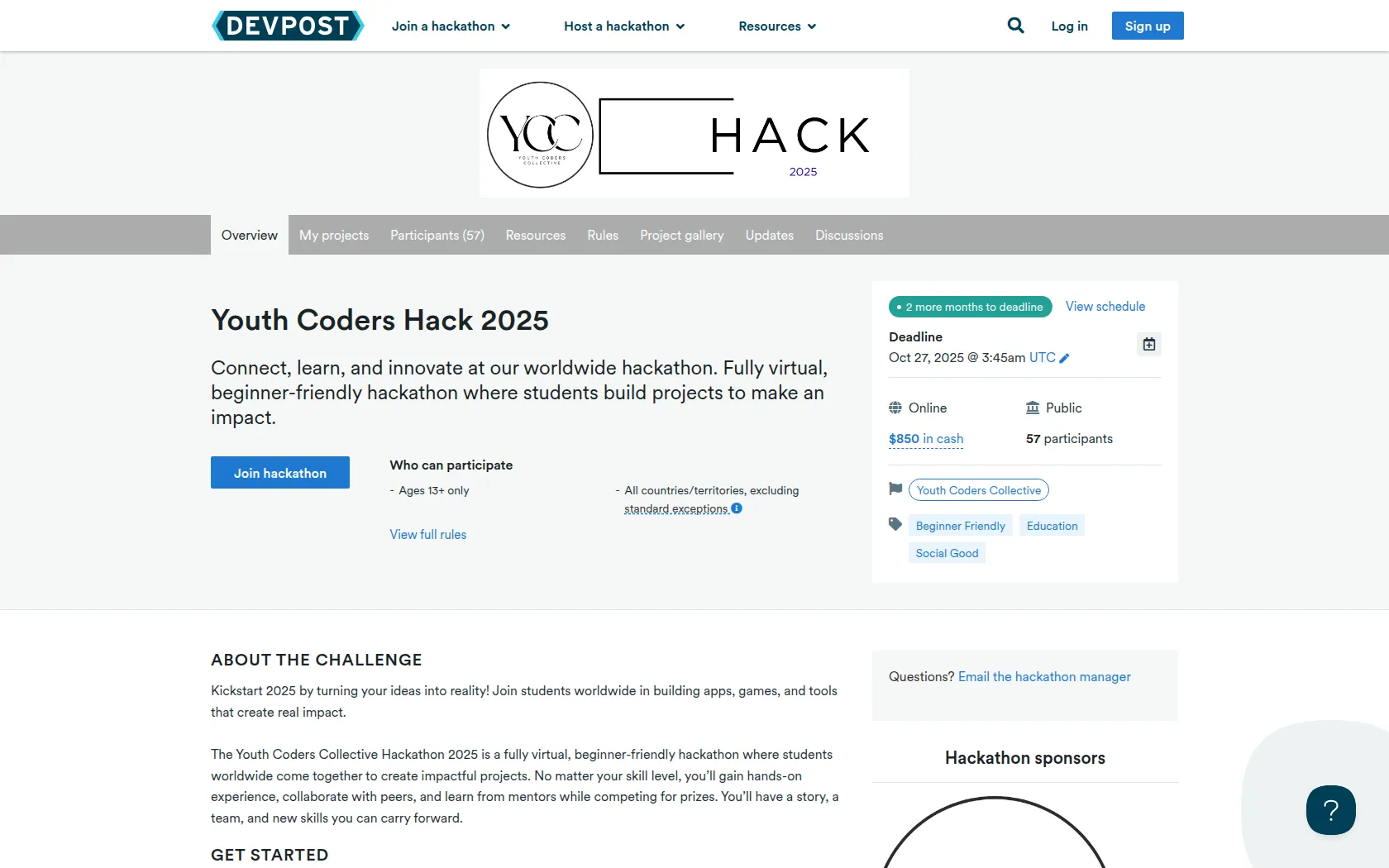
The Youth Coders Collective Hackathon 2025 is a fully virtual, beginner-friendly hackathon where students worldwide come together to create impactful projects. No matter your skill level, you’ll gain hands-on experience, collaborate with peers, and learn from mentors while competing for prizes. You’ll have a story, a team, and new skills you can carry forward.
Get started
1. Join our discord to register, form teams, and get updates.
Requirements
What to Build
You can use any coding language, app, or engine to build something that connects to our theme.
Your project should connect to our theme of social good, using technology to improve people’s lives or communities. You can build anything that could benefit society, solve societal problems, and improve accessibility.
No idea is too big or small. As long as your project aligns with social good, originality, creativity, and usefulness will matter more than perfection.
Here are some broad areas of inspiration you might consider:
🧠 Mental health & well-being → access to support, reducing stress/loneliness, healthier habits.
💻 Education access → free learning tools, tutoring, bridging digital divides.
🌳 Climate & sustainability → reducing waste, tracking carbon, community action.
♿ Equity & accessibility → tools for people with disabilities, breaking language barriers.
🌐 Community engagement → volunteering, safety, local connection.
🎮 Online safety & misinformation → combating scams, digital literacy, safer platforms.
🛡️ Healthcare access → making health info clearer, easier appointment management.
💵 Financial literacy → budgeting tools, managing savings, helping teens with money.
🛠️ Other → Any other categories not listed.
Think big! Whether your project helps one community or millions, what matters most is using tech to make life better.
What to Submit
To officially enter Youth Coders Hack, you must submit before the deadline: October 26, 2025 11:45 PM
1. GitHub Repo or Code Files
2. Video demo (Judges will only watch 3 minutes max)
Optional:
Screenshots, UI mockups, design docs
FAQ:
Do I need prior experience? → No!
Do I need a team? → Solo or teams of up to 4.
Do I have to pay? → Completely free to join.
Feel free to ask more questions in the discord.


Prizes
First place - $500
Second place - $250
Third Place - $100
Honorable mentions
Certificate with feedback on why your project received the honorable mention
Digital Participation Certificate
Certificate for participating!
Devpost Achievements
Submitting to this hackathon could earn you:
Judges

Youth Coders Collective Team
Student leaders with computer science expertise

Youth Coders Collective Volunteers
Retired Microsoft Employee (28 Years)
Judging Criteria
-
Potential Impact - 40%
How big of an impact could the project have for its intended audience? How big of an impact could it have beyond the target community and the rest of the world? -
Function - 15%
Does your product work if developed, and if not developed, does the product seem like it could realistically work? -
Presentation - 5%
How professional is your video (smooth audio, clear video, transitions? Is your voice clear, do you use hand motions, and are you maintaining eye contact (not reading off a script)? Are your slides professional (color palette, images, text)? -
Design - 15%
Is your product aesthetic or pleasing to the eye? Does it seem like you put in effort to polish it?