


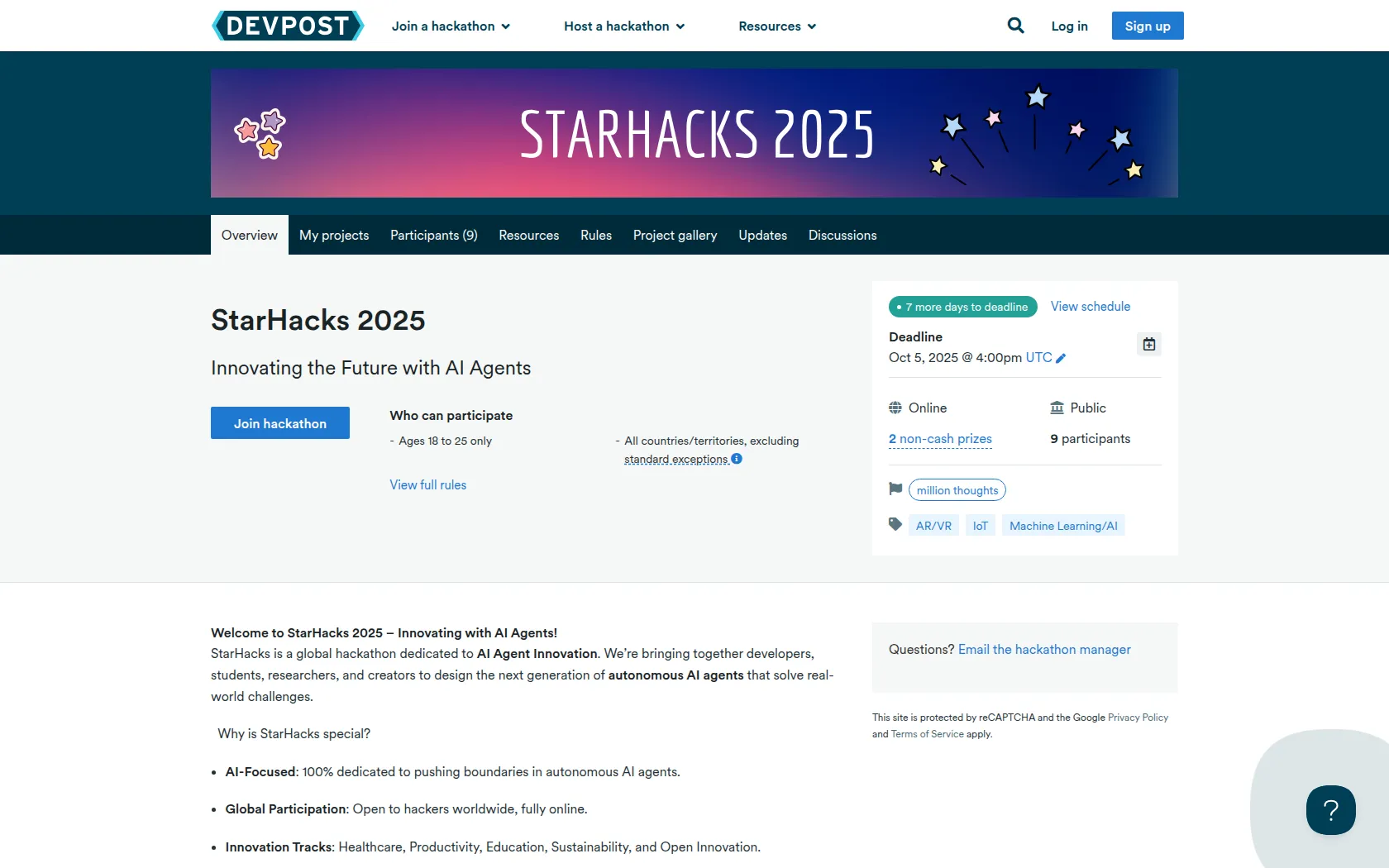

Welcome to StarHacks 2025 – Innovating with AI Agents!
StarHacks is a global hackathon dedicated to AI Agent Innovation. We’re bringing together developers, students, researchers, and creators to design the next generation of autonomous AI agents that solve real-world challenges.
🌌 Why is StarHacks special?
-
AI-Focused: 100% dedicated to pushing boundaries in autonomous AI agents.
-
Global Participation: Open to hackers worldwide, fully online.
-
Innovation Tracks: Healthcare, Productivity, Education, Sustainability, and Open Innovation.
🗓️ Schedule
-
Hackathon Launch – September 22, 2025
-
Project Submission Deadline (Devpost) – October 5, 2025 (11:59 PM IST)
-
Judging & Winner Announcement – October 10, 2025
Requirements
Your submission on Devpost must include:
-
Project Name & Description – What your AI agent does and why it matters.
-
Code Repository Link (GitHub/GitLab/Bitbucket) – Must be public or with access provided.
-
Demo Video (2–3 mins) – Show how your project works (screen recording or live demo).
-
Workflow Explanation – Tools, frameworks, and models used (e.g., LangChain, OpenAI API, Hugging Face, Pinecone, custom ML models).
-
Team Info – List of team members and roles.
💬 Note: Teams must use Discord for collaboration. Official submission is only accepted via Devpost.
Prizes
First Place
Awarded to the most innovative and impactful AI Agent project. Judged on creativity, technical quality, and real-world usefulness.
Best Student Hack
Special recognition for the best project submitted by a team made up entirely of students.
Devpost Achievements
Submitting to this hackathon could earn you:
Judges

Praneetha Kotla
Lead Robotic Process Automation Developer at Johnson & Johnson

Nithin M Kumar
millionthoughts

Sunil S
millionthoughts
Judging Criteria
-
Judging Criteria
Creativity of idea, technical execution, real-world impact, and clarity of presentation.