_db33a8.png)


.thumb.png.9594b08ba898a6b0d0fa1576ea2c9574.thumb.png.3097220ace298f0faaab6884cd0ea0f5.png)
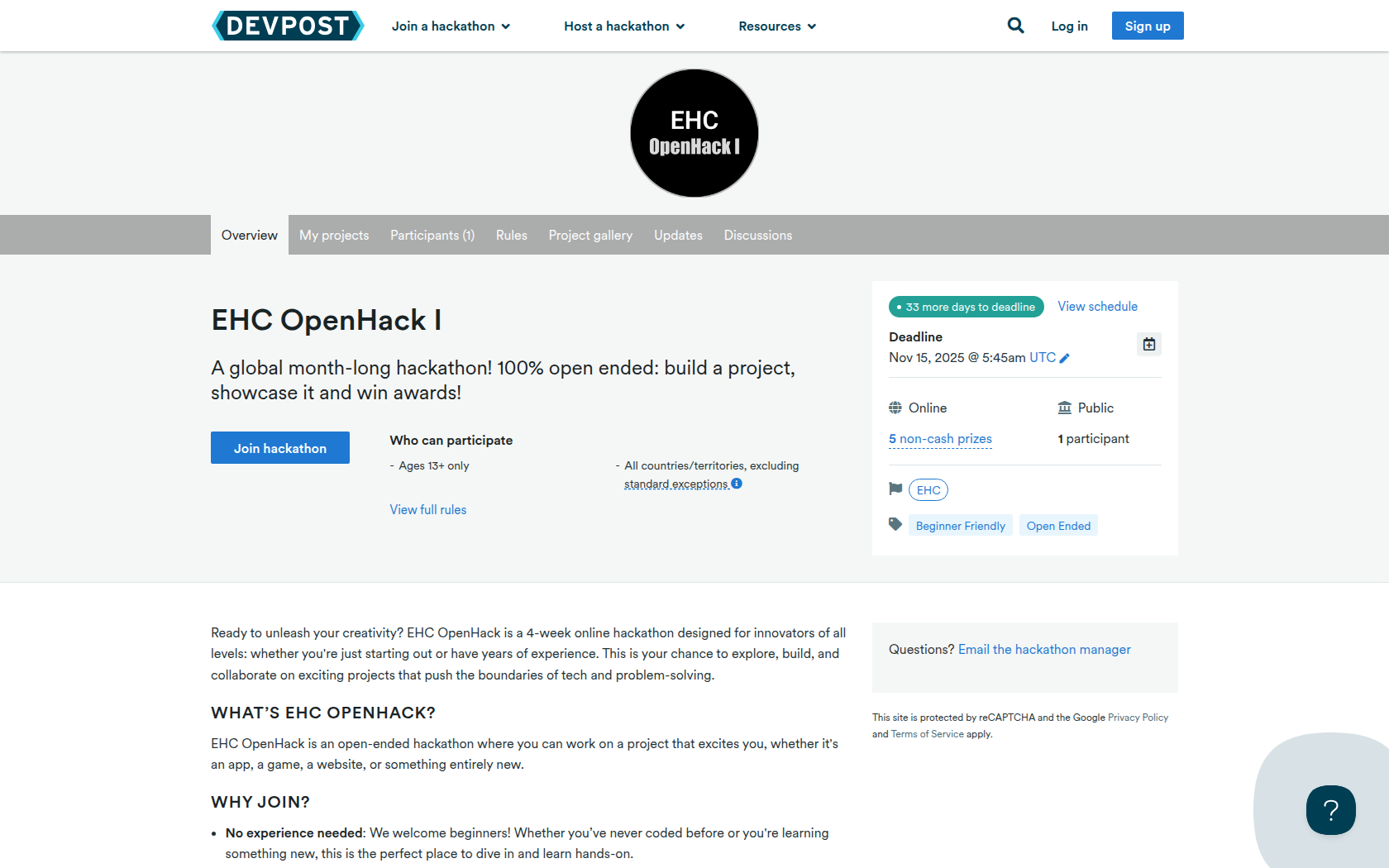
Ready to unleash your creativity? EHC OpenHack is a 4-week online hackathon designed for innovators of all levels: whether you're just starting out or have years of experience. This is your chance to explore, build, and collaborate on exciting projects that push the boundaries of tech and problem-solving.
What’s EHC OpenHack?
EHC OpenHack is an open-ended hackathon where you can work on a project that excites you, whether it's an app, a game, a website, or something entirely new.
Why Join?
-
No experience needed: We welcome beginners! Whether you’ve never coded before or you're learning something new, this is the perfect place to dive in and learn hands-on.
-
A chance to learn: We’ll provide all the resources, tutorials, and mentorship you need to build something amazing. It’s about progress, not perfection!
-
Collaborate with others: Find a team, or go solo. Either way, you’ll be part of a vibrant, welcoming community of creators from around the world.
-
Showcase your skills: At the end of the hackathon, you’ll have the chance to showcase your project in a video presentation. It’s your time to shine!
Who Can Join?
Absolutely anyone! Whether you're a beginner or a seasoned developer, there's a spot for you at EHC OpenHack. We believe in the power of diversity and fresh ideas. Different backgrounds and skill levels only make the projects stronger.
Whether you're here to learn, build, or just have fun, EHC OpenHack is all about creativity, community, and exploring new possibilities.
Ready to build something incredible? Join us today!
Requirements
At the end of the hackathon, you’ll need to submit the following:
-
A Short Video Showcase (max. 3 minutes)
-
Introduce your project and explain what it does.
-
Show how it works! A quick demo of the main features.
-
Talk about the tools or technologies you used to build it.
-
Optional: Share any challenges you faced and what you learned along the way.
-
-
Your Project Files (Code, Design, etc.)
-
Upload the source files of your project (e.g., code, designs, resources).
-
If you’ve used any third-party libraries or tools, be sure to list them.
-
We recommend using GitHub or a similar platform to host your project files.
-
-
Project Description
-
A brief description of your project (2-3 sentences). What problem does it solve, or what makes it cool? How does it work?
-
-
Team Info (if applicable)
-
If you worked in a team, list the names and roles of all members. If you worked alone, just let us know!
-
Prizes
1st Place Overall
Awarded for outstanding work on all parts of project criteria.
2nd Place Overall
Awarded for outstanding work on all parts of project criteria.
3rd Place Overall
Awarded for outstanding work on all parts of project criteria.
Most Creative Prize
Awarded for the most creative, unique or novel idea submitted. For this award, functionality doesn't matter—only creativity and showcase strength.
Most Technically Impressive Prize
Awarded for harnessing difficult or advanced technologies/mathematics for a truly impressive project.
Devpost Achievements
Submitting to this hackathon could earn you:
Judges

EHC Judging Panel
Students with computational expertise
Judging Criteria
-
Functionality (40%)
Does your project work? Are there clear instructions as to how to use your project? Make sure that if your project is confusing for a new user, there's directions as to what to do. -
Creativity (30%)
Your project should be unique. Whether it's colourful, puts a new spin on an old idea or solves a novel problem, your project should be unique. -
Execution (20%)
Did you learn a new framework to implement your project? Jump through complex technical hoops? Or is it impressive in some other way? The best way to demonstrate execution is through your showcase—talk about what you did! -
Polish (10%)
Your project shouldn't just work—it should look good and be smooth as well. Documentation, sleek UI (if applicable) and ease-of-use are what we're looking for.

Recommended Comments
Join the conversation
You can post now and register later. If you have an account, sign in now to post with your account.