_db33a8.png)


.thumb.png.9594b08ba898a6b0d0fa1576ea2c9574.thumb.png.3097220ace298f0faaab6884cd0ea0f5.png)
About the Challenge
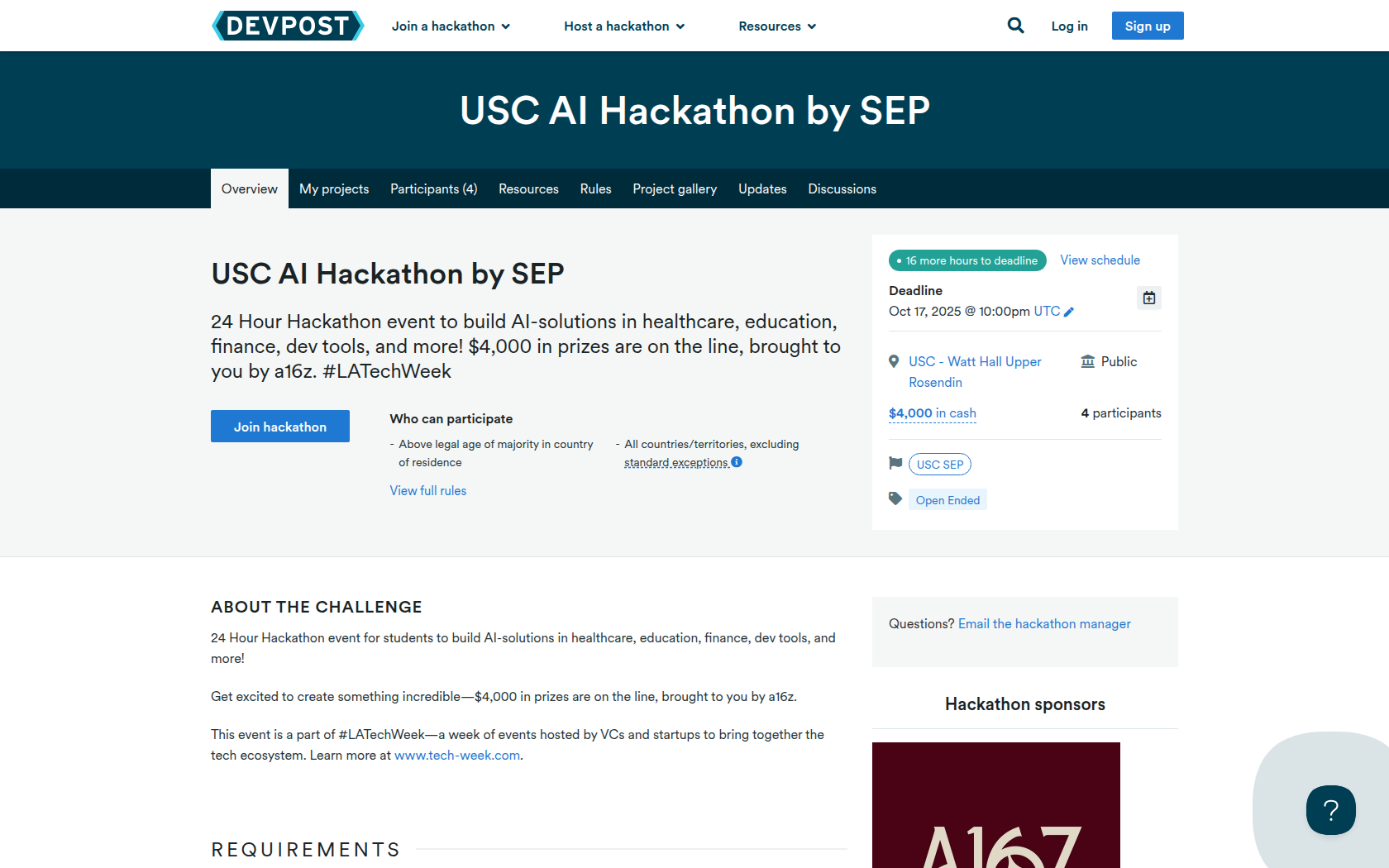
24 Hour Hackathon event for students to build AI-solutions in healthcare, education, finance, dev tools, and more!
Get excited to create something incredible—$4,000 in prizes are on the line, brought to you by a16z.
This event is a part of #LATechWeek—a week of events hosted by VCs and startups to bring together the tech ecosystem. Learn more at www.tech-week.com.
Requirements
What to Build
Your project will be judged based on these guidelines:
Does your product address a problem?
How functional is the prototype or demo?
Does it demonstrate thoughtful user experience or interface design?
Does the solution leverage AI in a meaningful and effective way?
Does it show potential for adoption or scalability?
Does your product exhibit thoughtful design and user flow?
Can it be monetized or widely adopted?

Prizes
1st Place
2nd and 3rd Place
Devpost Achievements
Submitting to this hackathon could earn you:
Judges

Michael Broughton
Altro
Judging Criteria
-
List of Criteria
Does your product address a problem? How functional is the prototype or demo? Does it demonstrate thoughtful user experience or interface design? -
List of Criteria
Does the solution leverage AI in a meaningful and effective way? Does it show potential for adoption or scalability? Does your product exhibit thoughtful design and user flow? -
List of Criteria
Can it be monetized or widely adopted?

Recommended Comments
Join the conversation
You can post now and register later. If you have an account, sign in now to post with your account.