



About the challenge
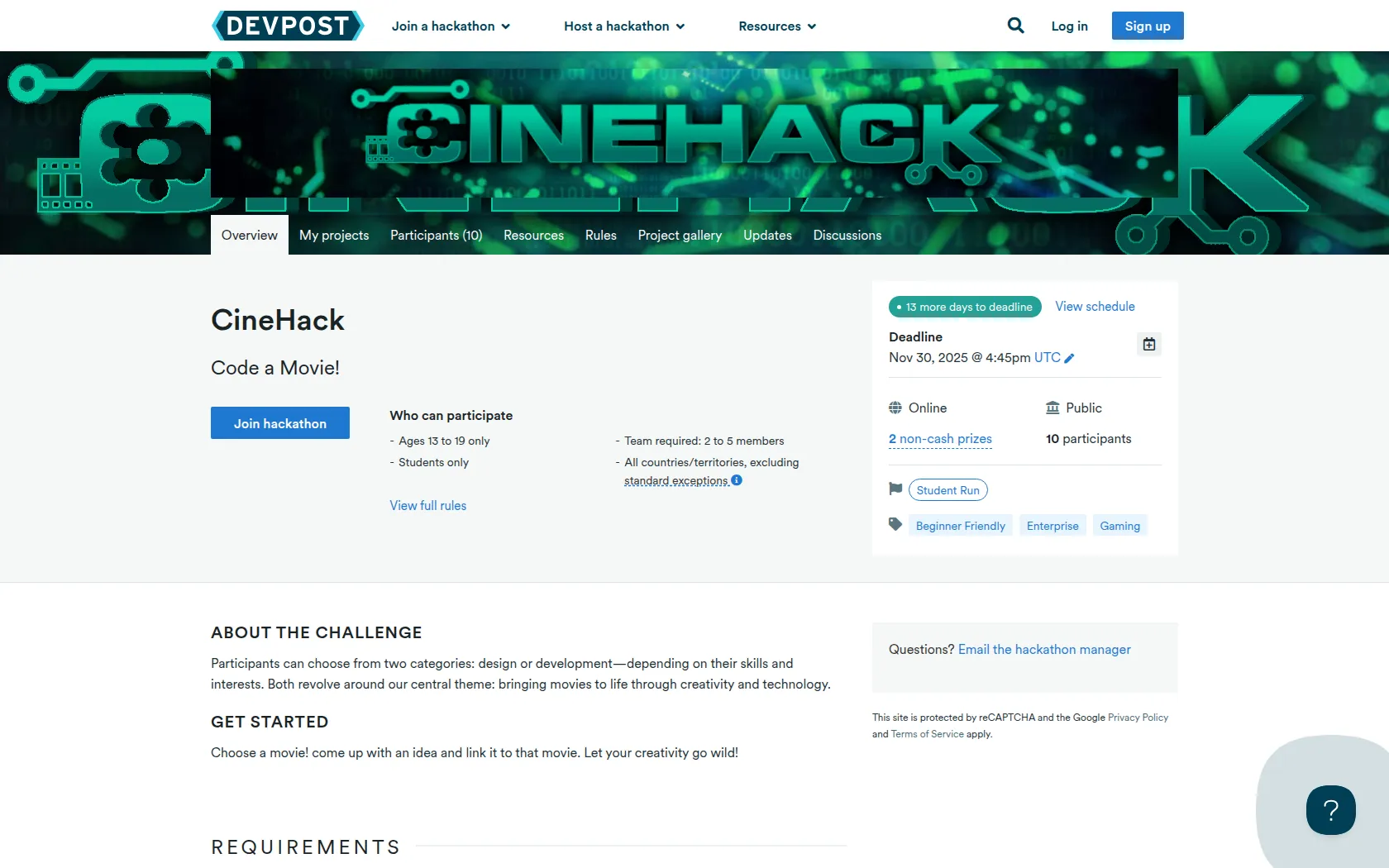
Participants can choose from two categories: design or development—depending on their skills and interests. Both revolve around our central theme: bringing movies to life through creativity and technology.
Get started
Choose a movie! come up with an idea and link it to that movie. Let your creativity go wild!
Requirements
What to Build:
Design Category:
Create a concept, product idea, or prototype inspired by a movie world. This could be:
- A new app or platform that could exist within a movie universe
- A product that extends a movie’s storyline
- Blueprints, mockups, or a creative pitch deck
Coding Category:
Build a website, app, or game inspired by a movie, or one that could exist within that movie’s world. Examples include:
- A mini-game based on a movie scene
- A website or app a movie character might use
- A creative software tool inspired by a film’s theme
What to Submit
Design Category:
- A slide deck (Google Slides or PowerPoint) or presentation video
- Visuals, mockups, or blueprints of your concept
- A short description (150–300 words) explaining your idea, target audience, and movie inspiration
Coding Category:
- A link to your GitHub repository containing your code
- A short description explaining your project, technologies used, and how it works
- List of resources or APIs you used
- Optional: a short demo video or screenshots (roughly 1 minute)
Prizes
Certificate
Top 3 from both the ideathon and hackathon, recieve a certificate signifying their success.
Another prize will be announced later on.
Both first place prizes from both the ideathon and the hackathon.
Devpost Achievements
Submitting to this hackathon could earn you:
Judges

Alice Green

Dhairya Jhaveri

Pariphat Chaisrichawla

Poohree Duangekanong

Tajvir Singh
Judging Criteria
-
Uniqueness
Show your creativity and uniqueness in your product. -
Design
How well it is designed, how visually appealing it looks -
Relevance
How well the project matches the theme? -
Presentation and Clarity
How well presented your slides are. Is the idea presented clearly and in an understandable.