


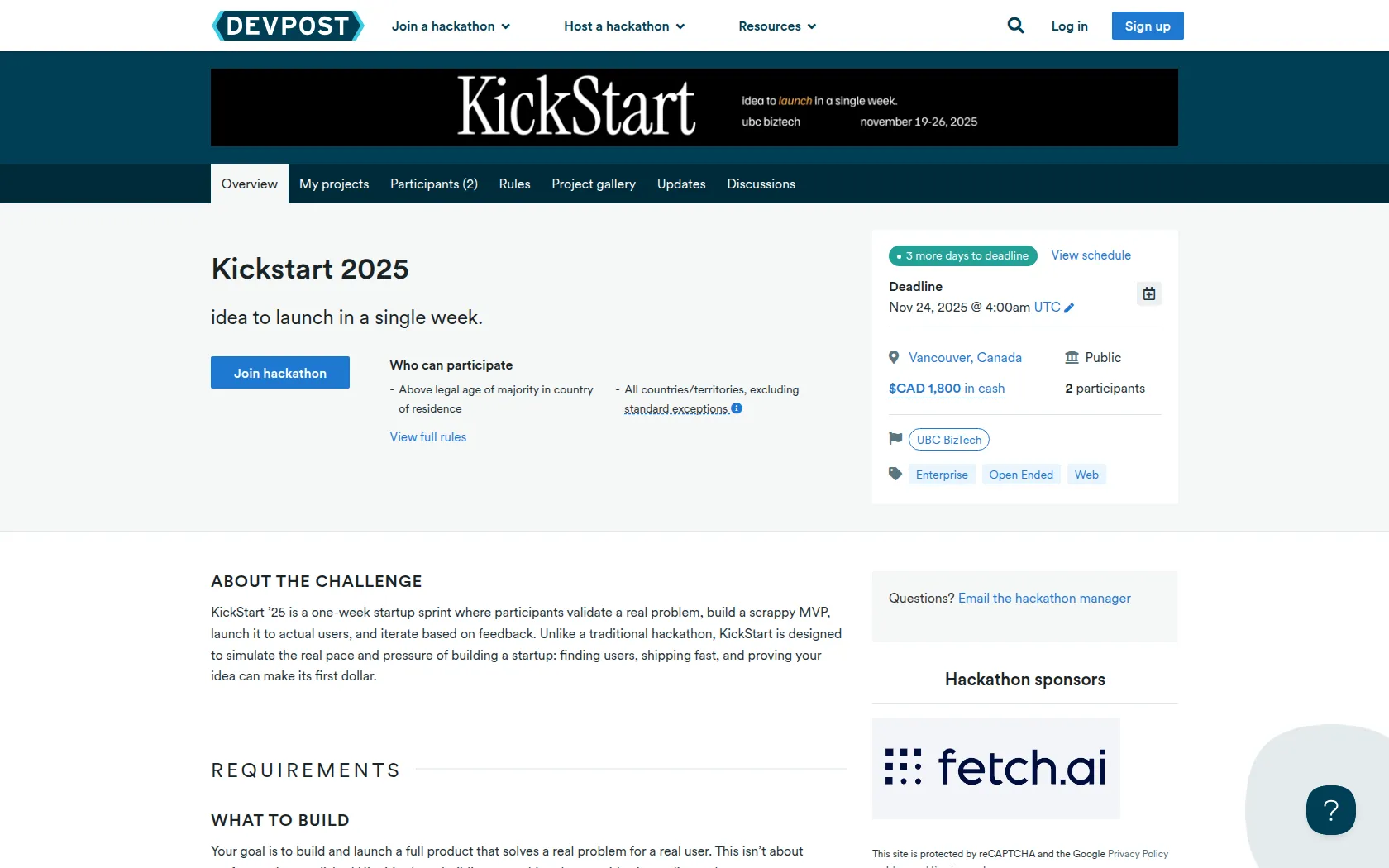

About the challenge
KickStart ’25 is a one-week startup sprint where participants validate a real problem, build a scrappy MVP, launch it to actual users, and iterate based on feedback. Unlike a traditional hackathon, KickStart is designed to simulate the real pace and pressure of building a startup: finding users, shipping fast, and proving your idea can make its first dollar.
Requirements
What to Build
Your goal is to build and launch a full product that solves a real problem for a real user. This isn’t about perfect code or polished UI—it’s about building something that provides immediate value.
Examples include:
-
A micro-SaaS product that automates a real workflow for a local business
-
An AI tool that solves a pain point validated through interviews
-
A simple, scrappy web/mobile app that helps someone do something faster or cheaper
Your project must be launched by the end of Build Day 2. A “launch” means a user can access and use your product instantly (e.g., deployed website, functional APK, shareable tool, working demo with real data).

Prizes
First Place
$1000, a coffee chat with a16z, and Launch Academy's "Launch your startup" course worth $300.
Second Place
Third Place
vidIQ - Best Startup for Content Creators
$500 in Amazon gift cards and an interview with vidIQ's head of product engineering.
Devpost Achievements
Submitting to this hackathon could earn you:
Judges

Floyd Sijmons
Chang
Shantanu Mehta
Aaron Stuart
Emily Davies
Gabe
Angus Fudge
Mai Trinh
Paula
Rahul Rao
Kevin Dhir
Abhay Ghatpande
Melaniia Volkodav
Tony Hui
Alexander Dungate
Judging Criteria
-
Technical Complexity