


Description
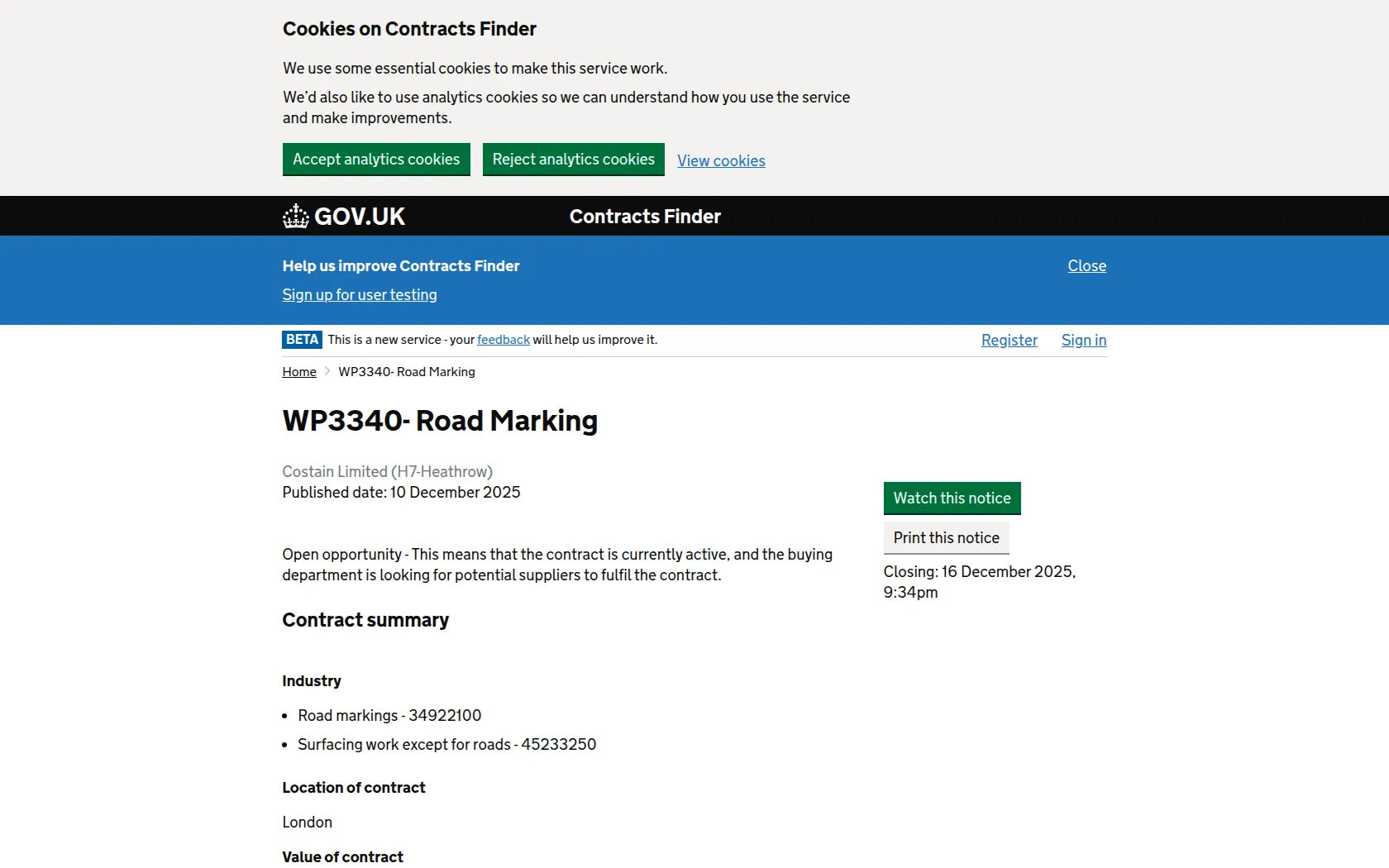
There is a requirement for road marking to support our H7 Renewal main works as part of the CTA tunnel
There is a requirement for road marking to support our H7 Renewal main works as part of the CTA tunnel
Terms of Use Guidelines We have placed cookies on your device to help make this website better. You can adjust your cookie settings, otherwise we'll assume you're okay to continue.