
Skip to content

Description

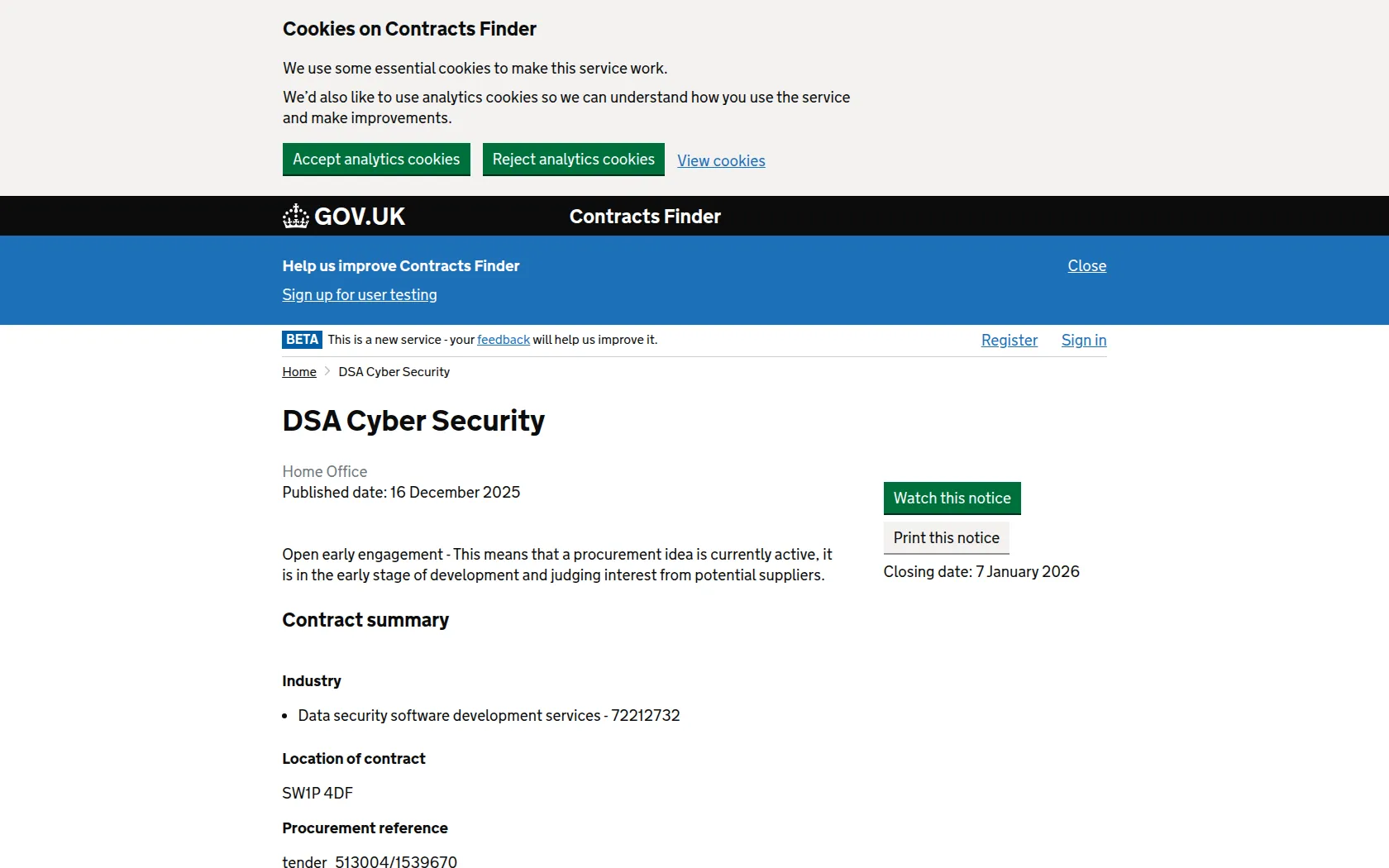
This is an Early Market Engagement Notice to inform the market of a procurement opportunity that will become available early to mid 2026. This is also to inform the current market of an engagement event that we will be looking to run early Jan 2026.

Account

Navigation

Search

Search

Configure browser push notifications

Chrome (Android)
  1. Tap the lock icon next to the address bar.
  2. Tap Permissions → Notifications.
  3. Adjust your preference.
Chrome (Desktop)
  1. Click the padlock icon in the address bar.
  2. Select Site settings.
  3. Find Notifications and adjust your preference.