_db33a8.png)


.thumb.png.9594b08ba898a6b0d0fa1576ea2c9574.thumb.png.3097220ace298f0faaab6884cd0ea0f5.png)
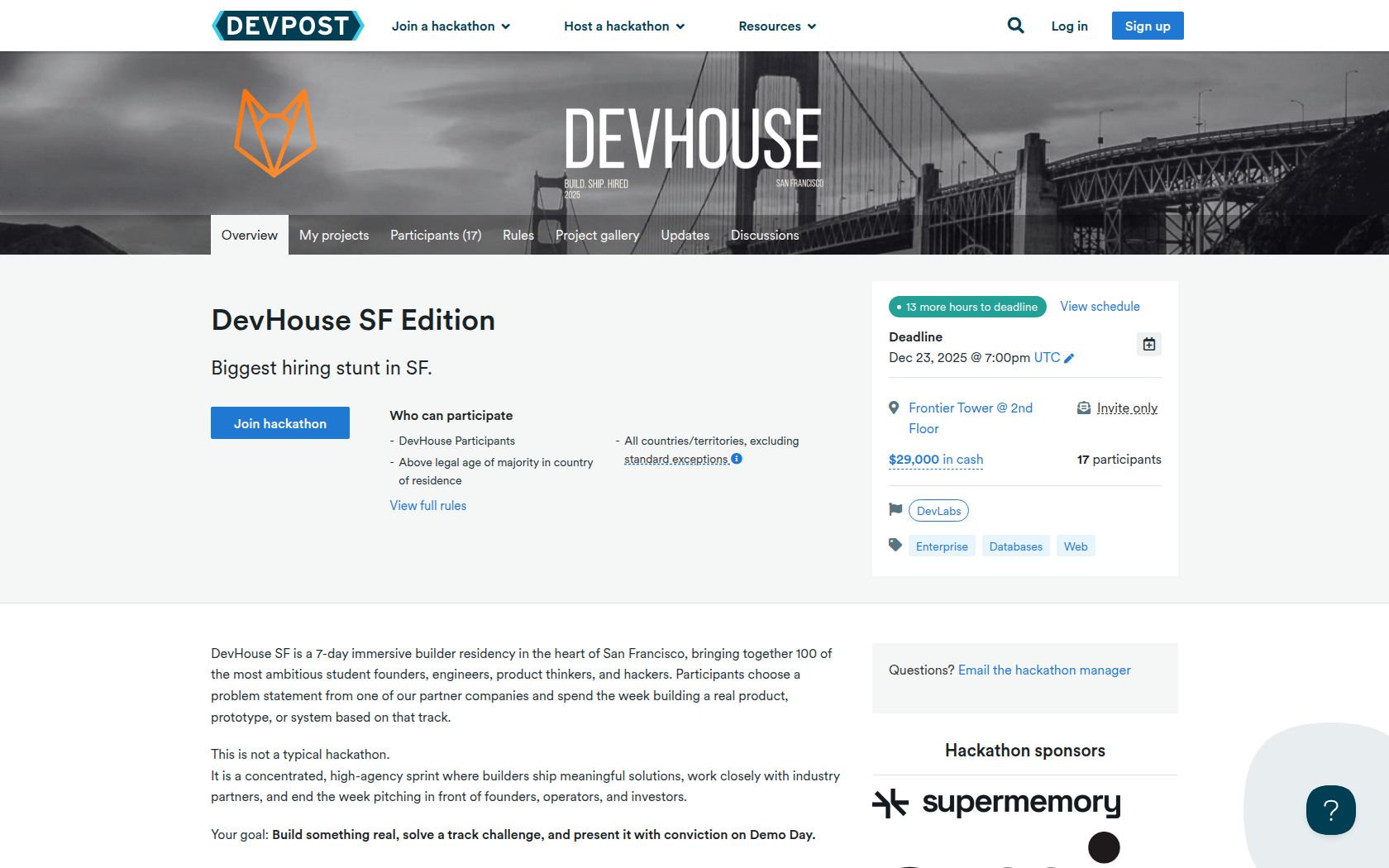
DevHouse SF is a 7-day immersive builder residency in the heart of San Francisco, bringing together 100 of the most ambitious student founders, engineers, product thinkers, and hackers. Participants choose a problem statement from one of our partner companies and spend the week building a real product, prototype, or system based on that track.
This is not a typical hackathon.
It is a concentrated, high-agency sprint where builders ship meaningful solutions, work closely with industry partners, and end the week pitching in front of founders, operators, and investors.
Your goal: Build something real, solve a track challenge, and present it with conviction on Demo Day.
Requirements
Build a functional prototype that directly solves the challenge provided by your chosen sponsor track.
This can be:
• a full-stack product
• a hardware-software hybrid
• an AI/ML system
• a mobile or web app
• an infrastructure/tooling project
• an algorithmic or data-driven system
What matters is execution, technical depth, clarity of solution, and alignment with your chosen track.
Projects must be fully developed during the DevHouse SF event week.
All submissions must include:
-
A Loom demo video (2–4 minutes) explaining:
• the problem
• your solution
• how it works
• what you built during the week -
Link to your GitHub repository (public or private with access granted).
-
A short Devpost write-up, including:
• problem you tackled
• approach and architecture
• tech stack
• demo screenshots
• impact and next steps -
Track selected (Omi, AirGarage, Browserbase, Supermemory).











Prizes
Omi
AirGarage
Browser Use
SuperMemory
Devpost Achievements
Submitting to this hackathon could earn you:
Judges

Dhravya Shah
SuperMemory

Nik Shevchenko
Omi

Scott Fitsimones
AirGarage

Saurav Panda
Browser Use
Judging Criteria
-
SuperMemory
-
Omi
-
AirGarage
-
Browser Use

Recommended Comments
Join the conversation
You can post now and register later. If you have an account, sign in now to post with your account.