Skip to content

Description

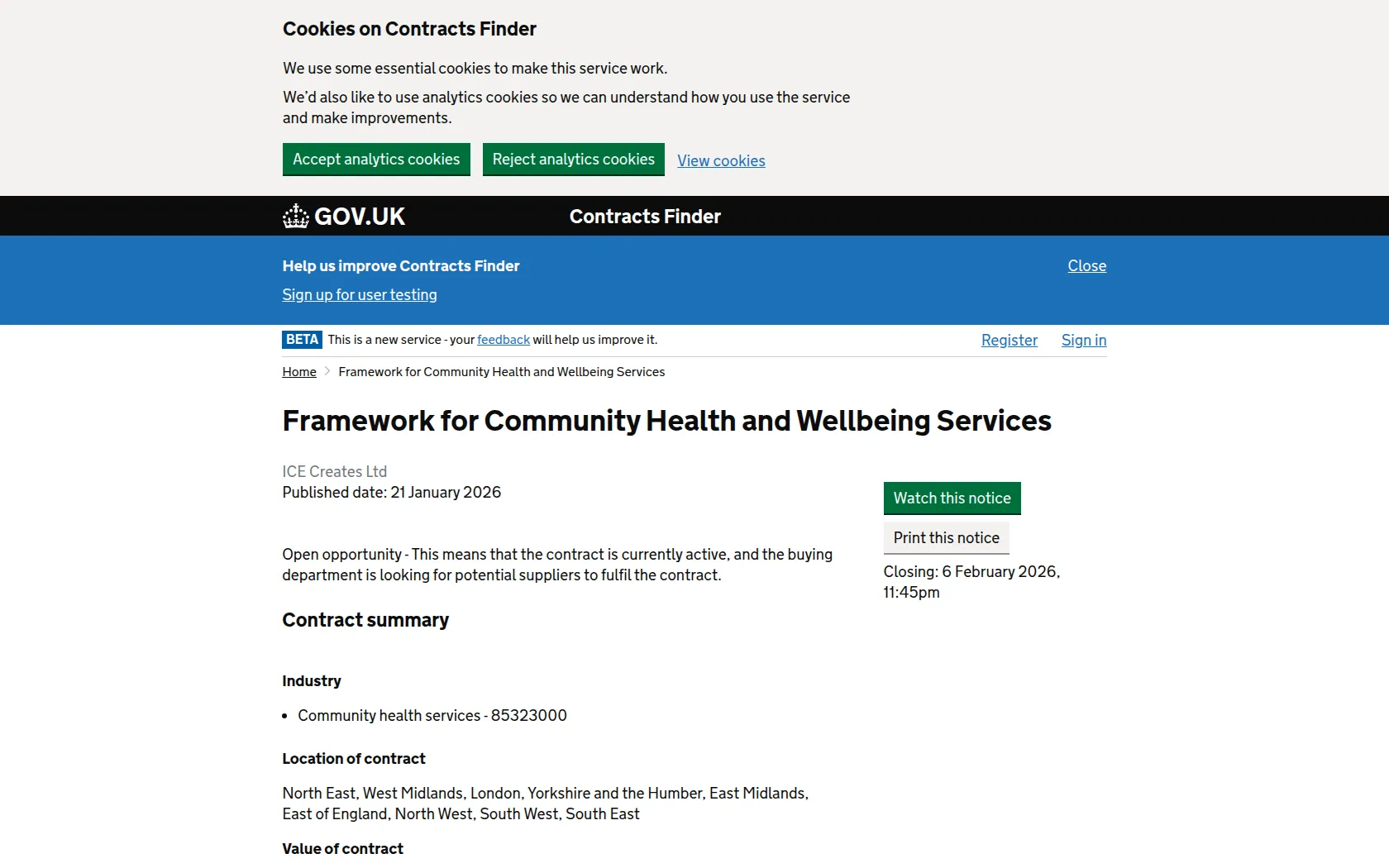
We are looking for applications from local VCFSE's who would like to be on a framework for local delivery based on your experience alongside our experienced team.

We are also looking for partners to support our research and insight division with locally based panels to understand and develop solutions for specific community needs.

Please completehttps://teams.microsoft.com/l/message/19:[EMAILMATCH_0]/1768929378995?context={"contextType":"chat"}

Account

Navigation

Search

Search

Configure browser push notifications

Chrome (Android)
  1. Tap the lock icon next to the address bar.
  2. Tap Permissions → Notifications.
  3. Adjust your preference.
Chrome (Desktop)
  1. Click the padlock icon in the address bar.
  2. Select Site settings.
  3. Find Notifications and adjust your preference.