_db33a8.png)


.thumb.png.9594b08ba898a6b0d0fa1576ea2c9574.thumb.png.3097220ace298f0faaab6884cd0ea0f5.png)
About the challenge
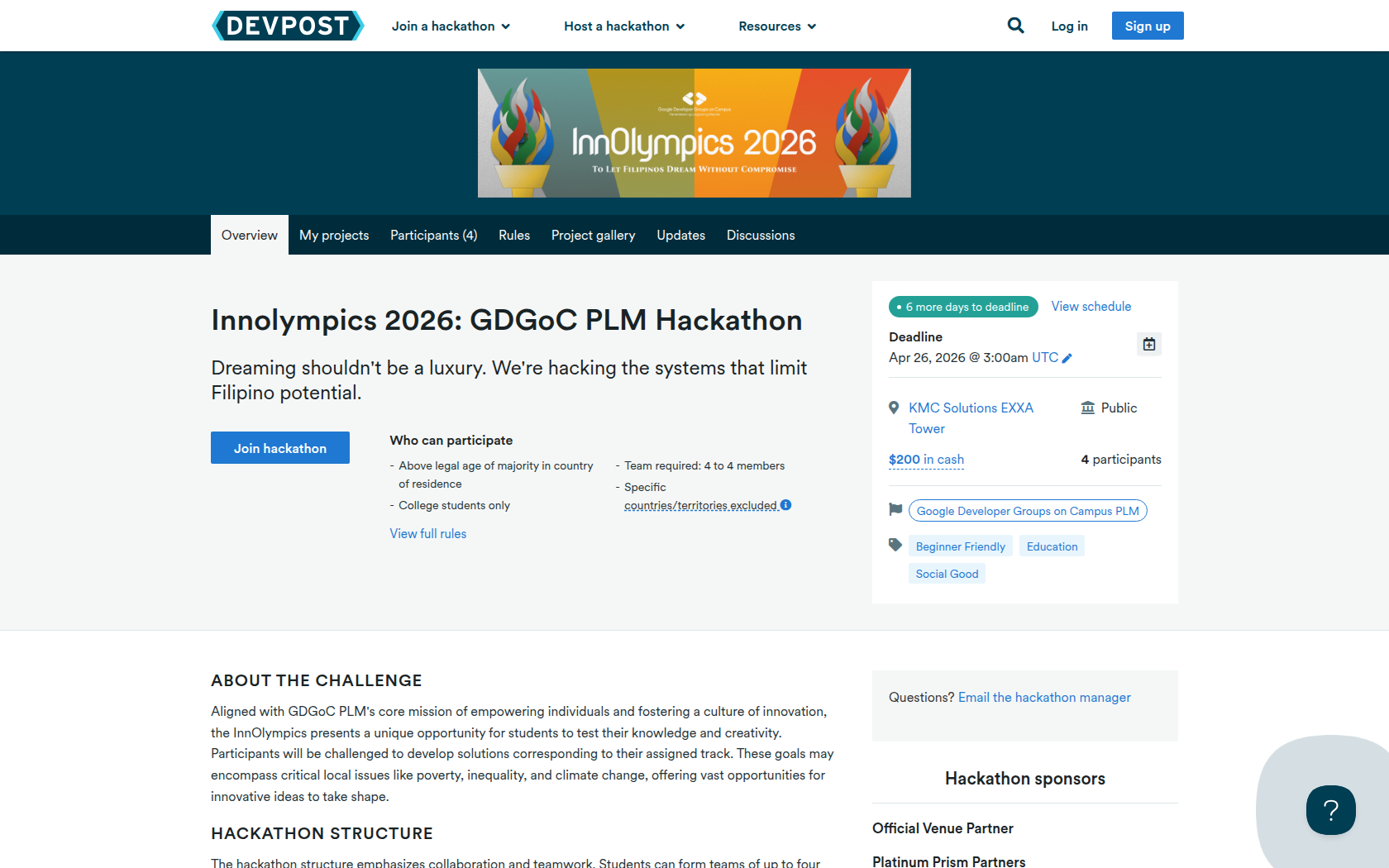
Aligned with GDGoC PLM's core mission of empowering individuals and fostering a culture of innovation, the InnOlympics presents a unique opportunity for students to test their knowledge and creativity. Participants will be challenged to develop solutions corresponding to their assigned track. These goals may encompass critical local issues like poverty, inequality, and climate change, offering vast opportunities for innovative ideas to take shape.
Hackathon Structure
The hackathon structure emphasizes collaboration and teamwork. Students can form teams of up to four members. This fosters a supportive environment where participants engage with diverse perspectives, learn from each other, and combine their skills to create well-rounded solutions.
Requirements
What to Build
Projects must address one or more of the UN Sustainable Development Goals (SDGs). The specific SDG focus areas will be announced during the hackathon, but teams are encouraged to start researching and brainstorming ideas beforehand.
What to Submit
Teams must develop a complete working software solution within the 2-day hackathon. Pre-built or existing projects are not allowed.





Prizes
Cash Prize
Devpost Achievements
Submitting to this hackathon could earn you:
Judges

Christopher Carlos
System Analyst - Omni Channel Solutions

Michael Peduche
IT and Data Protection Officer - Omni Channel Solutions
Judging Criteria
-
Originality: Uniqueness and innovation of the solution
-
Technology: Appropriate use of technical tools and implementation
-
Design: User interface and experience quality
-
Completion: Level of functionality and implementation
-
Community Impact: Potential benefit to target communities
-
Presentation: Quality of project demonstration and pitch

Recommended Comments
Join the conversation
You can post now and register later. If you have an account, sign in now to post with your account.