_db33a8.png)


.thumb.png.9594b08ba898a6b0d0fa1576ea2c9574.thumb.png.3097220ace298f0faaab6884cd0ea0f5.png)
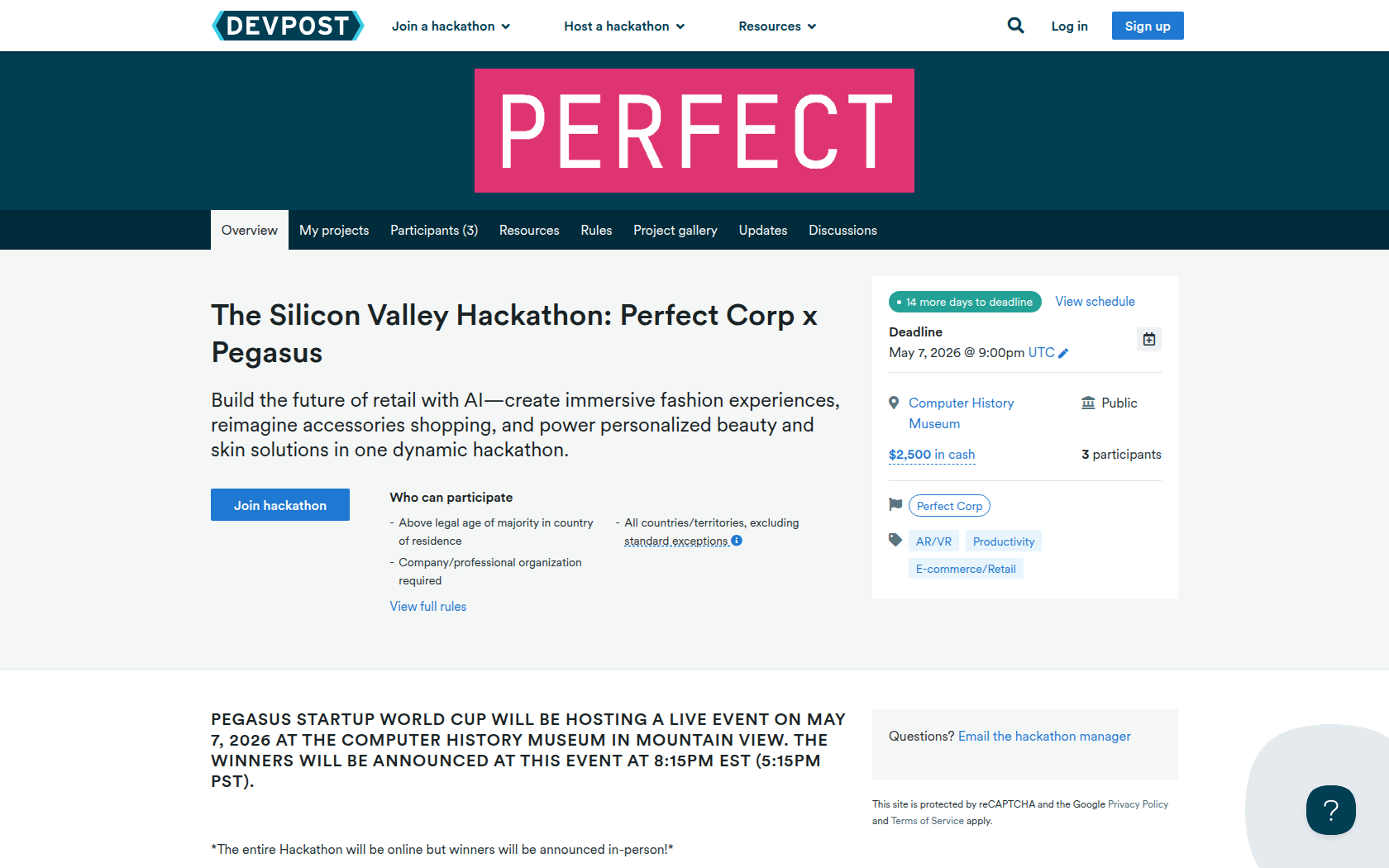
Pegasus Startup World Cup will be hosting a live event on May 7, 2026 at the Computer History Museum in Mountain View. The winners will be announced at this event at 8:15PM EST (5:15PM PST).
*The entire Hackathon will be online but winners will be announced in-person!*
About the challenge:
· Design and build an immersive web or mobile experience using Perfect Corp’s AI- and AR-powered technology suite to solve real-world consumer needs.
· Participants are encouraged to explore creative, innovative, and unexpected ways to leverage Perfect Corp’s APIs — from virtual try-on and AI skin analysis to personalized product recommendations, gen AI text-to-image creation, and fashion visualization — to create engaging, interactive experiences or shopping journeys.
· Participants are encouraged to explore creative and unexpected use cases for Perfect’s suite of APIs
Get started:
1. Click HERE to sign up & verify your email.
2. Once you have verified your email, go to Account > Redeem Code.
3. Enter: Pegasus1000
4. 1000 API Units ($179 Value) have officially been added to your account!
Requirements
What to Build:
· Design and build an immersive web or mobile experience using Perfect Corp’s AI- and AR-powered technology suite to solve real-world consumer needs.
What to Submit:
· Must integrate at least 1 Perfect Corp API and demonstrate clear consumer or retail value
· Project page with short write-up & screenshots
· Demo video (1-3 minutes) showing the experience end-to-end
Prizes
2nd Place Winner!
1st Place Winner!
Devpost Achievements
Submitting to this hackathon could earn you:
Judges

Valerie Torres
Perfect Corp
Judging Criteria
-
Perfect Corp API Usage
Must use at least one of Perfect Corp's APIs.

Recommended Comments
Join the conversation
You can post now and register later. If you have an account, sign in now to post with your account.