


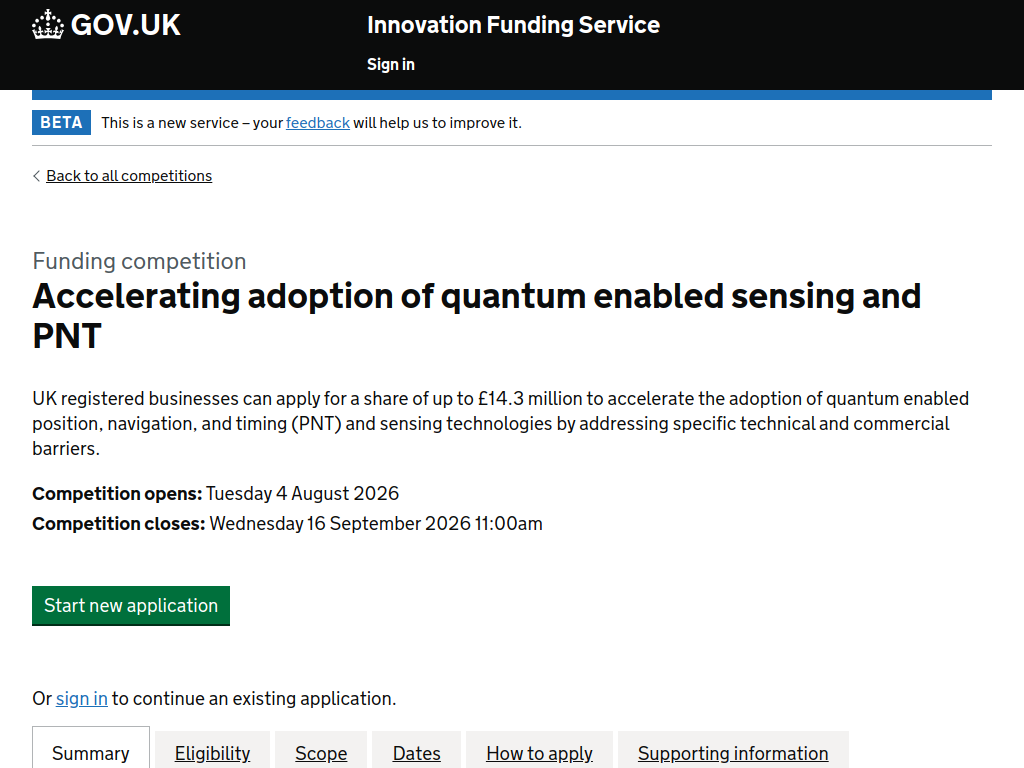

The Accelerating Adoption of Quantum Enabled Sensing and PNT competition from Innovate UK provides funding for collaborative projects addressing barriers preventing the adoption of quantum sensing and position, navigation and timing (PNT) technologies. Up to £14.3 million is available across the competition.
Here’s what you can expect:
£1 million–£3 million in grant funding per project
A share of up to £14.3 million in total funding
Projects lasting between 12 and 24 months
Funding for industrial research addressing technical and commercial barriers to quantum technology adoption
Technologies should focus on quantum-enabled sensing or PNT
Applications should identify a specific barrier to adoption and propose an innovative way to overcome it
Relevant applications could create benefits across areas such as healthcare, defence, transport and critical infrastructure
Projects must start by 1 December 2026 and finish by 30 November 2028.
Who can apply?
A UK-registered business of any size must lead the project
Projects must be collaborative
The consortium must include at least one UK-registered micro, small or medium-sized business (SME) claiming funding
Partners can include businesses, academic institutions, charities, nonprofits, public-sector organisations and RTOs
Academic institutions cannot lead
No single organisation can account for more than 70% of total project costs
Funded work must be carried out in the UK, with applicants intending to exploit the results in the UK.
Funding rate: Industrial research can receive up to 70% of eligible costs for micro/small organisations, 60% for medium organisations and 50% for large organisations.
Application deadline: 16 September 2026 at 11:00am UK time.
Recommended Comments
Join the conversation
You can post now and register later. If you have an account, sign in now to post with your account.
Note: Your post will require moderator approval before it will be visible.