


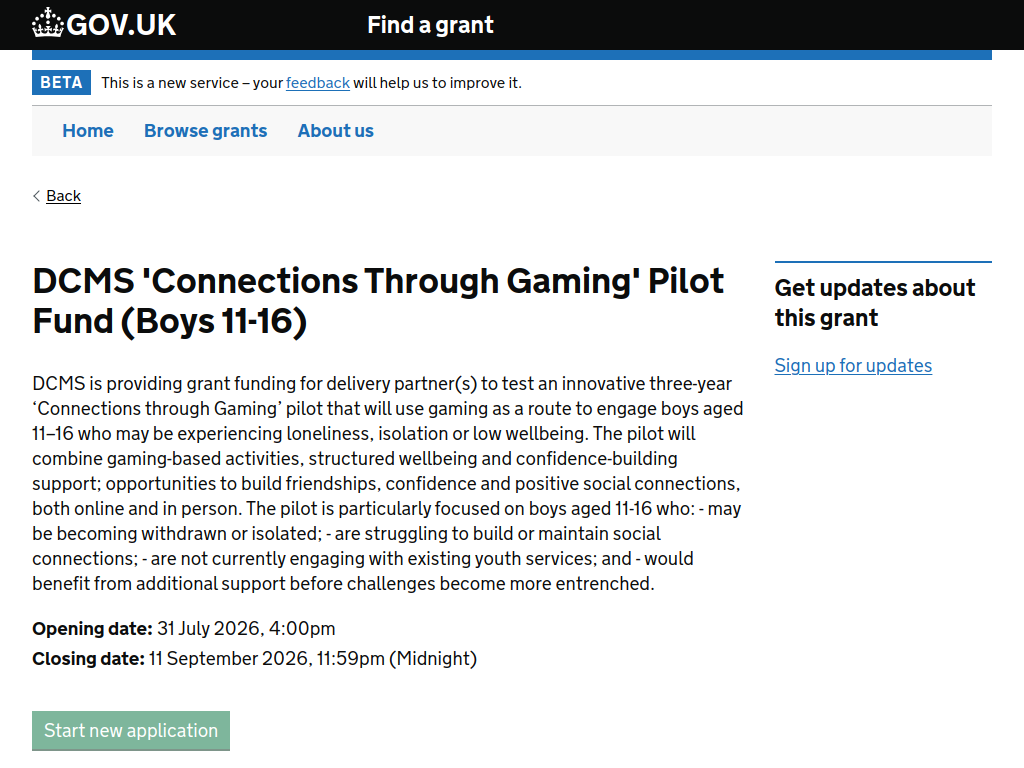

The DCMS Connections Through Gaming Pilot Fund is offering £648,000 in grant funding for organisations to deliver a three-year programme using gaming to engage boys aged 11–16 experiencing loneliness, isolation or low wellbeing. The programme will combine gaming with structured wellbeing support and opportunities to build friendships, confidence and positive social connections.
Here’s what you can expect:
Up to £648,000 available for programme delivery across 2026/27–2028/29
Funding of £204,000 in 2026/27, followed by £222,000 in each of the next two financial years
Funding for gaming-based activities delivered primarily in person, alongside safe, moderated online provision
Support for staff costs, training, youth workers and facilitators
Funding can cover venue hire, outreach, travel and programme-related gaming hardware/software
Projects should build confidence, friendships and social connections among boys aged 11–16
The overall pilot is expected to operate across at least three target locations
Delivery will run from November 2026 to 31 March 2029.
Who can apply?
Voluntary, community and social enterprise (VCSE) organisations
Community Interest Companies (CICs)
Local authorities
Schools and multi-academy trusts
Libraries, youth organisations and community organisations
Organisations can apply individually or through partnerships/consortia
Applicants need experience engaging and supporting young people
Proposed delivery should target eligible areas in England identified by DCMS, including locations such as Liverpool, Sheffield, Nottingham, Norwich, Portsmouth, Plymouth, Sunderland and others.
Application deadline: 11 September 2026 at 11:59pm.
Recommended Comments
Join the conversation
You can post now and register later. If you have an account, sign in now to post with your account.
Note: Your post will require moderator approval before it will be visible.