


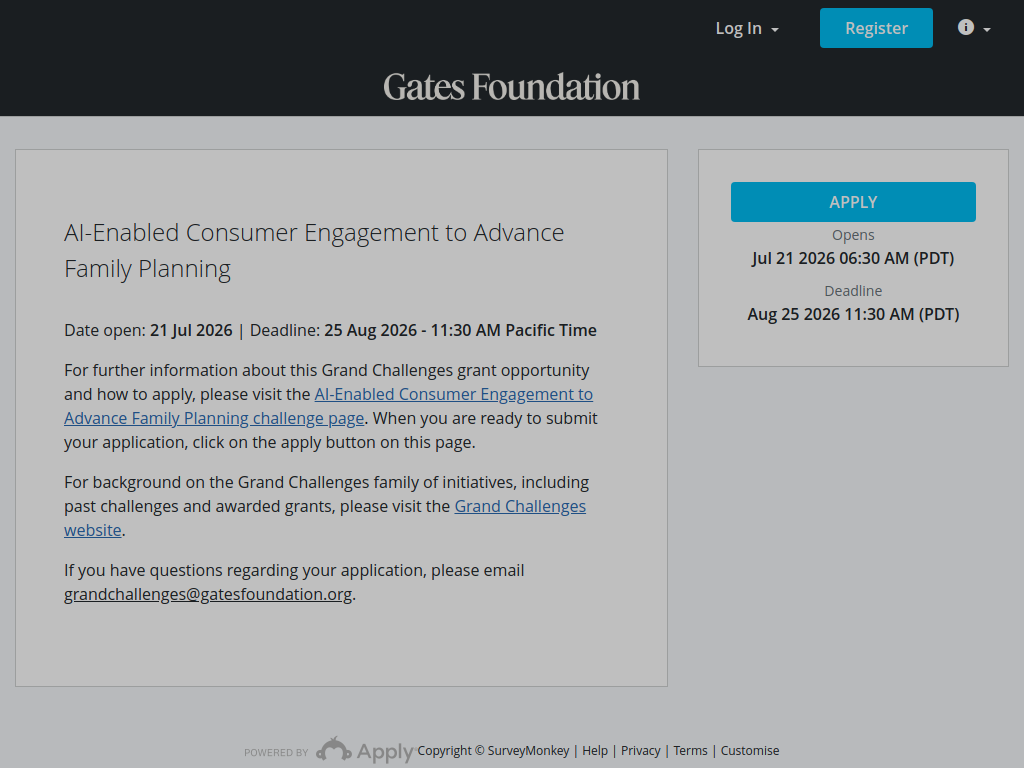

The Gates Foundation’s AI-Enabled Consumer Engagement to Advance Family Planning challenge is offering grants for organisations using AI-powered consumer engagement to improve access to family-planning information and services in sub-Saharan Africa. The fund is particularly interested in understanding whether personalised AI conversations can improve contraceptive uptake, continuation and informed choice at scale.
Here’s what you can expect:
Grants of up to $500,000 per project
Grant period of up to 12 months
Funding for deploying, testing and evaluating AI-enabled consumer engagement solutions
Projects can explore personalised content, automated customer journeys, conversational AI and other engagement approaches
Funding can include indirect costs of up to 15% of the total budget
Projects should generate evidence that can help improve future AI-enabled family-planning tools
Solutions must measure real-world outcomes rather than relying solely on engagement metrics.
Who can apply?
Nonprofit organisations
For-profit companies and startups
International organisations
Government agencies
Universities and academic institutions
Organisations can apply globally, although projects must operate in eligible sub-Saharan African markets
Multi-organisation partnerships are encouraged
Applicants should already have a consumer or women’s health intervention, user base or distribution relationship in a target country
Priority countries include Nigeria, Ethiopia, Democratic Republic of Congo, Tanzania, Senegal, Niger and Côte d’Ivoire, with Kenya, South Africa and Zambia also listed among eligible existing cohorts
Individuals are not eligible.
Application deadline: 25 August 2026 at 11:30am Pacific Time.
Recommended Comments
Join the conversation
You can post now and register later. If you have an account, sign in now to post with your account.
Note: Your post will require moderator approval before it will be visible.