


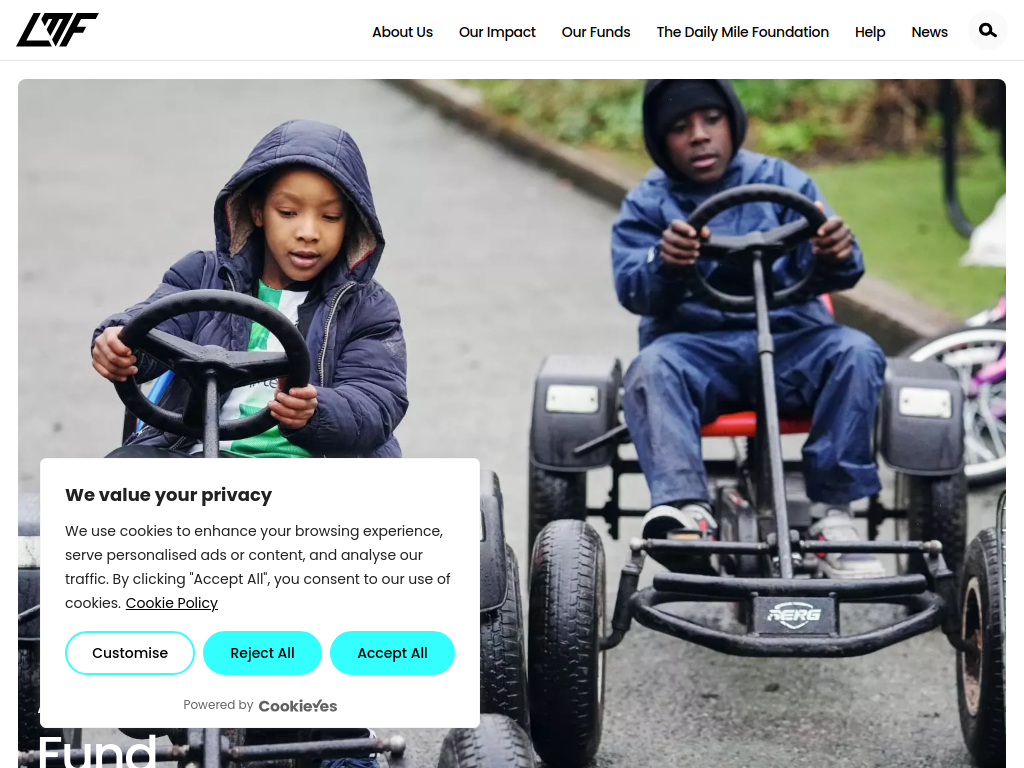

The London Marathon Foundation Active Spaces Fund supports projects improving spaces and facilities for physical activity across London. It prioritises projects helping the least active children, young people and underserved communities lead healthier, more active lives.
Here’s what you can expect:
£10,000–£80,000 towards project costs
Requests above £80,000 may be considered exceptionally, but applicants must contact the Foundation first
Funding to improve or activate community spaces and facilities
Support for projects in areas with limited access to physical activity or higher levels of deprivation
Funding can include major equipment integral to the project, including playground/gym equipment, adapted bikes and other activity equipment
Priority for projects that create a long-term community legacy beyond the funding period.
Who can apply?
Registered charities
Community and voluntary organisations
Community enterprises
CICs without share capital
Sports clubs
Faith centres
Local authorities
Schools and educational establishments where facilities will be available for wider community use
Unincorporated associations
Projects must take place within one of the 32 London boroughs or the City of London
Organisations must have filed at least one year's financial statements and meet the Foundation's governance requirements.
Projects must support one or more priority groups, including children and young people, women and girls, people with disabilities, older people, ethnically diverse communities, lower-income communities, LGBTQ+ people and people with long-term health conditions.
Application deadline: Expressions of Interest are open year-round. Successful EOIs are invited to submit a full application. The next 2026 full-application deadline is 23 September 2026.
Recommended Comments
Join the conversation
You can post now and register later. If you have an account, sign in now to post with your account.
Note: Your post will require moderator approval before it will be visible.