


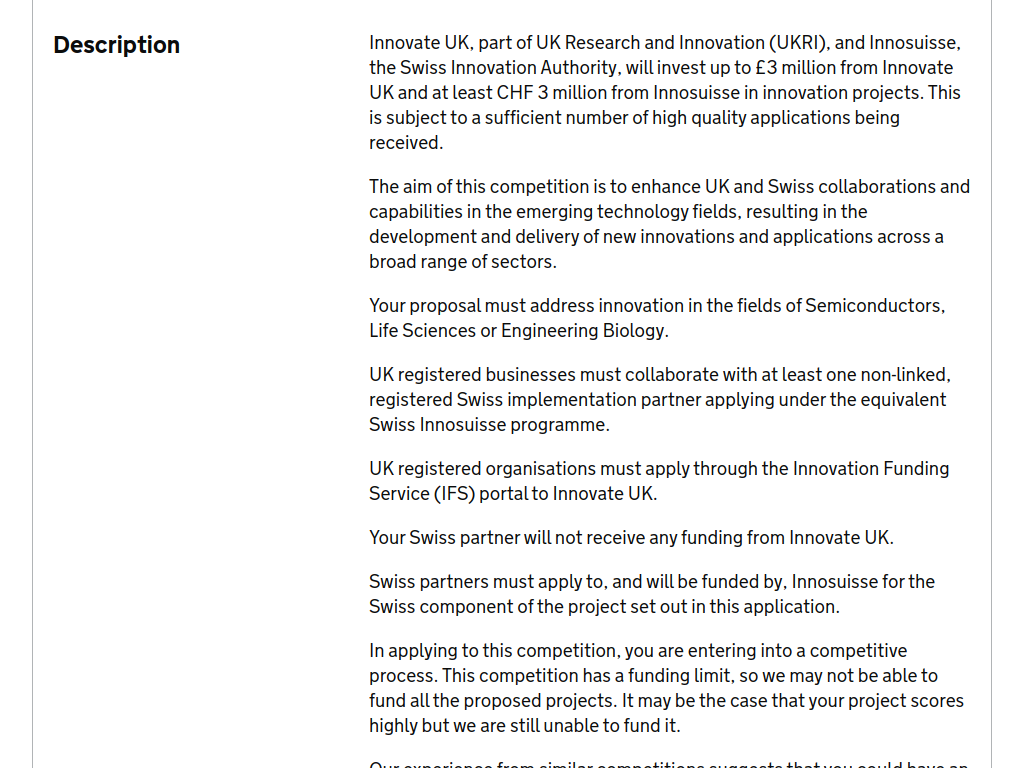

The UK-Switzerland Collaborative R&D Round 3, delivered by Innovate UK and Innosuisse, provides grant funding for UK and Swiss organisations working together on innovative projects in semiconductors, life sciences and engineering biology. Innovate UK has allocated up to £3 million, alongside at least CHF 3 million from Innosuisse.
Here’s what you can expect:
Up to £450,000 in UK grant funding per project
A share of up to £3 million from Innovate UK
At least CHF 3 million separately available from Innosuisse for Swiss partners
Projects lasting 18–36 months
Funding for feasibility studies, industrial research and experimental development
Focus on semiconductors, life sciences and engineering biology
Projects should lead to new products, processes or services with strong commercial potential
Projects must demonstrate genuine collaboration between the UK and Switzerland.
Who can apply?
A UK-registered business of any size must start the UK application
The project must involve at least one grant-claiming UK SME
Applicants must collaborate with at least one independent Swiss implementation partner
The consortium must normally include at least one UK or Swiss research institute
UK partners can also include universities, charities, nonprofits, public-sector organisations and RTOs
No single country or project partner can account for more than 70% of the total project costs
Projects must demonstrate a clear route towards commercialisation.
Funding rates: For feasibility and industrial research, UK businesses can receive up to 70% for micro/small businesses, 60% for medium businesses and 50% for large businesses. Experimental development rates are up to 45%, 35% and 25% respectively.
Application deadline: 3 September 2026 at 11:00am UK time.
Recommended Comments
Join the conversation
You can post now and register later. If you have an account, sign in now to post with your account.
Note: Your post will require moderator approval before it will be visible.