


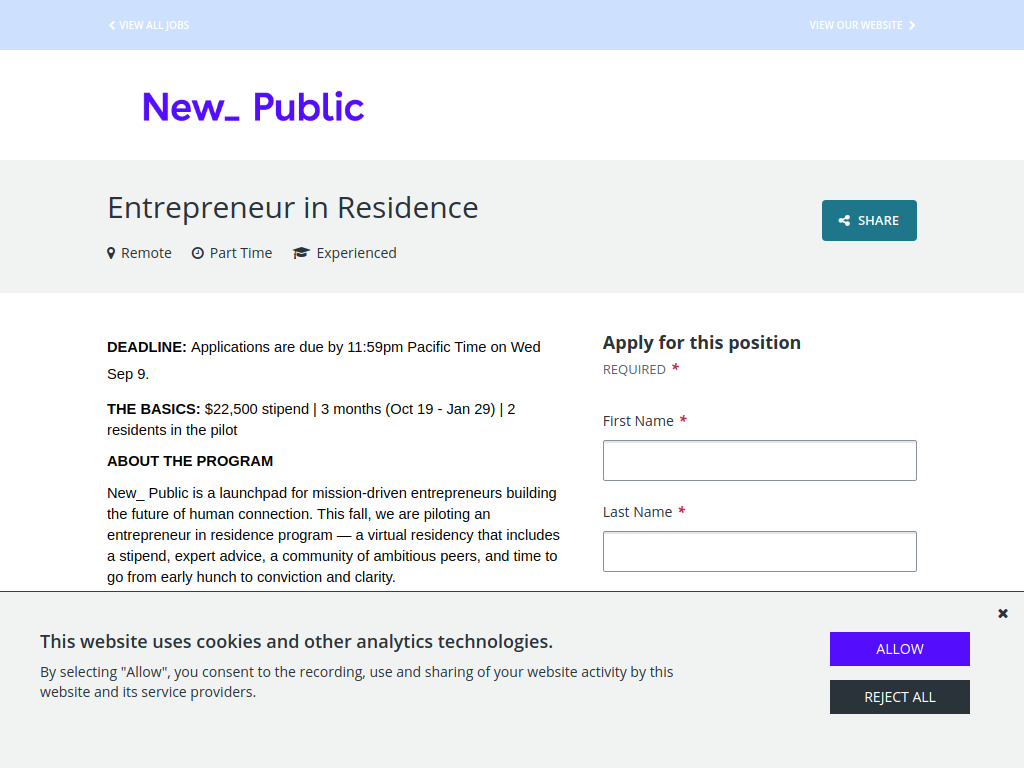

The New_ Public Entrepreneur in Residence Programme is a three-month virtual residency for entrepreneurs developing new technology that could create healthier online communities and better ways for people to connect and access local information. Two entrepreneurs will be selected for the pilot cohort.
Here’s what you can expect:
$22,500 stipend over three months
An additional $1,500 towards an AI coding tool
$24,000 total financial support per resident
No equity taken
Hands-on product and strategy support
Office hours with senior New_ Public staff
Advice from external experts
Access to five years of research covering platform design, moderation, governance and community stewardship
Introductions to technology companies, startups, researchers and philanthropic partners
Potential introductions for user testing, partnerships, product feedback and fundraising
In-person cohort retreat in Philadelphia, with travel expenses covered
Time to prototype, test assumptions and develop an early idea into a viable product.
Who can apply?
Entrepreneurs based in the United States, Canada or Mexico
Solo founders and individual entrepreneurs
People with an early-stage idea are welcome — a working product isn't required
Applicants should be interested in building healthier social technology
Ideas should focus on human-to-human connection, local and civic information environments, or both
Applicants should ideally be able to work full-time on their project during the residency
Applicants must be available for the October onboarding in Philadelphia.
The current pilot isn't open to UK founders, but New_ Public says it plans to open the programme to UK and EU applicants from Spring 2027.
Deadline: 9 September 2026 at 11:59pm Pacific Time.
Recommended Comments
Join the conversation
You can post now and register later. If you have an account, sign in now to post with your account.
Note: Your post will require moderator approval before it will be visible.