


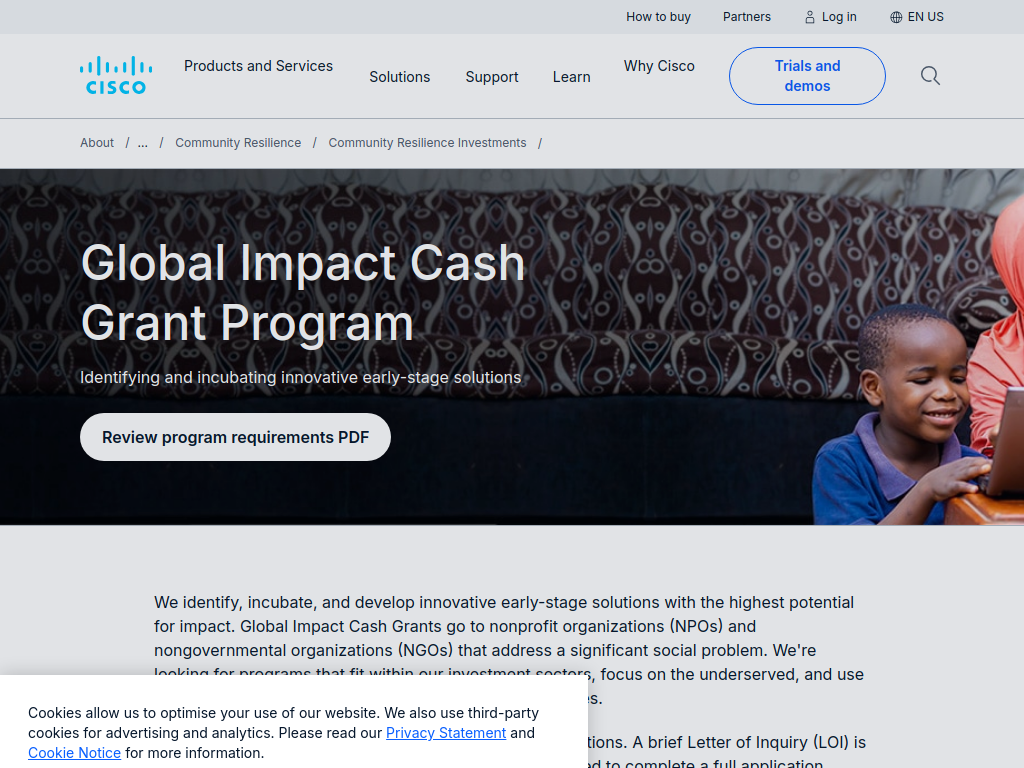

The Cisco Global Impact Cash Grant Program supports nonprofits and NGOs developing innovative, technology-enabled solutions to significant social challenges, particularly programmes serving economically underserved communities.
Here’s what you can expect:
Up to $100,000 for first-time grant recipients
Cash grant funding for eligible programmes
Applications accepted throughout the year
Support for innovative, scalable social-impact solutions
Funding for programmes using technology to increase reach and efficiency
Projects should have measurable outcomes and clear impact metrics
Solutions should have potential to be replicated and scaled
Programmes must primarily benefit underserved communities
Funding can support programme-related costs, although general operating costs aren't normally eligible.
Cisco prioritises four main areas:
Crisis Response – food, housing, secure connectivity, disaster relief and other essential needs
Education – skills, learning, student engagement and educational opportunities
Economic Opportunity – employment, entrepreneurship, skills development and financial inclusion
Climate Resilience – regenerative agriculture, conservation, clean energy, education and resilient communities.
Who can apply?
Nonprofit organisations
Nongovernmental organisations (NGOs)
US organisations recognised as 501(c)(3) public charities
Organisations outside the US that can demonstrate equivalency to a US public charity
Organisations operating nationally or internationally
Programmes where more than 65% of beneficiaries are economically underserved
Organisations with overhead generally no higher than 25%
Applicants whose programmes fit at least one of Cisco's four priority areas
Individuals aren't eligible
Healthcare-focused programmes, research programmes, schools, scholarships and most events aren't eligible.
The application starts with an eligibility quiz, followed by a Letter of Inquiry (LOI). Organisations that are a strong fit are then invited to submit a full proposal.
Deadline: Rolling – applications accepted year-round.