


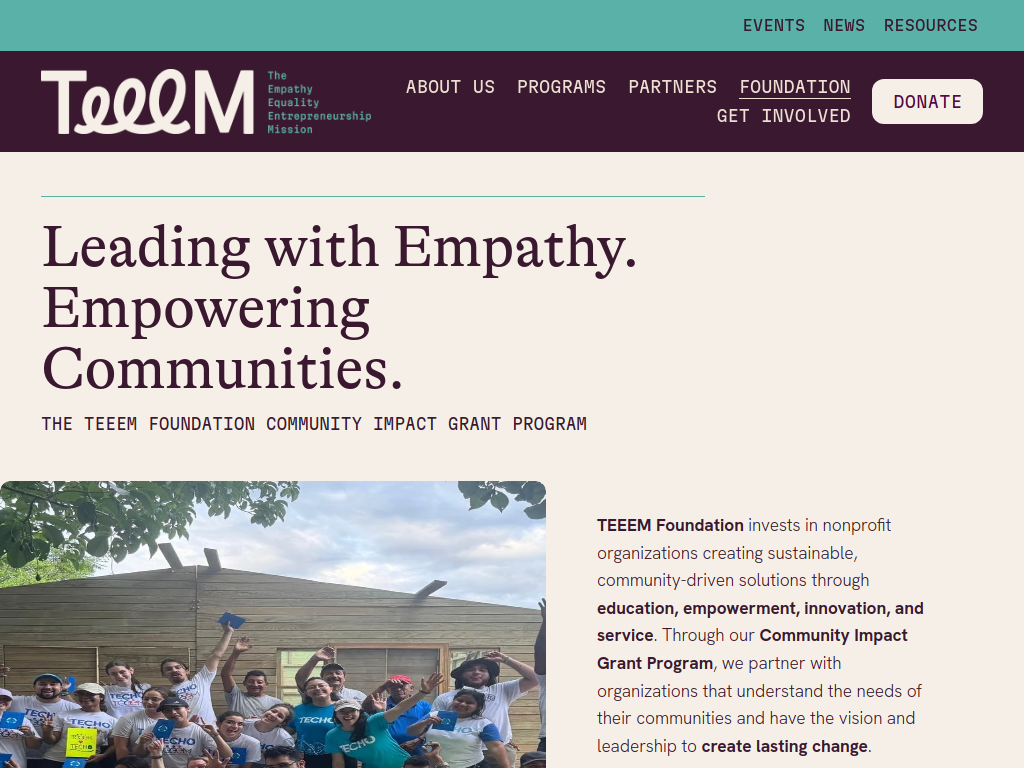

The TEEEM Foundation Community Impact Grant Program supports nonprofit and charitable organisations delivering sustainable, community-led projects that improve lives through education, health, equality, entrepreneurship and community development.
Here’s what you can expect:
Community Grants: $5,000–$10,000
Growth Grants: $10,000–$20,000
Transformational Grants: $20,000–$30,000
Requests outside these ranges may still be considered
Awards may be funded either fully or partially
Support for grassroots and local community projects
Funding to expand successful existing programmes
Support for larger-scale initiatives capable of creating sustainable long-term change
Projects should demonstrate measurable community impact and responsible financial management.
Funding can support:
Education and youth development
Health and essential needs
Food security and medical care
Equality and empowerment
Female empowerment and gender equity
Entrepreneurship and economic opportunity
Skills and livelihoods
Community infrastructure
Sustainable community-led initiatives.
Who can apply?
Nonprofit organisations
Charitable organisations
Organisations delivering community-centred solutions
Organisations demonstrating strong leadership and financial stewardship
Applicants with projects creating sustainable and measurable impact
Organisations working in areas aligned with TEEEM's focus on empathy, equality, entrepreneurship, service and social impact
The programme supports organisations and communities around the world.
Successful organisations must provide progress and final impact reports, financial updates and evidence showing the impact of the funded work.
Deadline: 1 November 2026.
Recommended Comments
Join the conversation
You can post now and register later. If you have an account, sign in now to post with your account.
Note: Your post will require moderator approval before it will be visible.