


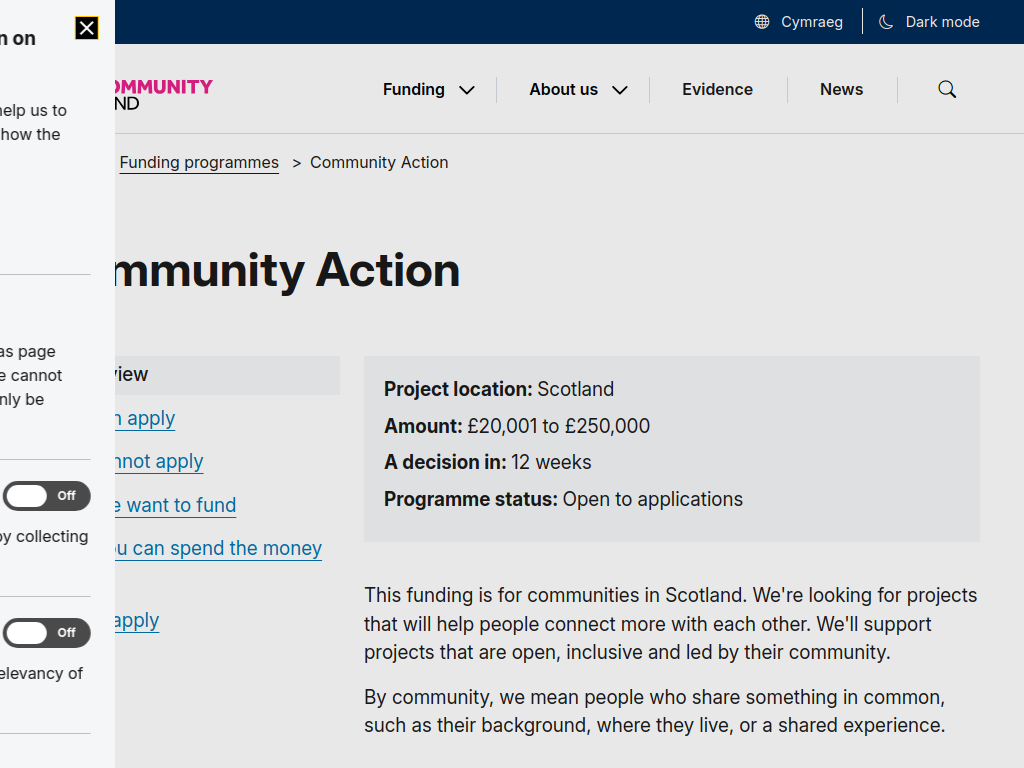

The National Lottery Community Fund is offering grants of £20,001 to £250,000 through its Community Action programme, supporting organisations delivering inclusive, community-led projects across Scotland.
The programme aims to strengthen community connections, reduce inequalities, improve wellbeing and support initiatives that make a lasting difference to local communities.
Funding is available for both new and existing projects, with grants covering activities and initiatives lasting up to five years.
Who Can Apply?
The programme welcomes organisations of all sizes and experience levels delivering community-led projects in Scotland.
Applicants must demonstrate how their projects will:
Bring people together through activities, shared spaces or online initiatives.
Reach and support people experiencing poverty, disadvantage or discrimination.
Involve community members in developing ideas, planning activities and making decisions.
Build on existing community strengths, skills and experiences.
Address gaps in local services or activities.
Important: Projects must benefit communities in Scotland and demonstrate genuine community involvement and leadership.
What Can the Funding Support?
1. Community Activities and Social Connections
Community events, workshops and group activities.
Projects bringing people together and reducing isolation.
Inclusive spaces encouraging participation and belonging.
Initiatives strengthening relationships between community members.
2. Health and Wellbeing
Community-led activities supporting mental and physical wellbeing.
Projects reducing loneliness and social isolation.
Initiatives improving access to wellbeing opportunities.
Activities supporting people experiencing disadvantage.
3. Nature and Environmental Projects
Projects helping communities connect with nature.
Community environmental improvement initiatives.
Activities encouraging environmental awareness and participation.
Projects making a positive difference to local environments.
4. Community Development and Inclusion
Projects supporting disadvantaged or underrepresented communities.
Activities developing local skills and confidence.
Community-led initiatives addressing gaps in services.
Projects helping residents shape decisions affecting their communities.
What Outcomes Must Projects Achieve?
Applicants must demonstrate how their project will achieve at least two of the following four outcomes:
Build positive relationships.
Support people's health or wellbeing.
Improve access and connection to nature.
Make a positive difference to the environment.
Projects can address more than two outcomes, although doing so will not increase their likelihood of receiving funding.
Funding Available
Grant Amount: £20,001–£250,000.
Funding Duration: Up to five years.
Eligible Location: Scotland only.
Eligible Projects: New and existing community-led initiatives.
Application Status: Open.
Application Deadline: Rolling applications – no fixed closing date published.
Expected Decision Time: 12 weeks.
Important Funding Condition: Organisations without previous long-term funding of two years or more are unlikely to receive grants exceeding £100,000 in total.
How to Apply
Interested organisations should visit the official National Lottery Community Fund website to review the programme requirements and begin the application process.
Applicants should be prepared to explain:
The community their project will support.
How community members have shaped the project.
The activities they intend to deliver.
How the project will achieve at least two programme outcomes.
The funding required and expected project duration.
The funder will discuss the appropriate grant amount and funding period with organisations when they get in touch.