


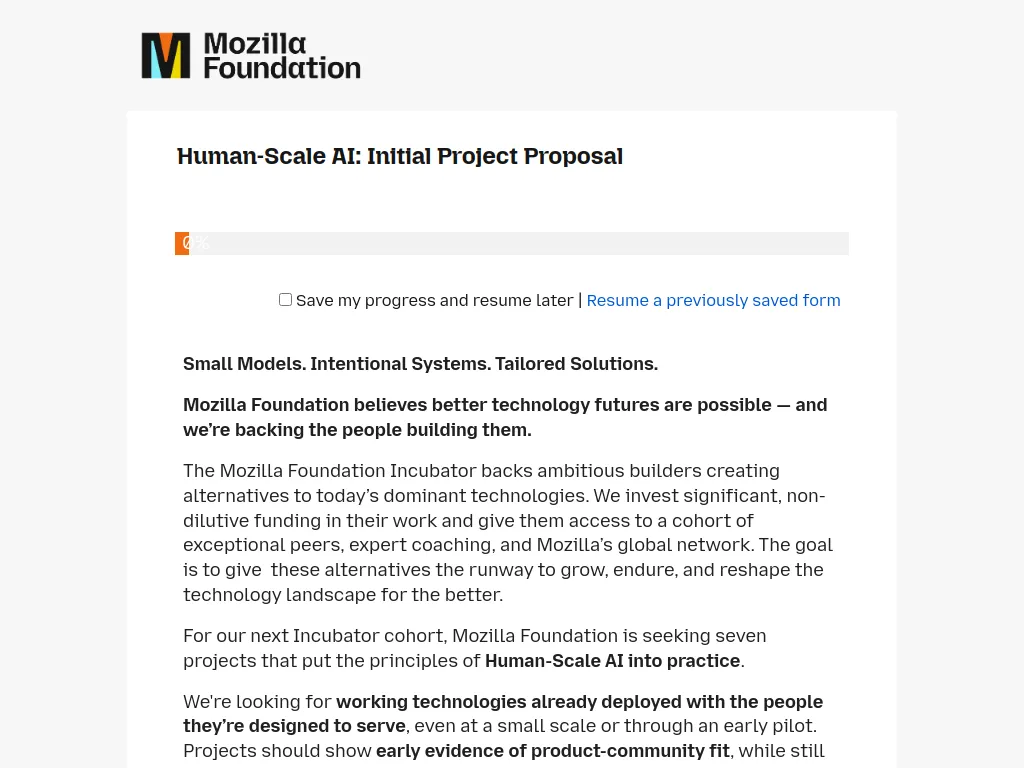

The Mozilla Foundation has opened applications for its Human-Scale AI Incubator 2027, offering up to $500,000 USD per project to support innovative artificial intelligence technologies that prioritise people, privacy, accessibility and community needs.
The programme will support seven projects developing practical alternatives to large-scale AI systems, with a focus on smaller, more efficient technologies that give users greater control over their data.
Successful applicants will receive non-dilutive grant funding, expert coaching, technical support and access to Mozilla's global network.
Who Can Apply?
The programme welcomes eligible applicants, including:
AI startups and technology development teams.
Non-profit organisations and social enterprises.
Independent developers and collaborative technical teams.
Organisations developing community-focused AI solutions.
For-profit businesses whose projects demonstrate a charitable purpose and meaningful public benefit.
Applicants must:
Have a working AI technology already being used or piloted by its intended community.
Demonstrate early evidence of user engagement or community interest.
Develop technology aligned with Mozilla's Human-Scale AI principles.
Have the technical expertise to advance their project.
Be legally eligible to receive grant funding from Mozilla Foundation.
Commit to sharing relevant project outputs, knowledge or resources openly.
Important: Early-stage ideas without working technology are not eligible. Projects must demonstrate genuine technical development and public benefit.
What Projects Are Eligible?
1. Small and Efficient AI Systems
AI models designed to operate with reduced computing resources.
Technologies that can run locally or on low-powered devices.
Energy-efficient AI applications.
Affordable and accessible AI tools.
2. Privacy and User Control
AI systems that protect personal information.
Technologies allowing communities to control their data.
Transparent and accountable AI applications.
Solutions reducing dependence on centralised technology platforms.
3. Community-Focused AI
AI tools designed for underserved communities.
Technologies supporting people with disabilities.
Language and communication tools tailored to specific populations.
AI solutions addressing challenges in resource-constrained environments.
4. Open and Sustainable Technology
Open-source AI tools and infrastructure.
Community-owned technology solutions.
Projects sharing reusable technical resources.
Innovative approaches to sustainable AI development.
Projects should demonstrate all three of Mozilla's principles: Small, Intentional and Tailored.
What Funding and Support Is Available?
1. Initial Grant Funding
$300,000 USD for each selected project.
Twelve months of intensive support beginning in April 2027.
Non-dilutive funding, with no equity surrendered.
2. Additional Funding
Up to $200,000 USD in follow-on funding for projects demonstrating strong progress.
Up to two additional years of tailored support.
Total potential funding of $500,000 USD over three years.
3. Expert Mentorship and Networking
Tailored coaching and technical guidance.
Regular support from Mozilla programme staff.
Access to experienced technologists and industry experts.
Connections with potential funders and partners.
Opportunities to showcase projects at Mozilla Festival.
Programme Details
Maximum Funding: $500,000 USD per project.
Initial Grant: $300,000 USD.
Potential Follow-on Funding: Up to $200,000 USD.
Number of Projects: Seven, including three preselected anchor projects.
Initial Programme Duration: 12 months.
Potential Funding Period: Up to three years.
Location: International, subject to Mozilla Foundation's legal funding restrictions.
Application Status: Open.
Application Deadline: 20 November 2026 at 11:59pm PST (21 November at 7:59am UK time).
Recommended Comments
Join the conversation
You can post now and register later. If you have an account, sign in now to post with your account.
Note: Your post will require moderator approval before it will be visible.