


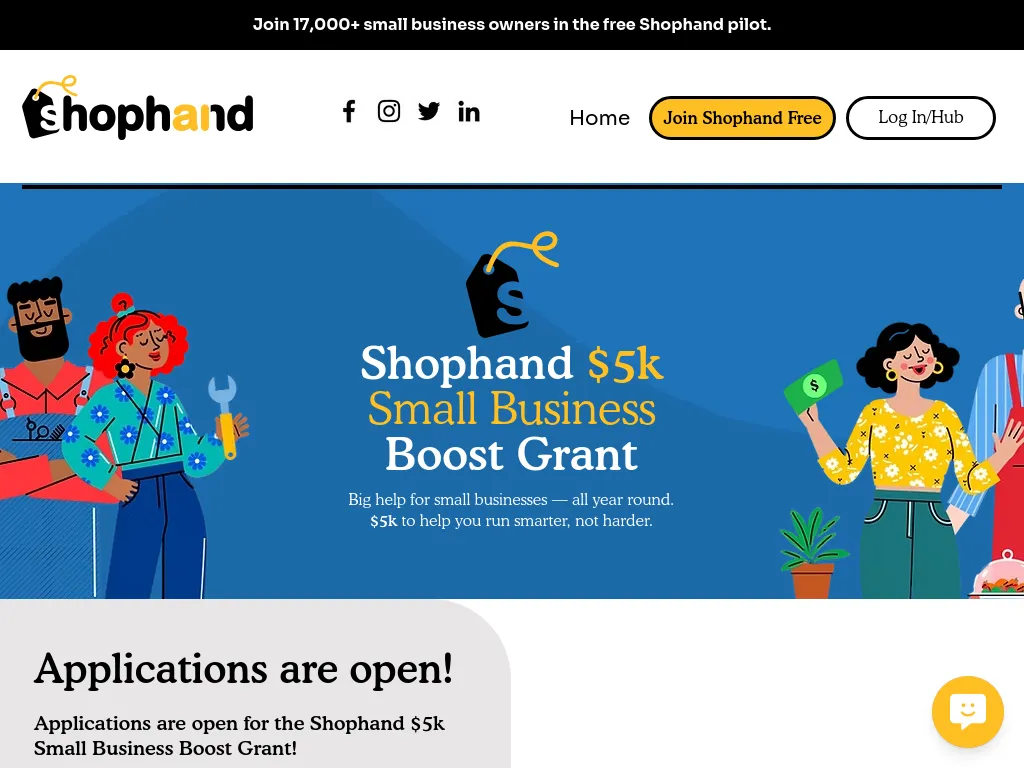

Shophand is offering small business owners $5,000 USD in combined financial assistance and professional business support through its Small Business Boost Grant.
The programme helps entrepreneurs overcome operational and technological challenges, improve productivity and develop more efficient business systems.
Who Can Apply?
Applicants must:
Operate a commercial, for-profit business in the United States.
Employ fewer than 50 people.
Have annual turnover below $5 million.
Be actively trading.
Follow Shophand across its four specified social media platforms.
Sole traders and entrepreneurs without employees are eligible.
Charities, non-profits, UK-based businesses and businesses that have not yet started operating are ineligible.
What Funding Is Available?
Each successful applicant receives:
1. Cash Grant – $2,500
Unrestricted financial support towards business needs.
2. Professional Business Support – $2,500
Service credits towards specialist assistance, potentially covering:
Artificial intelligence and automation.
Marketing and creative services.
IT and software implementation.
Business administration and management.
Sales systems and customer experience.
Operational improvements and training.
How Are Applications Assessed?
Selection considers the applicant's business story, the significance of their challenges, their commitment to improvement and the potential benefits of the award.
Previous customers of Shophand's paid services may receive preferential consideration, although purchasing services is not compulsory.
How to Apply
Visit the official Shophand website, access your account and complete the application.
Applicants should explain their business activities, principal operational challenges and how the award could help.
The application takes approximately 10–15 minutes.
APPLY NOW: https://www.shophand.com/small-business-boost-grant
APPLICATION DEADLINE: 30 NOVEMBER 2026.
WINNER ANNOUNCEMENT: 15 DECEMBER 2026.
Recommended Comments
Join the conversation
You can post now and register later. If you have an account, sign in now to post with your account.
Note: Your post will require moderator approval before it will be visible.