


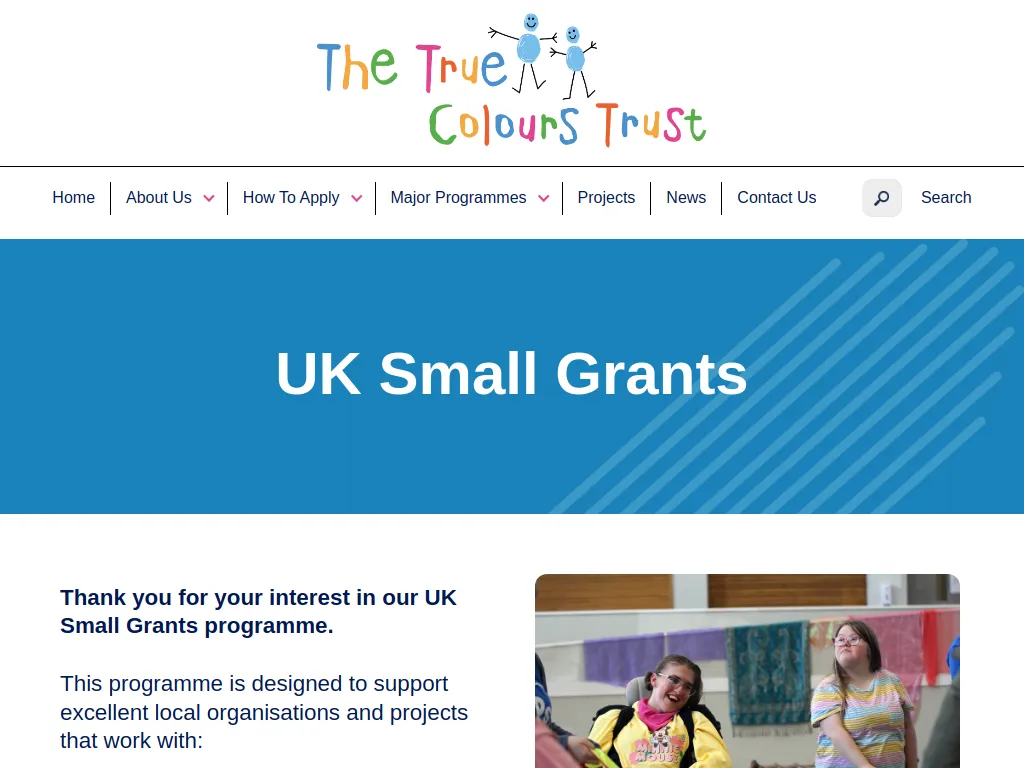

The True Colours Trust is offering grants of up to £10,000 through its UK Small Grants programme, supporting local organisations that improve the quality of life of disabled children and young people, those with life-limiting conditions and their families.
The programme particularly encourages applications from organisations working in areas of high deprivation.
Who Can Apply?
UK-registered charities and CICs with annual income below £350,000.
Organisations with at least one completed year of accounts.
Organisations delivering UK projects for children and young people aged 0–25 and their families.
What Can the Funding Support?
Inclusive recreational activities and specialist play equipment.
Support programmes for siblings.
Bereavement services.
Parent-led support groups.
Family respite activities.
Sensory room and hydrotherapy facility improvements.
Minibuses and accessible transport.
Who Cannot Apply?
Schools, parent-teacher associations, local authorities, condition-specific organisations and individuals are ineligible. Residential breaks, holidays, wish-granting and overseas projects are also excluded.
Funding Details
Maximum Grant: £10,000.
Minimum Grant: Not specified.
Eligible Location: United Kingdom.
Application Deadline: Rolling.
Expected Decision Time: Approximately 12 weeks.
Grant Reporting: Required within 12 months of payment.
How to Apply
Complete the online eligibility questionnaire before submitting an application. Prepare your project budget, latest annual accounts, safeguarding policy and organisational information in advance, as incomplete applications cannot be saved.
Previous recipients must wait two years after receiving payment and submit their grant report before reapplying. Unsuccessful applicants must wait one year.
APPLICATION DEADLINE: ONGOING – NO FIXED DEADLINE.
Recommended Comments
Join the conversation
You can post now and register later. If you have an account, sign in now to post with your account.
Note: Your post will require moderator approval before it will be visible.