



Description
Dear Suppliers
Interested suppliers must submit their offer directly in the system as instructed in the solicitation document, following the instructions in the available user guide. n case you have never registered before, you can register a profile using the registration link shared via the procurement notice and following the instructions in the guides available in UNDP website: https://www.undp.org/procurement/business/resources-for-bidders . Do not create a new profile if you already have one. Use the forgotten password feature in case you do not remember the password or the username from previous registration.
Search for the specific tender using search filters and subscribe to the tender in order to get notifications in case of amendments of the tender document. If you need support with the online system, you can contact the contact details of this tender as indicated in the solicitation document.
Pre-proposal conference will be conducted
Time and time zone: GMT +5, Tashkent Time: 15:00
Date : 24 November 2026
Venue : Virtual via Zoom
https://undp.zoom.us/s/89506883041
The focal point for the arrangement is:
Telephone: +998 78 120 3450
E-mail: [email protected]
The pre-proposal conference is:
☐ mandatory
☒ not mandatory
Minutes of the pre-proposal conference will be disseminated directly in the system .
UNDP Uzbekistan
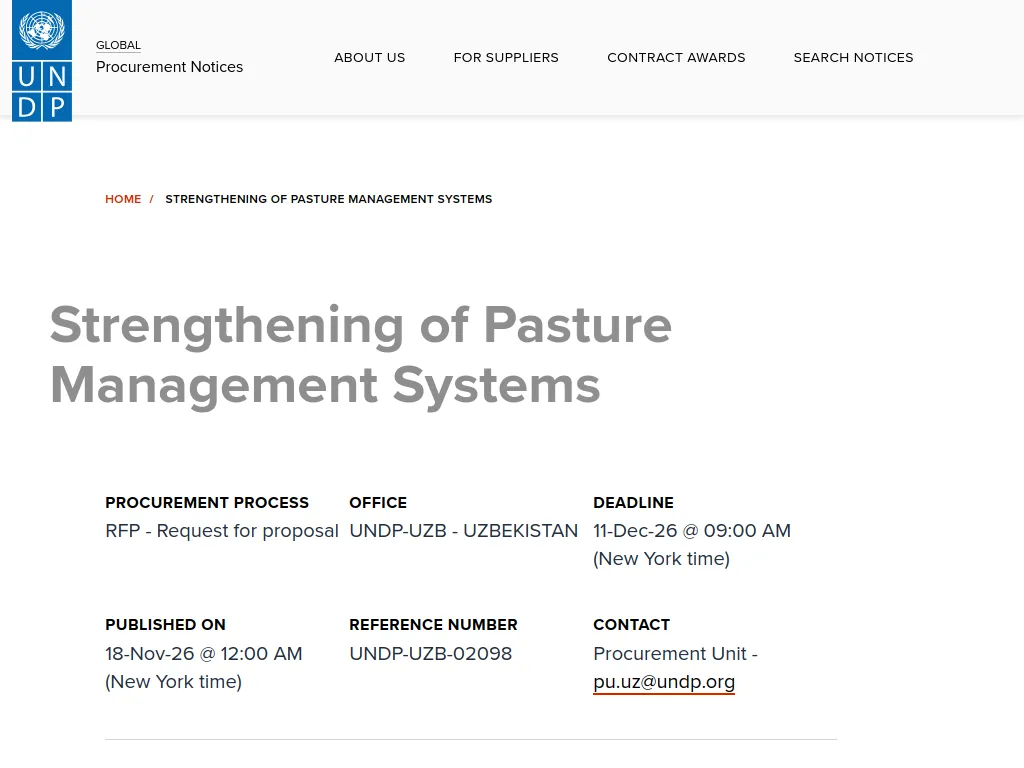
Notice details
- Procurement process: RFP - Request for proposal
- UNDP office: UNDP-UZB/UZBEKISTAN
- Reference: UNDP-UZB-02098
- Deadline: 11-Dec-26 09:00 AM (New York time)
- Posted: 18-Nov-26
Bids are submitted through UNDP's Quantum supplier portal.