



Description
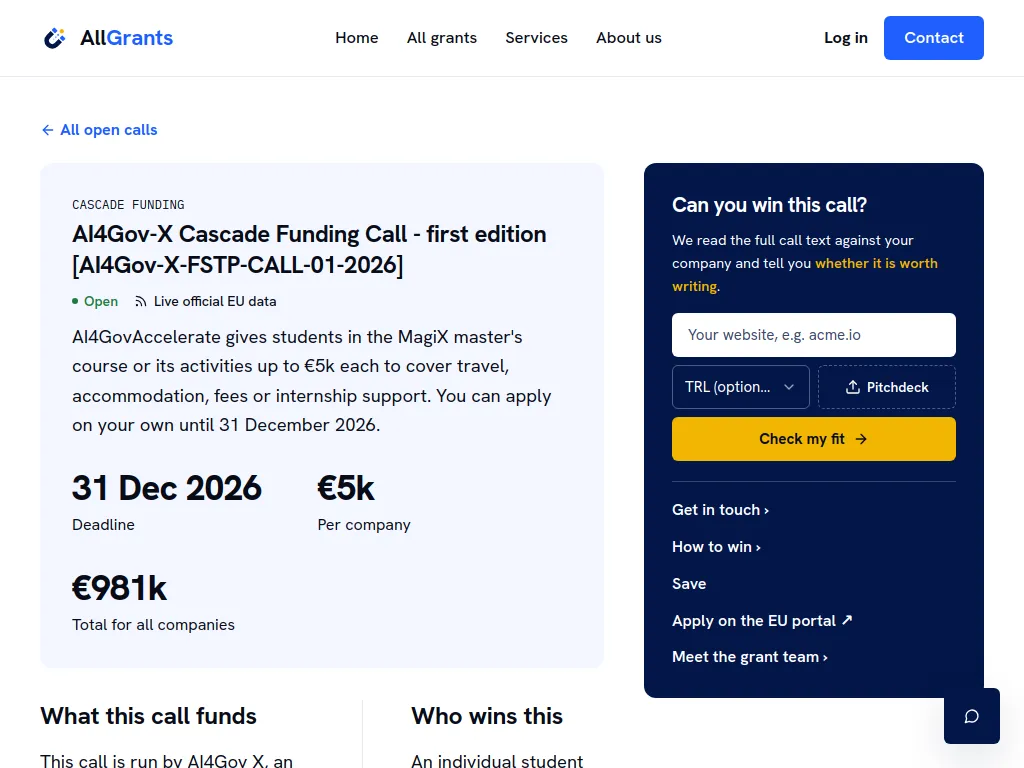
AI4GovAccelerate gives students in the MagiX master's course or its activities up to €5k each to cover travel, accommodation, fees or internship support. You can apply on your own until 31 December 2026.
This call is run by AI4Gov X, an EU funded project, and it funds individual students, not companies. It provides cash grants to students enrolled in the MagiX master's course or its extracurricular activities to cover travel, accommodation and fees, or to support unemployed students doing an internship with a host organisation, by reimbursing part of their internship stipend.
Who it is for
An individual student enrolled in or accepted into the AI4Gov-X MagiX master's course or its extracurricular activities, who is a national of an eligible European country and in the case of the internship track is unemployed and holds an internship contract with a host organisation.
Call details
- Funder / programme: AI4GovAccelerate
- Type of funding: Cascade funding
- Amount: €5k
- Deadline: 31 Dec 2026
- Submission: Multiple cut-offs (rolling call with several deadlines)
- Cut-off dates (5): 30 Jun 2026 · 31 Aug 2026 · 31 Oct 2026 · 31 Dec 2026 · 28 Feb 2027
- Type of action: Cascade funding
- Partners: Not required. You can apply on your own.
- Funding rate: up to 50% of eligible costs for priority 1, equivalent to intern stipend for priority 2
- Support to third parties: Maximum financial support per beneficiary is EUR 5 000 for either priority/objective 1 or 2.
- Also required: Beneficiaries must be natural persons, nationals of an EU country or an eligible non-EU country under the Digital Europe Programme, and for priority 2 must be unemployed with a documented internship contract.
- Sectors: AI/ML · Cybersecurity · Deep Tech