



Description
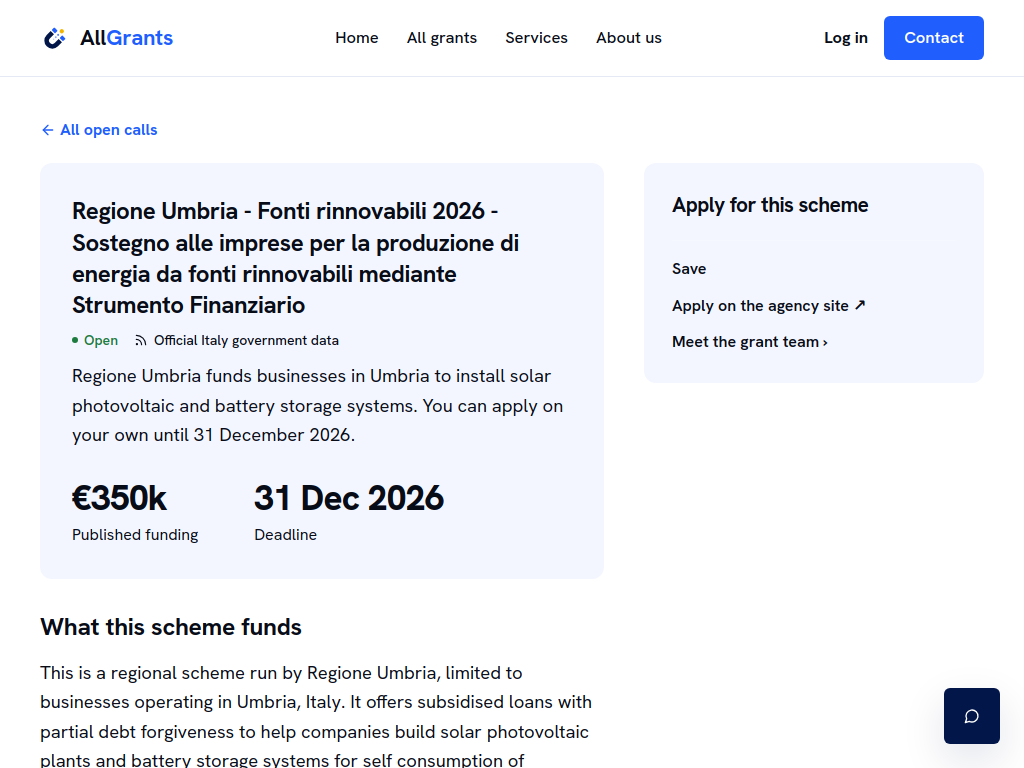
Regione Umbria funds businesses in Umbria to install solar photovoltaic and battery storage systems. You can apply on your own until 31 December 2026.
This is a regional scheme run by Regione Umbria, limited to businesses operating in Umbria, Italy. It offers subsidised loans with partial debt forgiveness to help companies build solar photovoltaic plants and battery storage systems for self consumption of electricity, reducing their energy costs and dependence on external supply. Eligible spending per project ranges from 25,000 to 350,000 euros for professionals, micro and small/medium businesses, or up to 700,000 euros for large enterprises.
Who it is for
A small, medium or large business, freelancer or self employed professional with a production site or office in Umbria that wants to install a solar photovoltaic system and optionally a battery storage system for self consumption.
Call details
- Funder / programme: Regione Umbria - Giunta regionale (Italia)
- Type of funding: Grant
- Amount: €20k to €350k
- Deadline: 31 Dec 2026
- Agency: Regione Umbria - Giunta regionale (Italia)
- Applicant type: Not required. You can apply solo.
- Eligible applicants: micro enterprise, small enterprise, medium enterprise, large enterprise, freelancer, self employed professional, professional partnership
- Funding rate: Loan covers up to 80% for professionals, micro and small enterprises, 65% for medium enterprises and 50% for large enterprises for photovoltaic plants; up to 80% (micro/small), 60% (medium) and 50% (large) for storage systems
- Submission: Multiple cut-offs (rolling call with several deadlines)
- Also required: Applicants must have a production unit or place of business in Umbria, can submit up to three applications for distinct projects at different sites, minimum eligible spend is 25,000 euros, and applications open from 4 September 2026 to 31 December 2026.
- Eligible countries: Italy