



Description
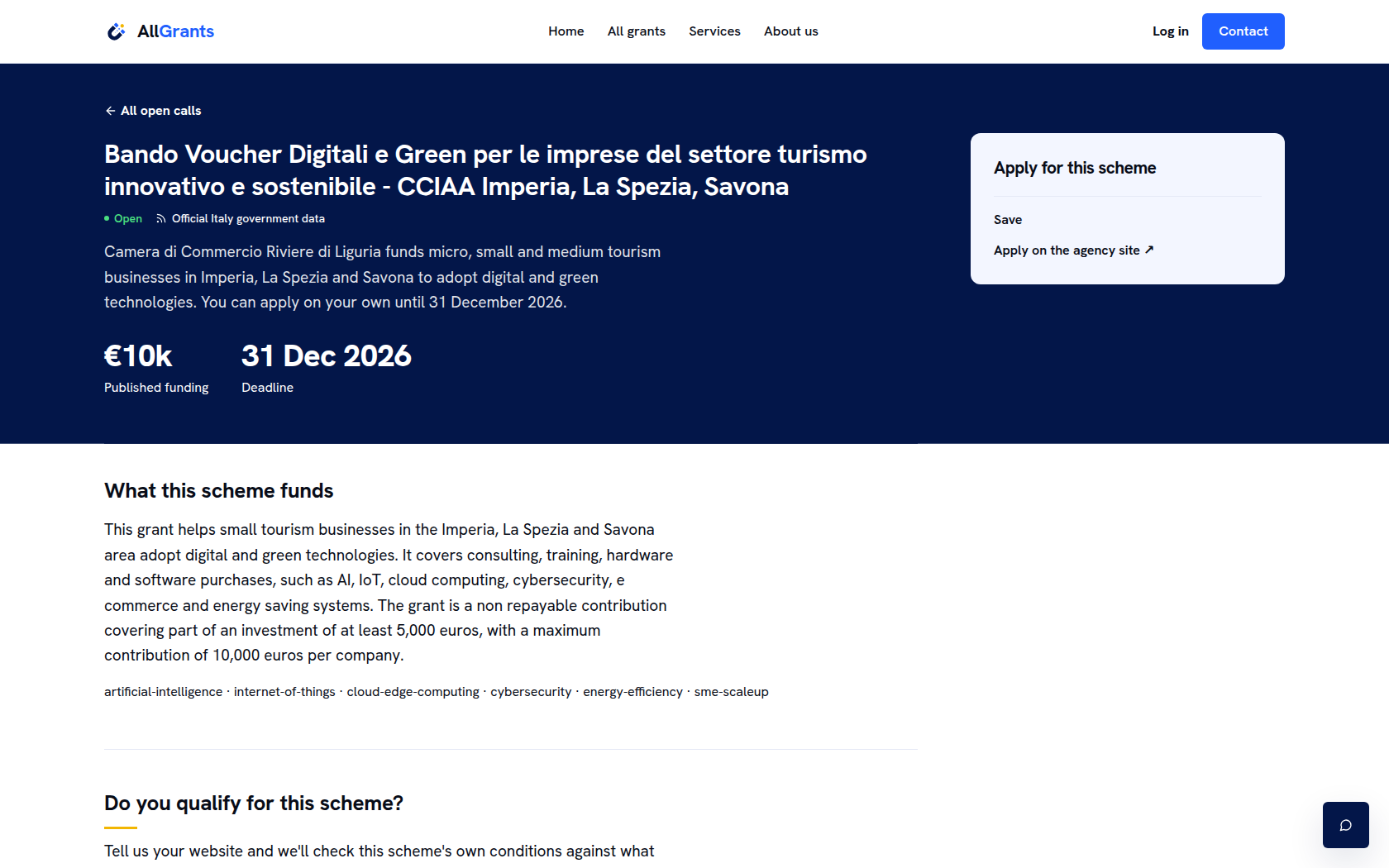
Camera di Commercio Riviere di Liguria funds micro, small and medium tourism businesses in Imperia, La Spezia and Savona to adopt digital and green technologies. You can apply on your own until 31 December 2026.
This grant helps small tourism businesses in the Imperia, La Spezia and Savona area adopt digital and green technologies. It covers consulting, training, hardware and software purchases, such as AI, IoT, cloud computing, cybersecurity, e commerce and energy saving systems. The grant is a non repayable contribution covering part of an investment of at least 5,000 euros, with a maximum contribution of 10,000 euros per company.
Who it is for
A micro, small or medium sized tourism related business (accommodation, restaurants, travel agencies, cultural or recreational services) based in the provinces of Imperia, La Spezia or Savona wanting to invest in digital or green technology upgrades.
Call details
- Funder / programme: Camera di Commercio Industria Artigianato e Agricoltura Riviere di Liguria - Imperia La Spezia Savona (Italia)
- Type of funding: Grant
- Amount: €5k to €10k
- Deadline: 31 Dec 2026
- Agency: Camera di Commercio Industria Artigianato e Agricoltura Riviere di Liguria - Imperia La Spezia Savona (Italia)
- Applicant type: Not required. You can apply solo.
- Eligible applicants: SME, Microimpresa, Piccola Impresa, Media Impresa
- Submission: Multiple cut-offs (rolling call with several deadlines)
- Also required: Applicants must be active MPMIs registered under specific ATECO codes linked to tourism, hospitality, restaurants or cultural services, with legal or operational seat in the provinces of Imperia, La Spezia or Savona, in compliance with DURC and workplace safety rules. Minimum eligible investment is 5,000 euros, with at least 30% spent on consulting or training and up to 70% on equipment or software.
- Eligible countries: Italy