



Description
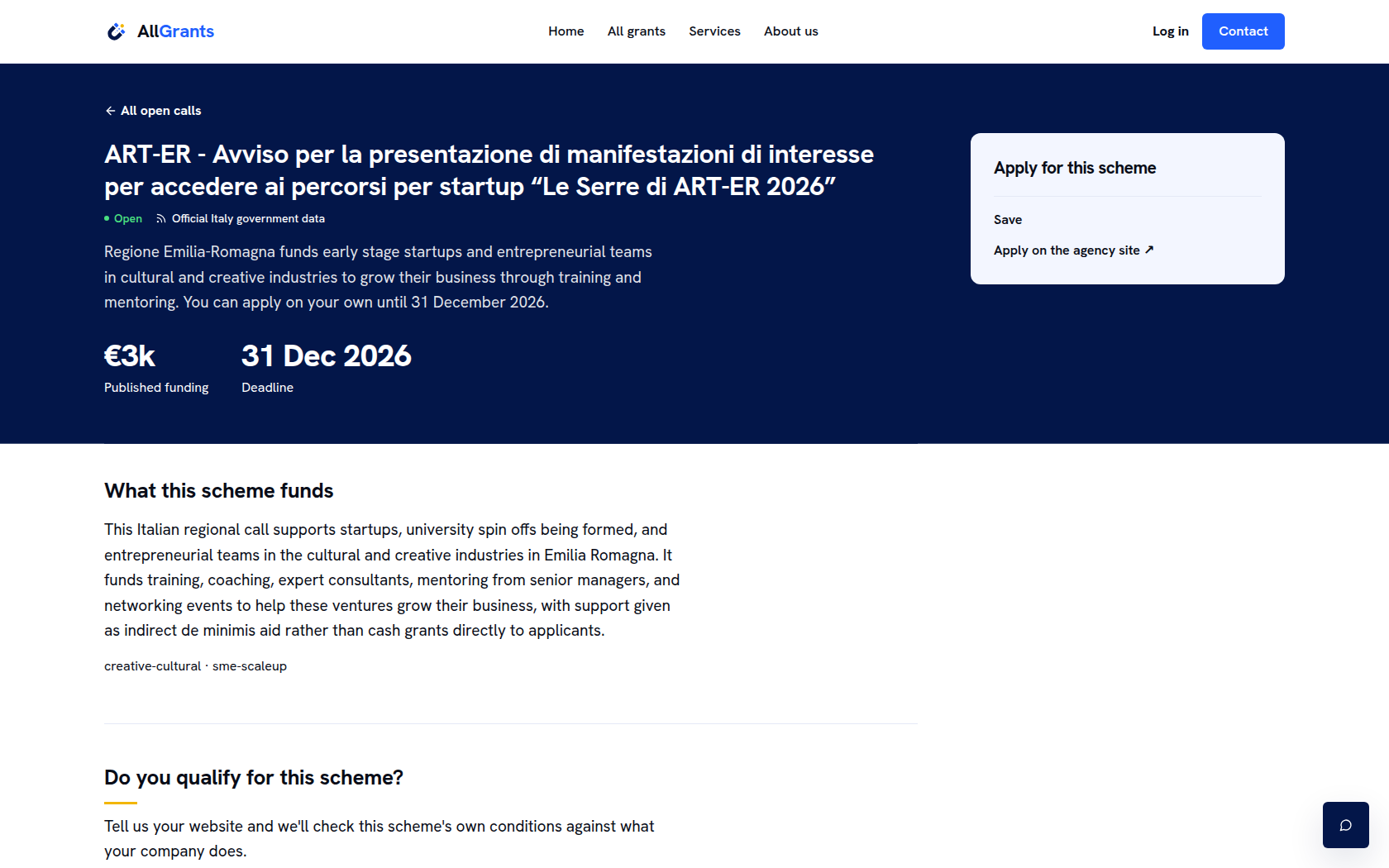
Regione Emilia-Romagna funds early stage startups and entrepreneurial teams in cultural and creative industries to grow their business through training and mentoring. You can apply on your own until 31 December 2026.
This Italian regional call supports startups, university spin offs being formed, and entrepreneurial teams in the cultural and creative industries in Emilia Romagna. It funds training, coaching, expert consultants, mentoring from senior managers, and networking events to help these ventures grow their business, with support given as indirect de minimis aid rather than cash grants directly to applicants.
Who it is for
An early stage startup, university spin off in formation, or small entrepreneurial team of at least two people working in music, audiovisual, fashion, design, visual arts, performing arts, cultural heritage, crafts, or publishing based in or targeting Emilia Romagna.
Call details
- Funder / programme: Regione Emilia-Romagna (Italia)
- Type of funding: Grant
- Amount: €3k
- Deadline: 31 Dec 2026
- Agency: Regione Emilia-Romagna (Italia)
- Applicant type: Not required. You can apply solo.
- Eligible applicants: startup, SME, university spin off, team to be incorporated
- Submission: Multiple cut-offs (rolling call with several deadlines)
- Support to third parties: Indirect de minimis aid in the form of services (training, coaching, expert consultants, mentoring, networking) up to a maximum of 2,892.95 euro per admitted enterprise.
- Also required: Applicant teams must consist of at least two people and operate in the cultural and creative industries sectors listed in the call, such as music, audiovisual, fashion, architecture and design, visual arts, performing arts, cultural heritage, crafts, and publishing.
- Eligible countries: Italy