



Description
This Funding Opportunity Announcement (FOA) encourages the submission of applications that propose to advance research in cancer etiology and early detection biomarkers, utilizing the advantages of the unique biorepository resources of the NCI-sponsored Prostate, Lung, Colorectal, and Ovarian Cancer (PLCO) Screening Trial. The PLCO Biorepository offers high-quality, prospectively collected, serial pre-diagnostic blood samples from the PLCO screened arm participants, and a onetime collection of buccal cells from the control arm participants. Available data associated with the biospecimens includes demographic, diet, lifestyle, smoking, screening results, and clinical data. This FOA supports a wide range of cancer research including, but not limited to, biochemical and genetic analyses of cancer risk, as well as discovery and validation of early detection biomarkers. The proposed research project must involve use of PLCO biospecimens; additionally, it should also take advantage of the unique characteristics of the PLCO biospecimens. Research projects that do not involve the use of PLCO biospecimens will not be supported under this FOA.
Who can apply
Other Eligible Applicants include the following: Alaska Native and Native Hawaiian Serving Institutions; Asian American Native American Pacific Islander Serving Institutions (AANAPISISs); Eligible Agencies of the Federal Government; Faith-based or Community-based Organizations; Hispanic-serving Institutions; Historically Black Colleges and Universities (HBCUs); Indian/Native American Tribal Governments (Other than Federally Recognized); Non-domestic (non-U.S.) Entities (Foreign Organizations); Regional Organizations; Tribally Controlled Colleges and Universities (TCCUs) ; U.S. Territory or Possession.
Grant details
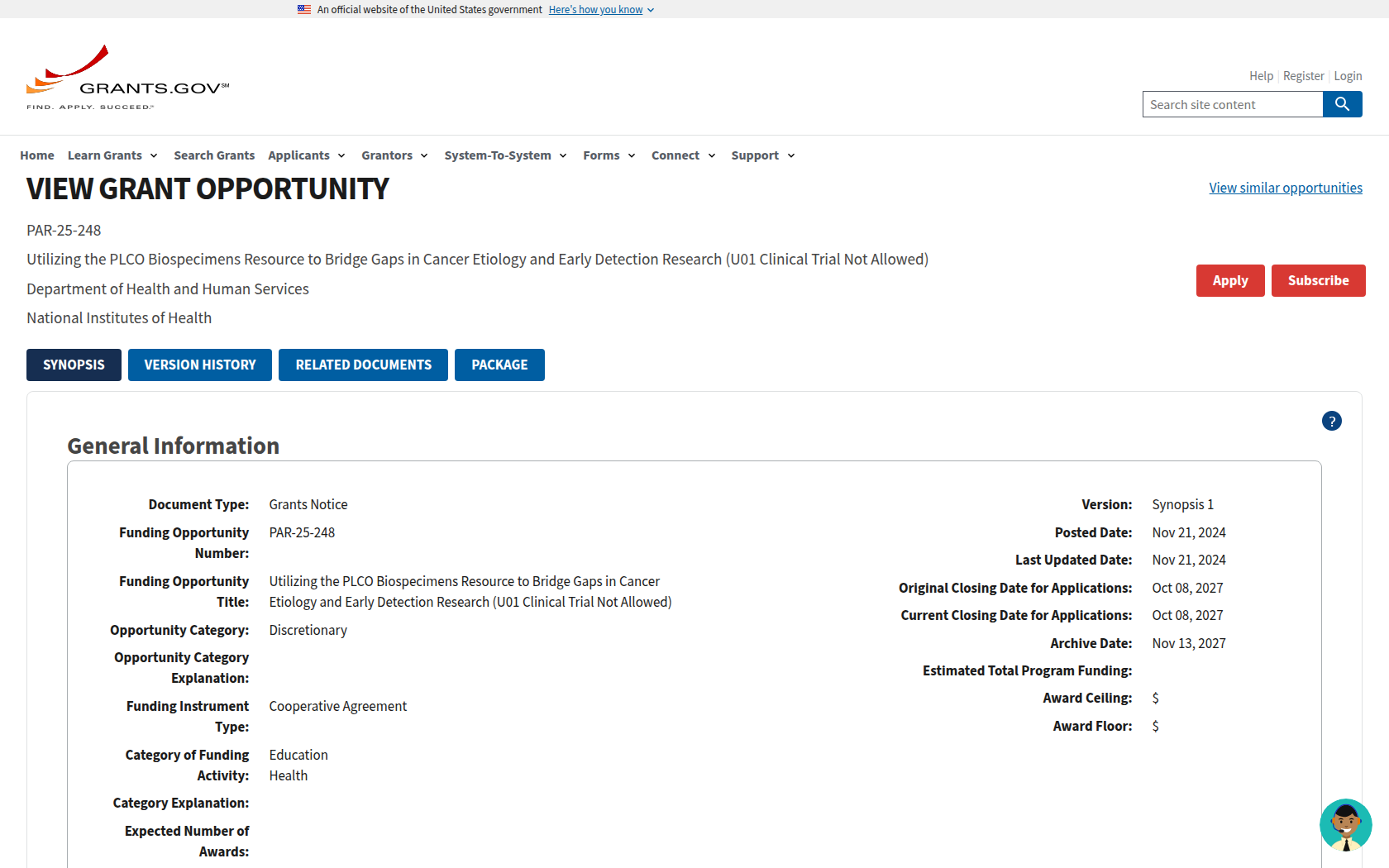
- Agency: National Institutes of Health
- Opportunity number: PAR-25-248
- Status: Open
- Closing date: 2027-10-08