


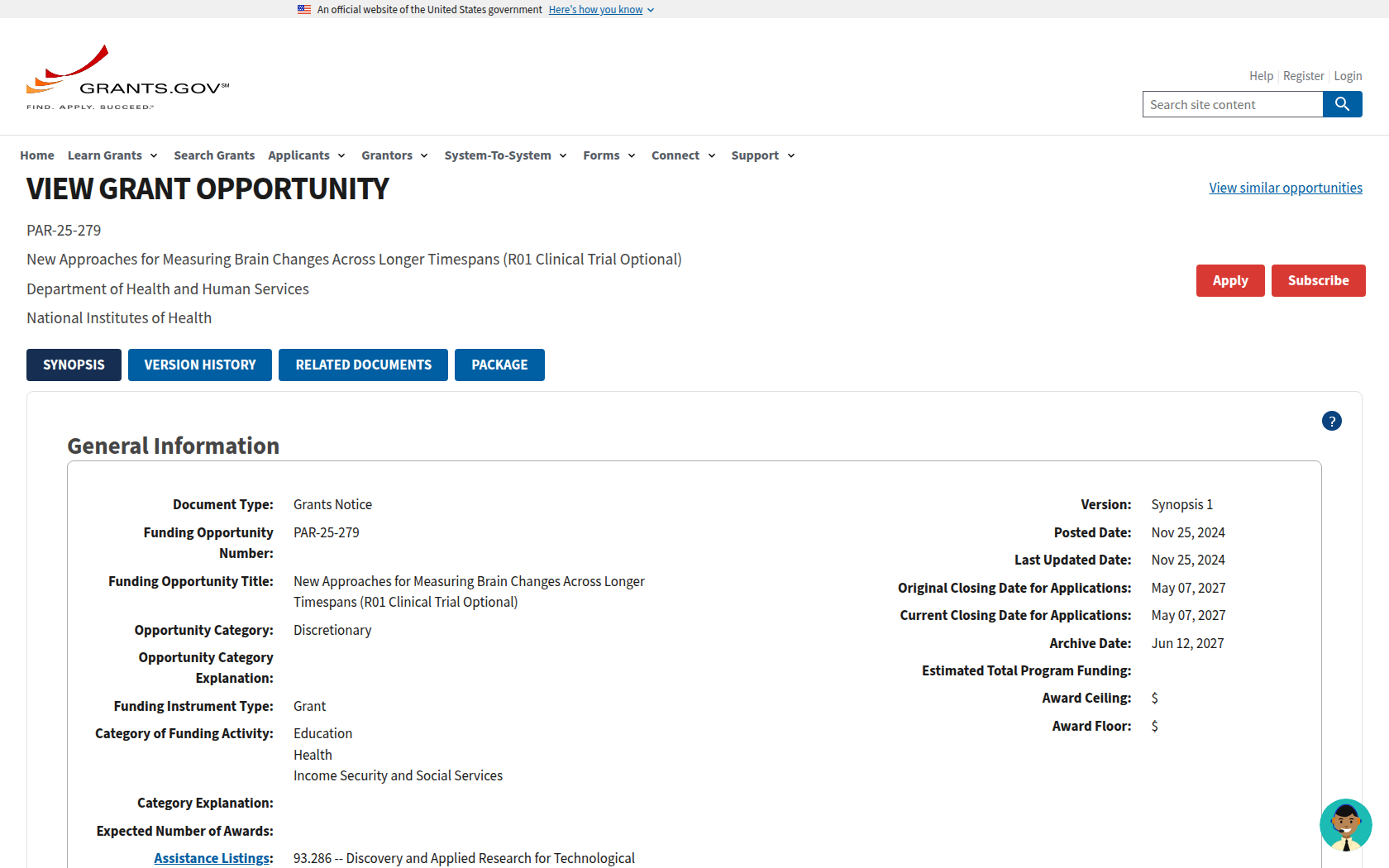

Description
The purpose of this funding opportunity is to encourage multidisciplinary investigators to develop new approaches or apply existing approaches in novel ways to measure brain activity, connectivity, genomics, or other aspects across the age spectrum of neurodevelopment. The overarching goal is to extend our understanding of brain development and aging, including studies of the neurodevelopmental origins of later health and disease. Research can include healthy human participants of any age, specific clinical groups such as those with cognitive, motor, or affective regulation challenges, and/or animal research on these domains of function. The studies can focus on longitudinal neuroanatomical or functional changes at any level, including genetics/genomics, single cells, connectomics, neural population activity patterns, and others. This funding opportunity is intended to encourage technological and conceptual innovation to improve repeated measures across longer epochs of the lifespan, to better predict outcomes at later ages.
Who can apply
Other Eligible Applicants include the following: Alaska Native and Native Hawaiian Serving Institutions; Asian American Native American Pacific Islander Serving Institutions (AANAPISISs); Eligible Agencies of the Federal Government; Faith-based or Community-based Organizations; Hispanic-serving Institutions; Historically Black Colleges and Universities (HBCUs); Indian/Native American Tribal Governments (Other than Federally Recognized); Non-domestic (non-U.S.) Entities (Foreign Organizations); Regional Organizations; Tribally Controlled Colleges and Universities (TCCUs) ; U.S. Territory or Possession.
Grant details
- Agency: National Institutes of Health
- Opportunity number: PAR-25-279
- Status: Open
- Closing date: 2027-05-07