



Description
Through this Notice of Funding Opportunity (NOFO), entitled "Toward Translation of Nanotechnology Cancer Interventions" (TTNCI), the National Cancer Institute (NCI) encourages applications for advanced pre-clinical research, supporting translation of nanotechnology-based cancer diagnostics and therapeutics. TTNCI awards are designed to mature experimental nanomedicines relying on nanoparticles and nano-devices which demonstrate strong potential to improve cancer treatment effectiveness due to the combination of nanoparticle/nano-device structural design and/or therapeutic/diagnostic cargo which is delivered. TTNCI awards are expected to enable further development of proposed nanotechnology-based interventions to the stage in which they could continue on a developmental path towards the NCI Experimental Therapeutics (NExT) and other NCI translational programs.
Who can apply
Other Eligible Applicants include the following: Alaska Native and Native Hawaiian Serving Institutions; Asian American Native American Pacific Islander Serving Institutions (AANAPISISs); Eligible Agencies of the Federal Government; Faith-based or Community-based Organizations; Hispanic-serving Institutions; Historically Black Colleges and Universities (HBCUs); Indian/Native American Tribal Governments (Other than Federally Recognized); Non-domestic (non-U.S.) Entities (Foreign Organizations); Regional Organizations; Tribally Controlled Colleges and Universities (TCCUs) ; U.S. Territory or Possession; Non-domestic (non-U.S.) Entities (Foreign Organizations) are not eligible to apply. Non-domestic (non-U.S.) components of U.S. Organizations are not eligible to apply. Foreign components, as defined in the NIH Grants Policy Statement, are allowed.
Grant details
- Agency: National Institutes of Health
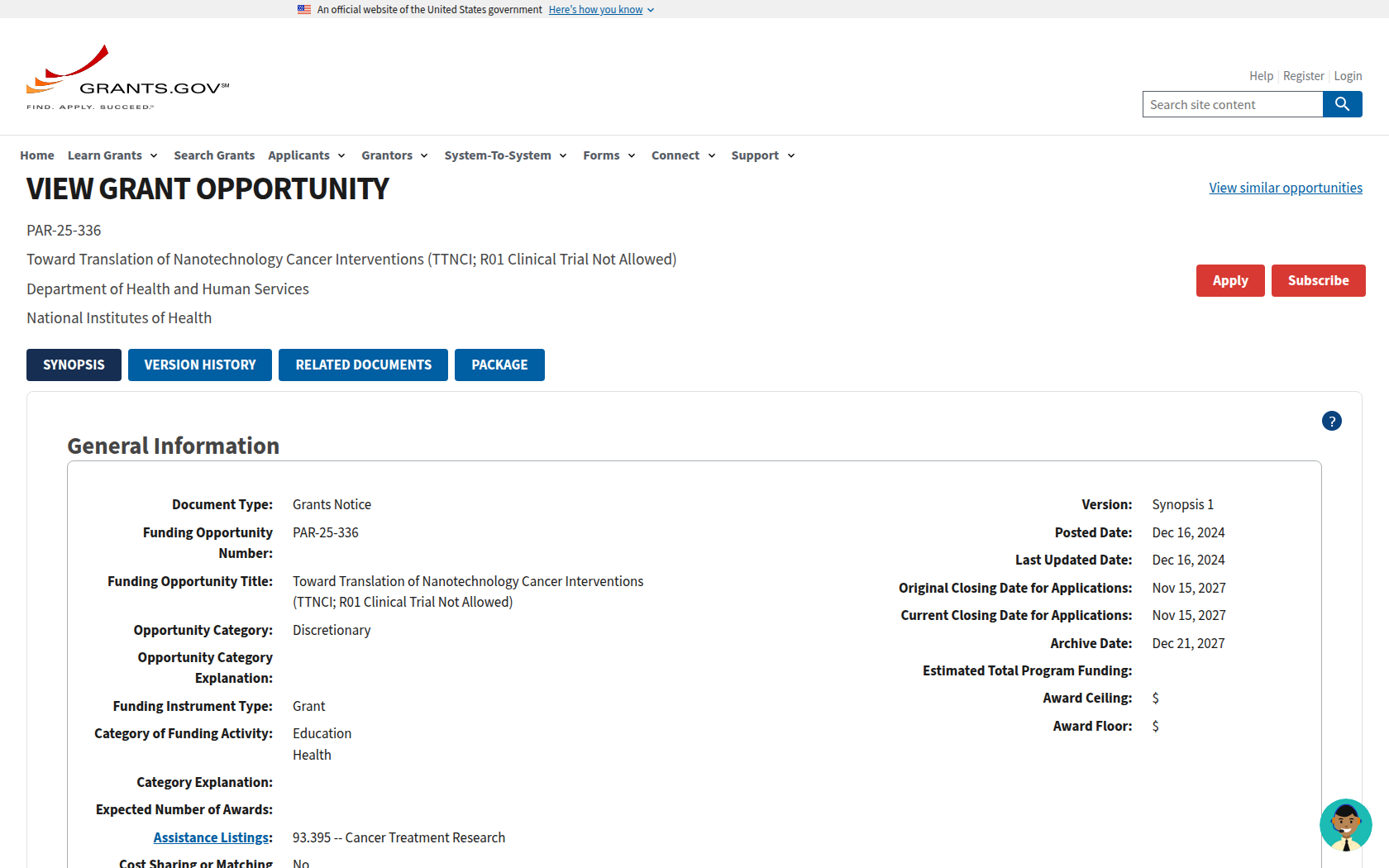
- Opportunity number: PAR-25-336
- Status: Open
- Closing date: 2027-11-15