



Description
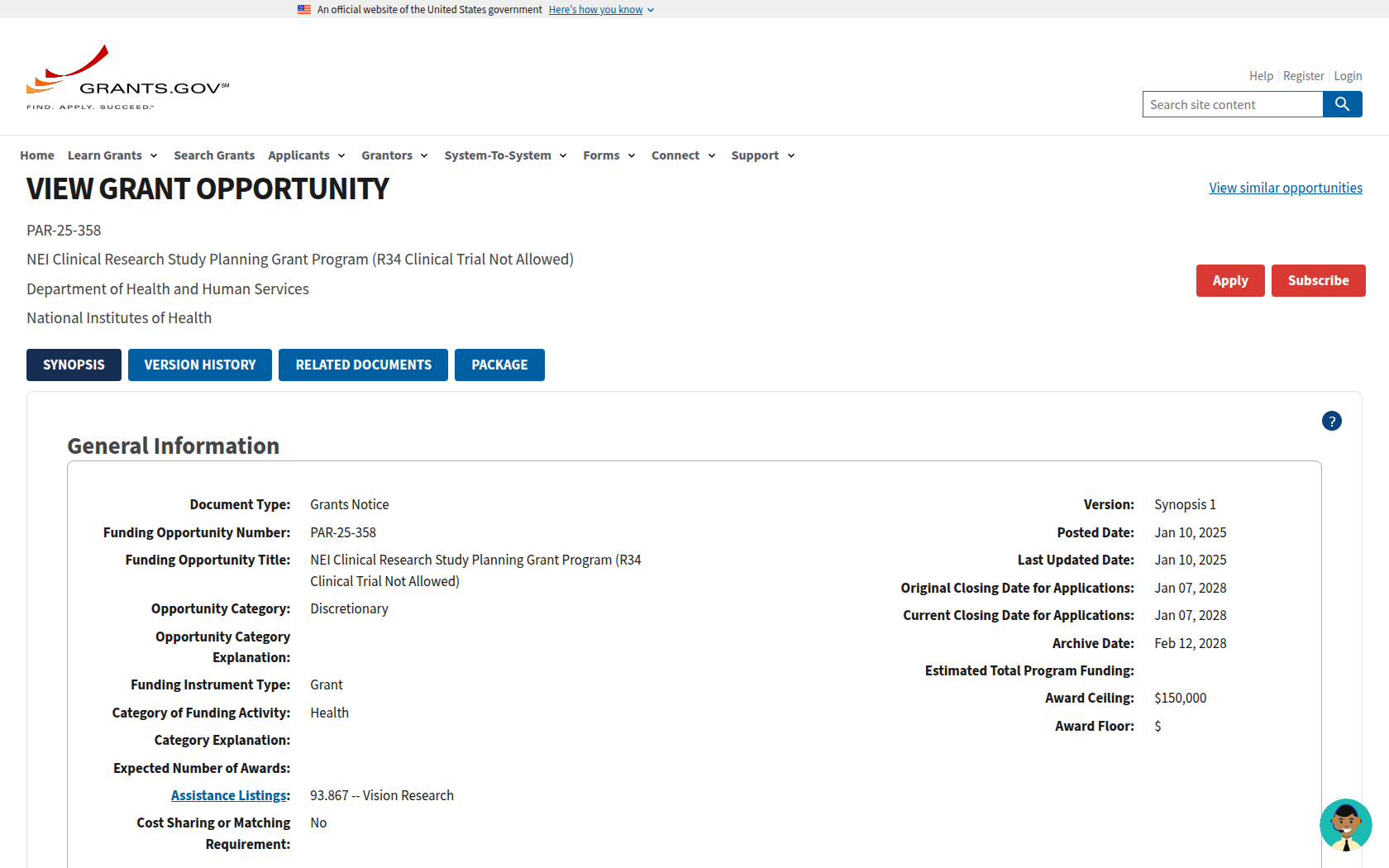
The NEI supports large-scale clinical vision research projects, including randomized clinical trials and epidemiologic studies on eye/vision conditions. At the time of submission, applications requesting support for these activities are expected to provide detailed information regarding the study rationale, design, analytic methods, protocols and procedures, facilities and environment, organizational structure, and collaborative arrangements. This information is best conveyed in a study protocol and Manual of Procedures (MOP), the development of which represents a costly and time-consuming activity. This clinical research planning grant funding opportunity supports applicants in their planning efforts to conduct collaborative clinical research. The grant may be used to support the development of a study protocol and MOP, as well as to conduct preliminary studies to refine study procedures or document recruitment potential. The grant must not be used to generate data on the effects of a proposed intervention. This NEI NOFO is applicable to both epidemiologic and clinical trial research studies.
Who can apply
Other Eligible Applicants include the following: Alaska Native and Native Hawaiian Serving Institutions; Asian American Native American Pacific Islander Serving Institutions (AANAPISISs); Eligible Agencies of the Federal Government; Faith-based or Community-based Organizations; Hispanic-serving Institutions; Historically Black Colleges and Universities (HBCUs); Indian/Native American Tribal Governments (Other than Federally Recognized); Non-domestic (non-U.S.) Entities (Foreign Organizations); Regional Organizations; Tribally Controlled Colleges and Universities (TCCUs) ; U.S. Territory or Possession.
Grant details
- Agency: National Institutes of Health
- Opportunity number: PAR-25-358
- Status: Open
- Award ceiling: $150,000
- Closing date: 2028-01-07