


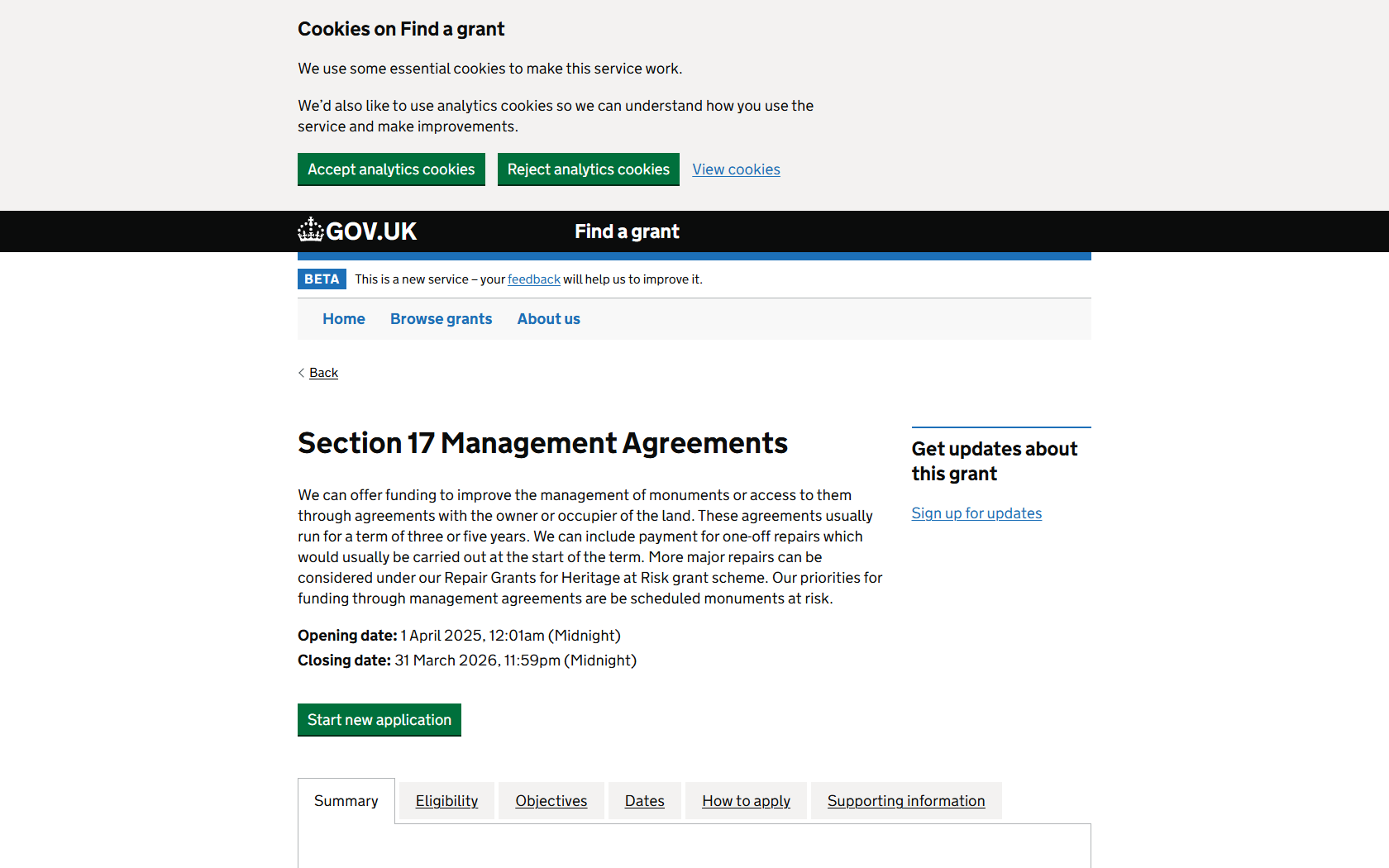

Our research reveals that this grant opportunity offers funding to enhance the management of monuments or their accessibility, facilitated by agreements with the land's owner or occupier. These agreements typically span three or five years and may include payment for one-off repairs usually performed at the term's outset. More significant repairs might be considered under another scheme, the Repair Grants for Heritage at Risk.
Key Points:
- Sponsor: Historic England
- Eligibility: Personal / Individual, Public Sector, Non-profit, Private Sector
- Grant Range: From £100 to £20,000
- Total Grant Scheme: £250,000
- Location: England
Timeframe:
- Opening Date: 1 April 2024, 12:01am (Midnight)
- Closing Date: 31 March 2025, 11:59pm (Midnight)
URL: [Section 17 Management Agreements](https://www.find-government-grants.service.gov.uk/grants/section-17-management-agreements-1)
Source: GOV.UK
Breakdown:
The Section 17 Management Agreements exhibit a dedication to preserving and maintaining monuments at risk. This grant scheme, running from 1 April 2024 to 31 March 2025, invites a broad spectrum of applicants to partake in the betterment of monuments management. The maximum grant per selected project can reach up to £20,000, with a total size of the grant scheme of £250,000. Applicants can stay updated about this grant by signing up for updates.
Based on our research, we are in sync with the program's commitment to improving monument management and preserving English heritage. This unique opportunity aligns with Historic England's mission, providing a chance for a diverse set of applicants to better manage and improve access to some of the nation's most treasured monuments.
Angling for a piece of this valuable funding opportunity can enhance England's cultural heritage while also elevating the reach and impact of an entity's operations and endeavors. It is an excellent chance to be part of a concerted effort to safeguard and celebrate England's rich history and culture.
Recommended Comments
Join the conversation
You can post now and register later. If you have an account, sign in now to post with your account.
Note: Your post will require moderator approval before it will be visible.