_db33a8.png)


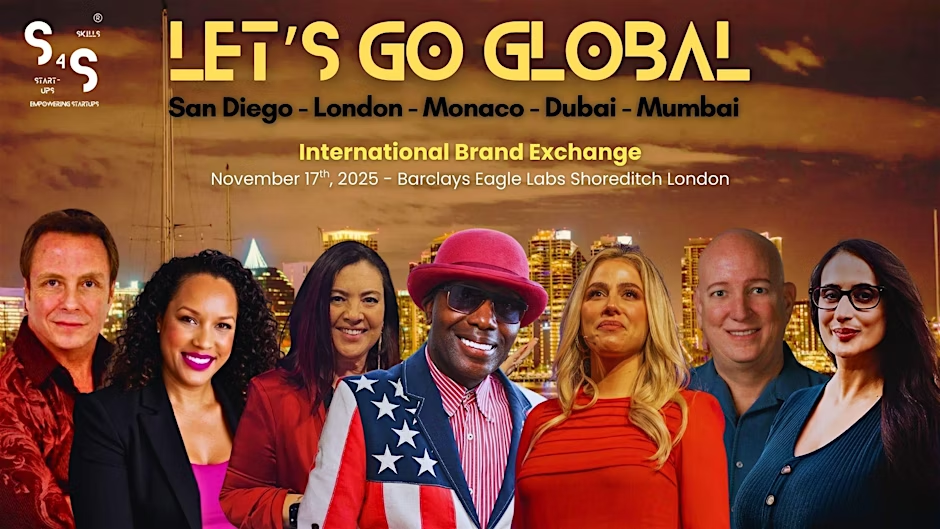
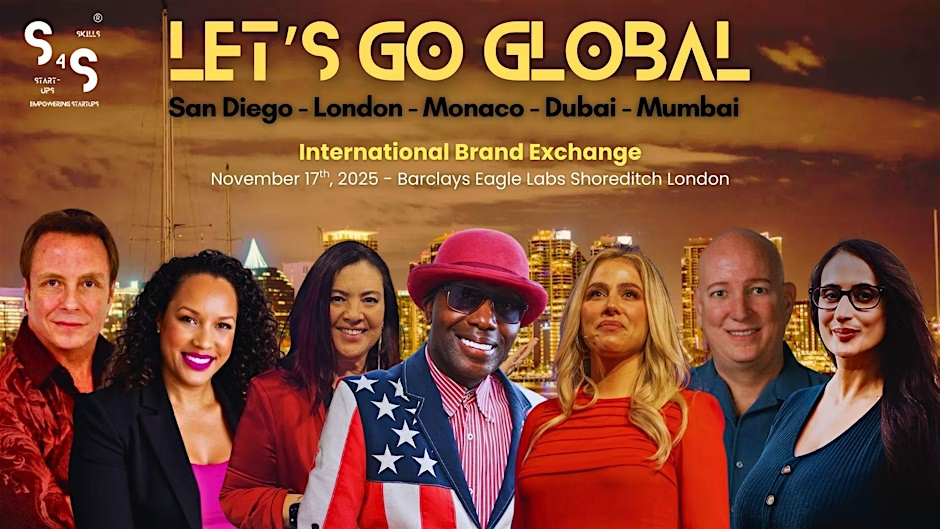
Skills4Startups® Global Roadshow - International Brand Exchange - London.

Event created by Nicolas Chea
Join us for the Skills4Startups® – International Brand Exchange Global Roadshow, a premier event designed for startups, founders, and entrepreneurs ready to elevate their ventures. This dynamic experience offers the perfect platform to learn, connect, grow, and strike business deals while exploring global opportunities.
Second stop Barclays Eagle Lab - Shoreditch London!
🌟 November 17 – Main Event
Get ready for an electrifying day packed with headline speakers - some of the most prominent entrepreneurs who’ve made millions - sharing real-world strategies and insider secrets to success. Followed by Next Generation Entrepreneurial Showcases, where rising founders present innovative ventures, and a plethora of masterclasses that will blow your mind—covering brand elevation, public speaking, and harnessing AI for growth.
🚀 What’s in store:
Motivational keynotes
Business growth expert panels
Investor roundtables & live pitching
Interactive workshops & masterclasses
Whether you're here to network, secure investment, or take your business to the next level, this is your chance to connect with the people and tools that can make it happen.
Let’s build, scale, and thrive - together.