Skip to content

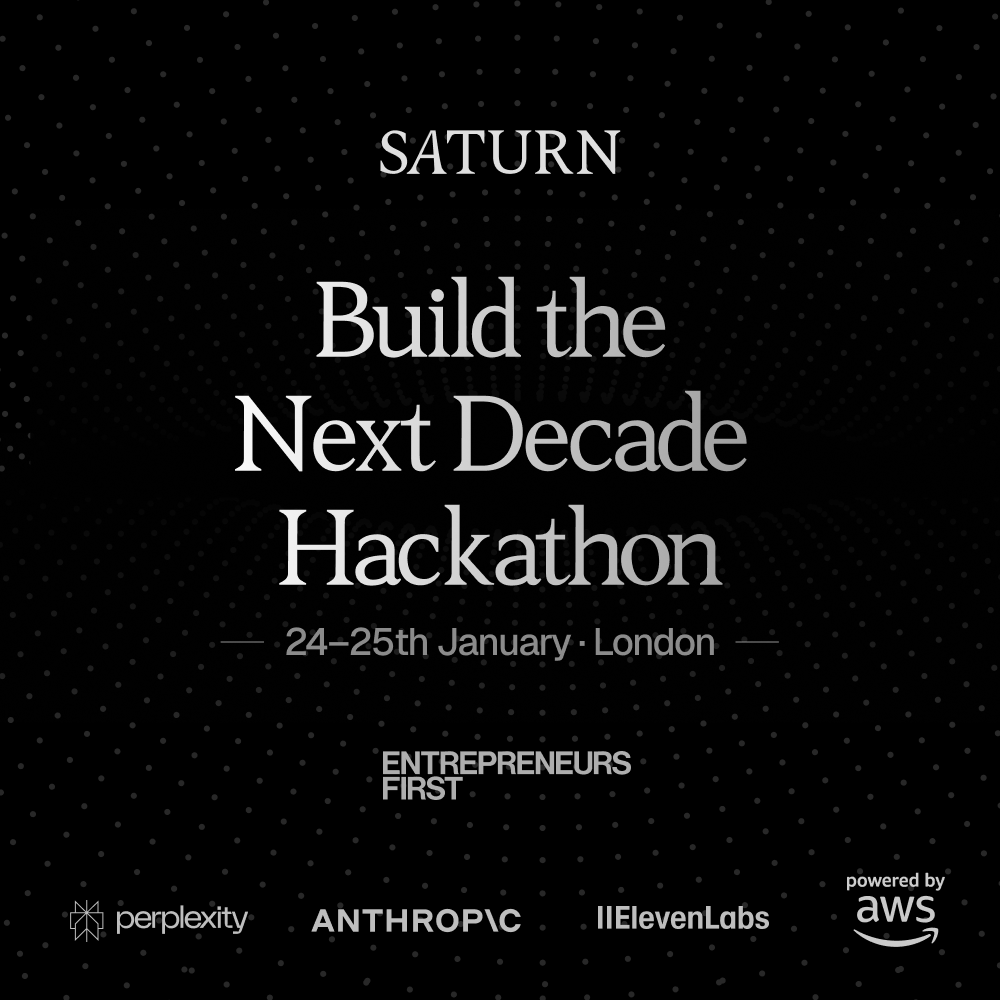
Saturn & EF | Build the Next Decade Hackathon

(0 reviews)

  Attend this Event

Price Free

​Join us at Saturn's first hackathon in London, in partnership with Entrepreneurs First.

​25 hours to build something exceptional. We're focused on AI for high-stakes decisions and underserved problems.

​Prizes

​Over £6,000 in cash and $15,000 in AWS credits

​Our Partners

​We’re backed by Perplexity, AWS, ElevenLabs and Anthropic with API credits and technical mentorship.

​Participants will gain exclusive access to Perplexity’s beta access features during the event.

​AWS will hold a workshop on building agents with Bedrock Agentcore.

​Judges

  • ​Amal Jolly â€“ CEO & Co-founder, Saturn (YC S24)

  • ​Michael Ettlinger â€“ CTO & Co-founder, Saturn (YC S24)

  • ​Rohit Vaish â€“ President & Co-founder, Saturn (YC S24)

  • ​Hari Prasad Renganathan - Senior AI Eng, Saturn (YC S24)

  • ​Antoni Bertel - CTO, Zdro Tech (ex-Google, Apple, Humanoid)

  • ​Mark Eltsefon - Staff Data Scientist, Meta (ex-TikTok)

  • ​Aditya Chaphekar - Solutions Architect, AWS

  • ​Efe Erciyaz - EF founder, Stealth (ex-Evercore)

  • ​Louis Knight-Webb - Cofounder, Vibe Kanban (YC S21)

​Included: Breakfast, Lunch, Dinner and refreshments on both days

​Team Sizes: 1-4 (form teams on-site or apply with an existing team)

​Tracks, schedule and judging criteria will be released closer to the date.

​About Saturn

​Saturn is the fastest growing wealthtech in the UK. Backed by a $15M Series A, Saturn is building the operating system for financial planning, on track to make quality financial advice accessible to one billion people with AI. Within 15 months of launch, Saturn has reached over 13% of the UK market.

User Feedback

Join the conversation

You can post now and register later. If you have an account, sign in now to post with your account.
Note: Your post will require moderator approval before it will be visible.

Guest
  • This will not be shown to other users.

  • Your Review Required
    Add a review...

Account

Navigation

Search

Search

Configure browser push notifications

Chrome (Android)
  1. Tap the lock icon next to the address bar.
  2. Tap Permissions → Notifications.
  3. Adjust your preference.
Chrome (Desktop)
  1. Click the padlock icon in the address bar.
  2. Select Site settings.
  3. Find Notifications and adjust your preference.