Join an exclusive, lightly structured business networking evening hosted at Tide — the digital-first bank built for entrepreneurs — and organised by GMax Card.
Meet tech founders, startup teams, business owners, and professionals from finance, banking, fintech, and technology. This isn’t a typical networking event — it’s a guided, high-energy session designed to help you make real connections, exchange ideas, and learn from others in a relaxed but purposeful setting.
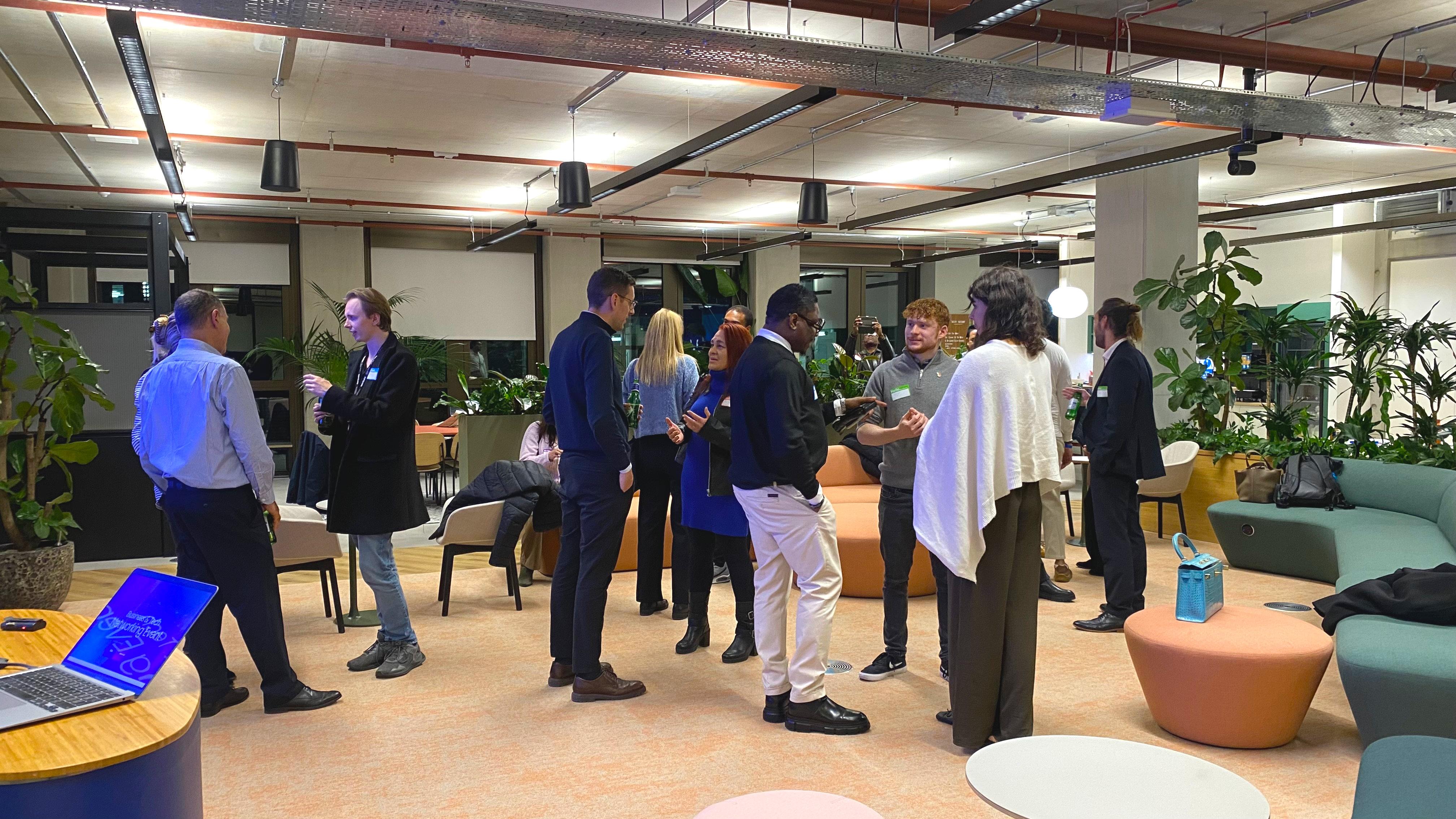
Held inside Tide’s central London offices in Old Street’s Silicon Roundabout, you’ll be right in the heart of London’s tech and startup community.
NETWORK WITH SMARTER BUSINESS CARDS
Brought to you by GMax Card, providers of digital business cards. Create a free digital card or upgrade to a Premium ticket for a tap-to-share NFC card.
EXPLORE TIDE’S BUSINESS TOOLS
As our host, Tide will share how their digital-first business banking supports entrepreneurs and small businesses. Speak with Tide representatives and explore tools that simplify financial management.
Limited to 40 guests — secure your spot now!
Venue: Tide Bank Offices, London A modern, open, entrepreneur-focused space in the heart of Silicon Roundabout — perfect for meaningful conversations and collaboration.
Urgent contact on the day: 07455 154808
ABOUT THE EVENT
Strong relationships drive success in business. This event brings together entrepreneurs, startup founders, business owners, and professionals in tech, fintech, finance, and banking. Whether you're established or just starting out, this is your chance to build valuable connections that support your business and career growth.
WHAT YOU’LL GAIN
Connect with entrepreneurs, founders, business owners, and professionals from fintech, finance, banking, and technology.
Build long-term relationships that go beyond LinkedIn.
Discover Tide’s digital-first business banking solutions and get immediate support.
Learn about GMax Card’s digital and NFC business cards, landline options, and team management features.
Take part in structured icebreakers and short introductions to help everyone meet each other.
Hear two brief talks on trends in business, tech, and fintech.
Enjoy a medium-sized, relaxed environment ideal for genuine conversations.
ORGANISERS
GMax Card – Free digital business cards, with Premium smart cards and team tools for seamless networking.
Hosted at Tide – The digital-first business bank helping entrepreneurs and SMEs manage finances with ease.
DRESS CODE
Business or smart attire only.
PHOTOGRAPHY & VIDEO
CineEye may capture content for promotional use. Notify organisers beforehand if you prefer not to appear.
ID REQUIREMENTS
Proof of ID may be requested.
REFUND POLICY
Refunds available if requested at least 1 day in advance or if the event is cancelled or rescheduled. Eventbrite fees are non-refundable.
LIABILITY
By attending, you accept that organisers are not liable for personal injury or loss/damage to you or your personal property.
RESERVE YOUR PLACE
Network with entrepreneurs, founders, and professionals in fintech, finance, and tech at this exclusive GMax Card event hosted at Tide’s headquarters in the Featherstone Building, London.
You can post now and register later.
If you have an account, sign in now to post with your account.
Note: Your post will require moderator approval before it will be visible.
_db33a8.png)


.thumb.png.9594b08ba898a6b0d0fa1576ea2c9574.thumb.png.3097220ace298f0faaab6884cd0ea0f5.png)
