🚀 Exclusive Business Networking in London Join this exclusive facilitated networking evening organised by GMax Card and hosted at Tide — the innovative digital-first business bank for entrepreneurs. Connect with tech founders, startup teams, business owners, digital marketing professionals, agency leaders, consultants, and professionals across finance, fintech, banking, and technology.
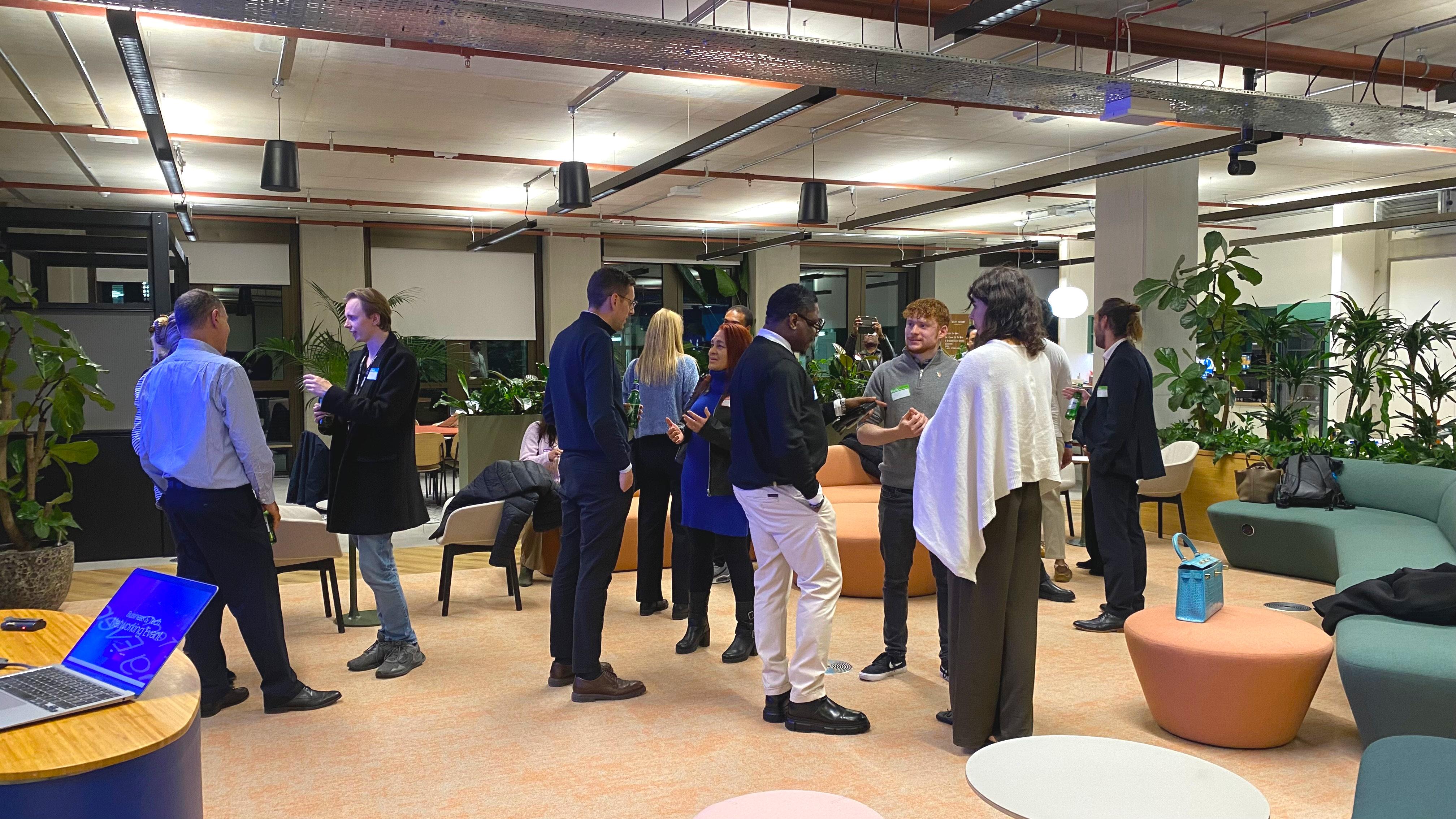
🤝 Meaningful, Structured Networking This isn’t a typical open-mingle event. Enjoy relaxed yet structured networking, well-tested icebreakers, and short introductions that ensure everyone meets. Hosted inside Tide’s modern offices in Old Street’s Silicon Roundabout, the centre of London’s startup and tech scene.
📱 Network Smarter with Digital Business Cards Organised by GMax Card, the modern digital business card platform. Create your FREE digital card, or upgrade to a Premium NFC tap-to-share card for seamless real-world networking.
🏦 Discover Tide’s Business Banking Tools Meet Tide representatives, explore business account options, and learn how Tide supports entrepreneurs and SMEs with tools that simplify finance and help businesses scale.
🌐 Who Should Attend Perfect for entrepreneurs, founders, digital marketing pros, agency owners, and professionals in tech, fintech, finance, banking, consulting, business services, and anyone growing their professional network and client base.
👔 Dress Code Smart / business attire recommended.
🎥 Photos & Video CineEye may capture photos/video for promotional use. Let us know if you prefer not to appear.
📍 Venue Tide Offices, The Featherstone Building, London 📞 Urgent enquiries: 07455 154808
💷 Refunds Available ≥1 day in advance or if rescheduled (Eventbrite fees non-refundable). Liability waiver applies.
🔥 Only 40 spaces — secure your place now and connect with the people who move business forward.
_db33a8.png)


.thumb.png.9594b08ba898a6b0d0fa1576ea2c9574.thumb.png.3097220ace298f0faaab6884cd0ea0f5.png)

