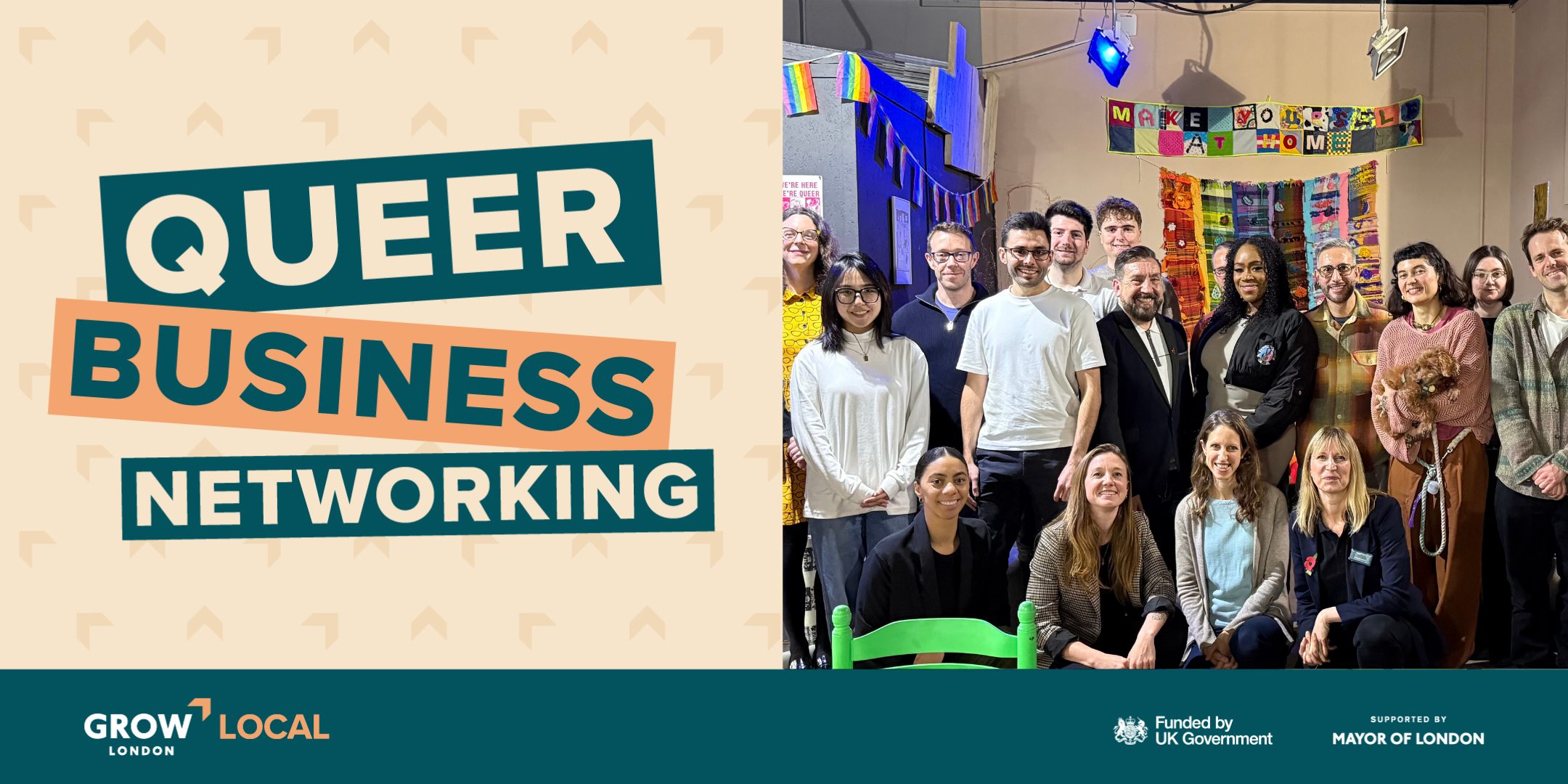
This inclusive gathering aims to help you grow your circle, share resources and inspire collaboration among queer professionals from various industries. Whether you're a startup founder, a freelancer or you have a business idea brewing, this networking event offers a supportive and friendly space.
Expect inspiring conversations, insights from speakers and the opportunity to share your venture, all while enjoying some complimentary nibbles and hot drinks. Grow London Local is dedicated to empowering the queer business community, creating safe spaces where everyone can meet like-minded founders. Join us every quarter for two hours of inspiration, community and growth.
This event series is supported by Business Queers, who promote advice sharing, connection and collaboration. Joining their online community is a great way to access advice and support year round.
Date: Wednesday 4 February
Time: 12pm - 2pm
Location: London LGBTQ+ Community Centre, 60-62 Hopton St, London SE1 9JH
Grow London Local
Grow London Local is a government-funded initiative dedicated to supporting local small businesses and entrepreneurs across London. By attending this event, you will gain access to various business support initiatives across the capital to help boost your business.
LGBTQ+ Community Centre
The London LGBTQ+ Community Centre is an intersectional community centre and cafe where all LGBTQ+ people are welcome, supported, can build connections and can flourish. Their vision is for a more connected, belonging and thriving LGBTQ+ community in London.
Grab your spot today
If you have any questions, please contact us at eventenquiries@growlondonlocal.london.
_db33a8.png)


.thumb.png.9594b08ba898a6b0d0fa1576ea2c9574.thumb.png.3097220ace298f0faaab6884cd0ea0f5.png)

